



MIGX
Import/Export MIGX fields.
Settings
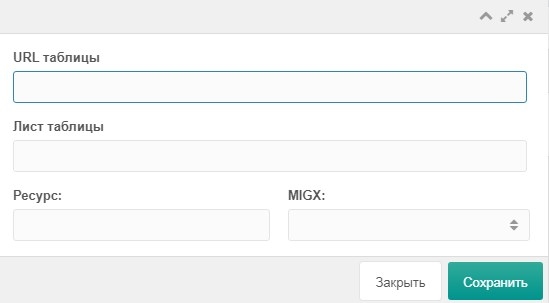
| Field | Description |
|---|---|
| URL table | Google Sheet URL |
| Sheet | Sheet name in the Google Sheet |
| Resource | Resource id |
| MIGX | TV with type migx |
Examples
You want to store all reviews in a MIGX table. With many reviews, adding them in the manager is slow. It's faster to put the data in a Google Sheet and import it.
You need to change a field in the MIGX table for all rows. Use the gsOnExportValues event.
php<?php if ($modx->event->name == 'gsOnExportValues') { if ($range == 'MIGX') { // range - sheet name $modx->event->params['values'] = array_map(function ($value) { if (!empty($value['title'])) { // Append date to title $value['title'] = $value['title'] . ' ' . $value['date']; } return $resource; }, $values); } }
After export, check the result in the Google Sheet; if it looks correct, import the data back.