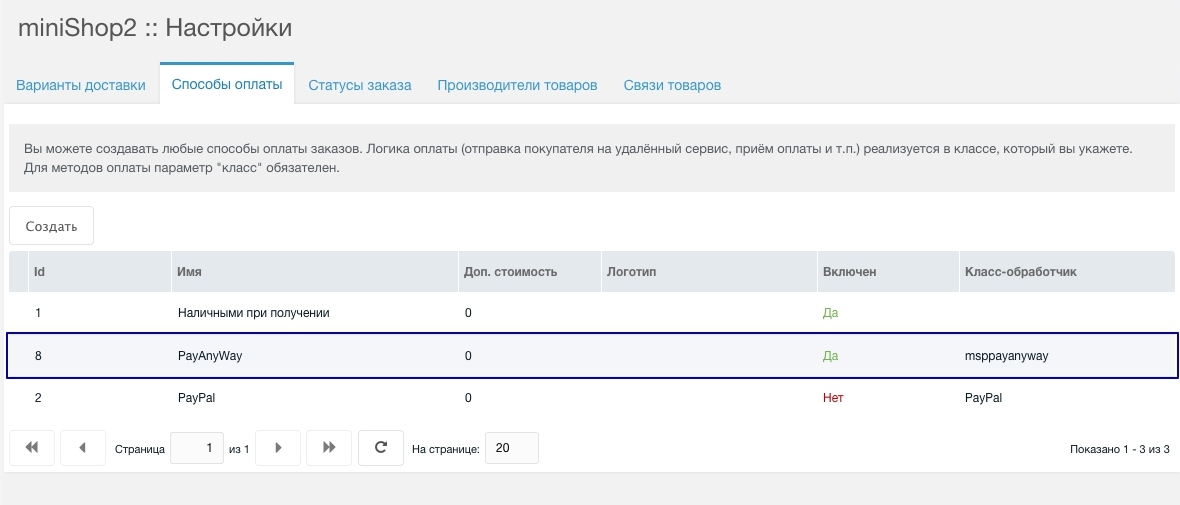
mspPayAnyWay
To accept payments via PayAnyWay you must first register your store in the system.
PayAnyWay registration
- Enter organization name
- Enter website
- Enter tax ID (INN)
- Fill in personal data

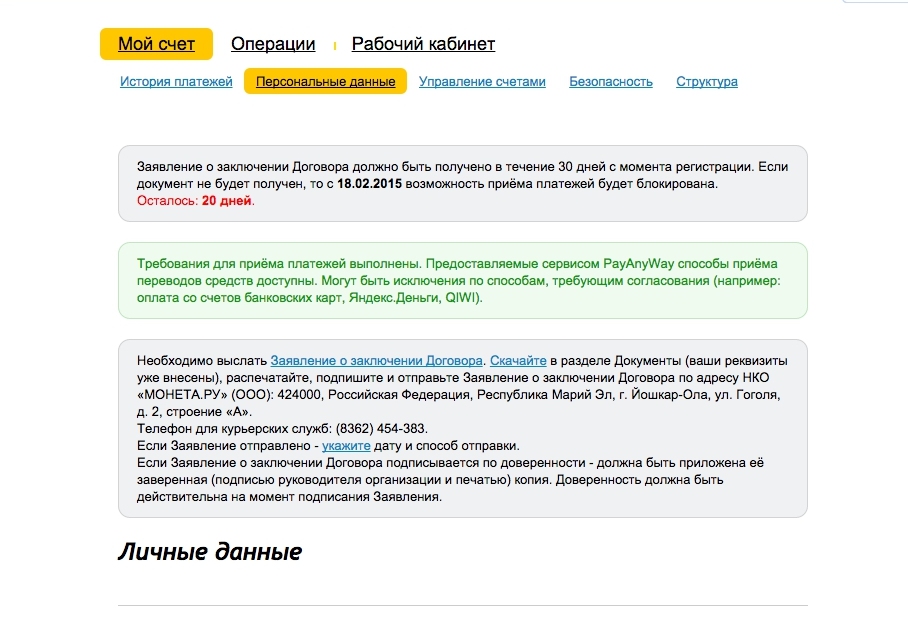
PayAnyWay document verification
Before accepting payments via PayAnyWay you must wait for document verification.
PayAnyWay setup
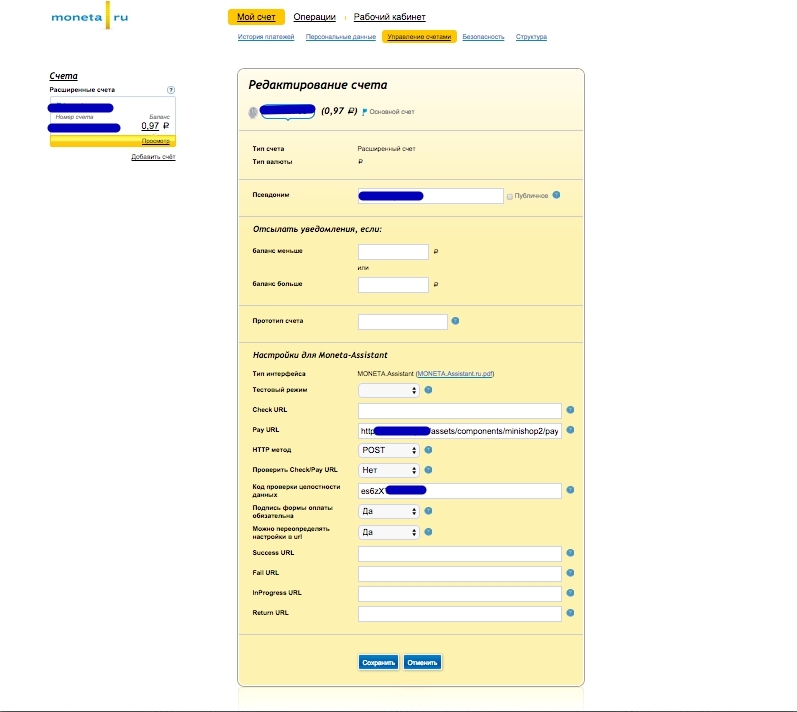
After your data is verified, in the store settings set:
- Store alias
- Pay URL — handler address, e.g.
http://sitename.ru/assets/components/minishop2/payment/msppayanyway.php - HTTP method — POST
- Data integrity code — must match the component setting
- Payment form signature required — YES
- Allow URL override — YES
MODX setup
In MODX configure (miniShop2 namespace, "PayAnyWay" section):
- MNT_ID — Store ID in MONETA.RU
- MNT_FAIL_URL — payment error page
- MNT_SUCCESS_URL — success page
- MNT_RETURN_URL — cancel page
- MNT_DATAINTEGRITY_CODE — data integrity code (same as in store settings)

Enable the payment method and assign it in delivery options.