msMerchant
To accept payments via "Unified Cash Desk" (WalletOne) you must first register your store in the system.
Unified Cash Desk setup
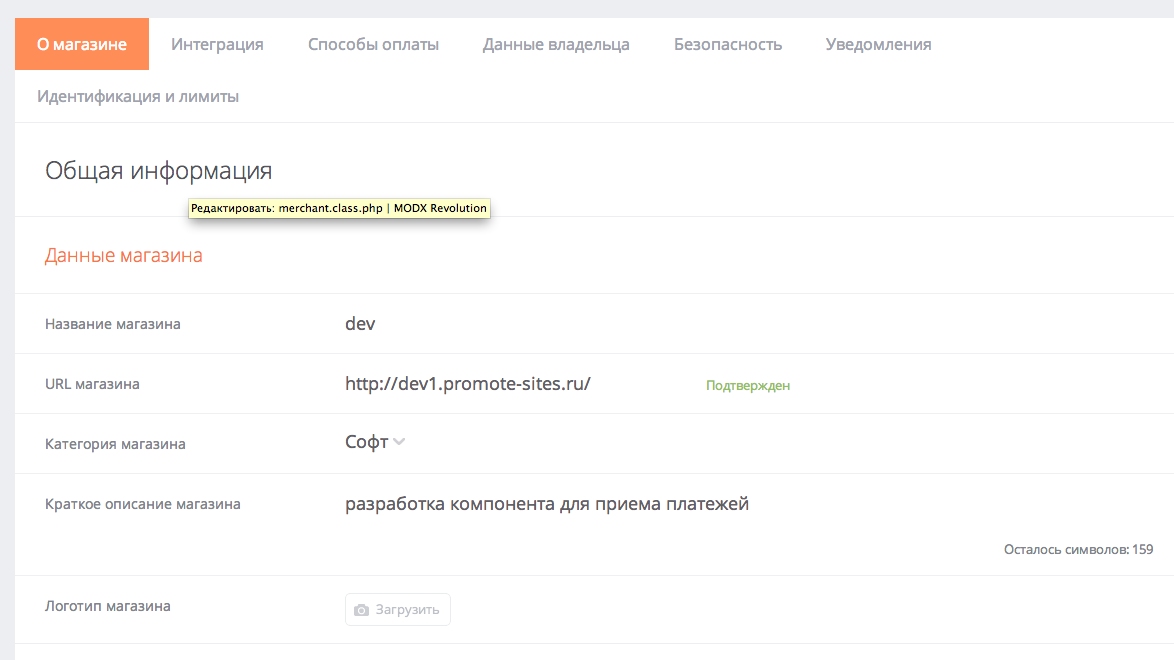
In the store settings set:
- Store URL
- Payment handler URL —
http://yoursite.ru/assets/components/minishop2/payment/merchant.php - Signature method — MD5

MODX setup
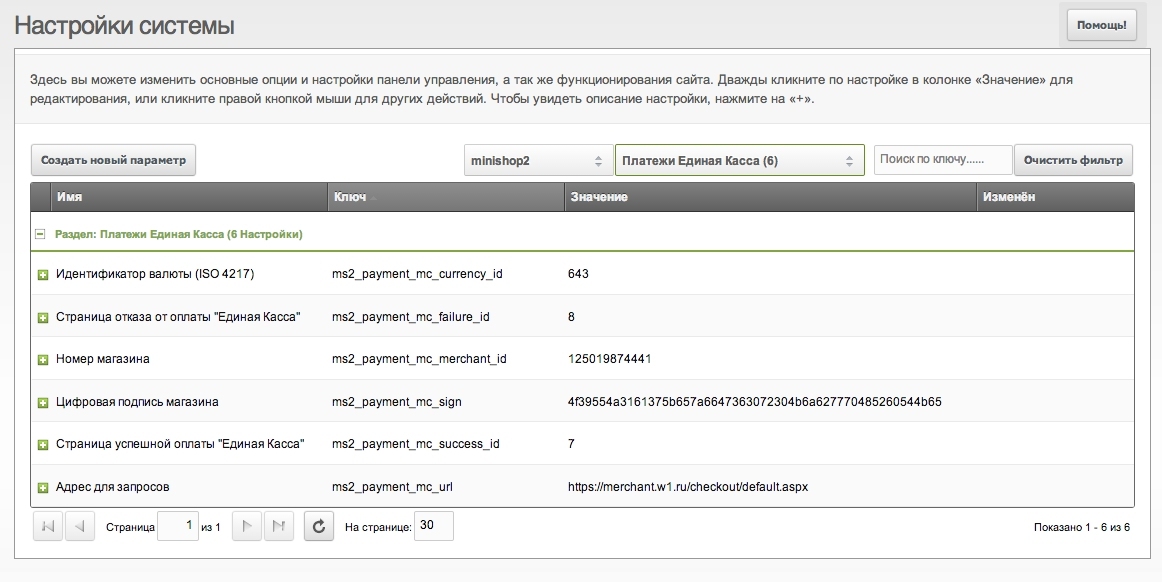
In MODX configure (under miniShop2 namespace, "Unified Cash Desk" payments):
- Store ID — from your account
- Secret key — from store settings
- Success page and Failure page — MODX resource IDs for after payment. Use cart pages so the buyer sees their order after return. If empty, the user is redirected to the home page.
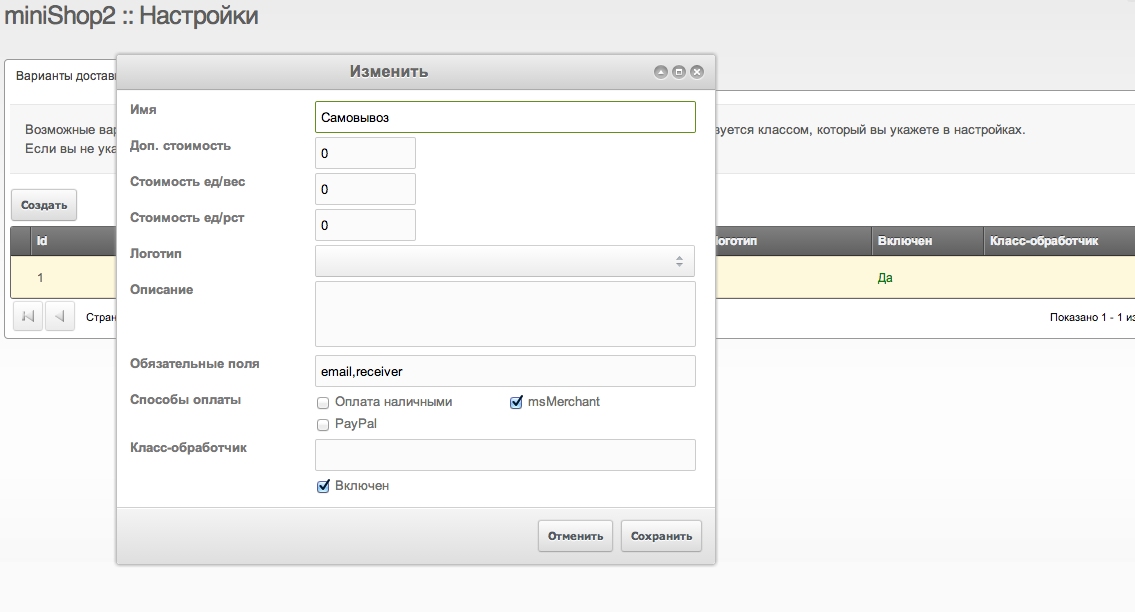
Enable the new payment method and assign it in delivery options.