



Creating a ticket section
Important
Remember that the Tickets component is shipped without demo data and without templates. You need to create them first. A ticket section and a ticket are extended standard «modDocument» resources, so they have the same TV fields, placeholders, and behavior.
Creating a ticket section
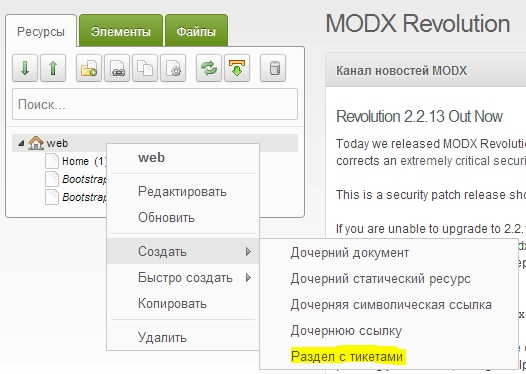
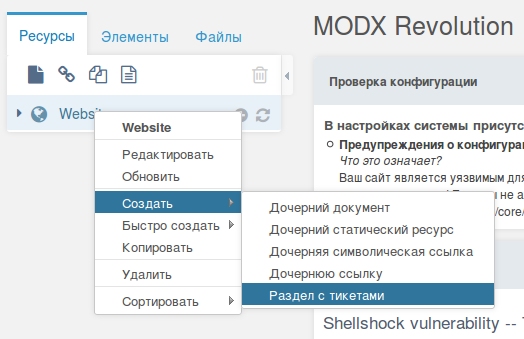
To start using the Tickets component, create a ticket section. In the document tree root or any folder, use the context menu: Create → Ticket section
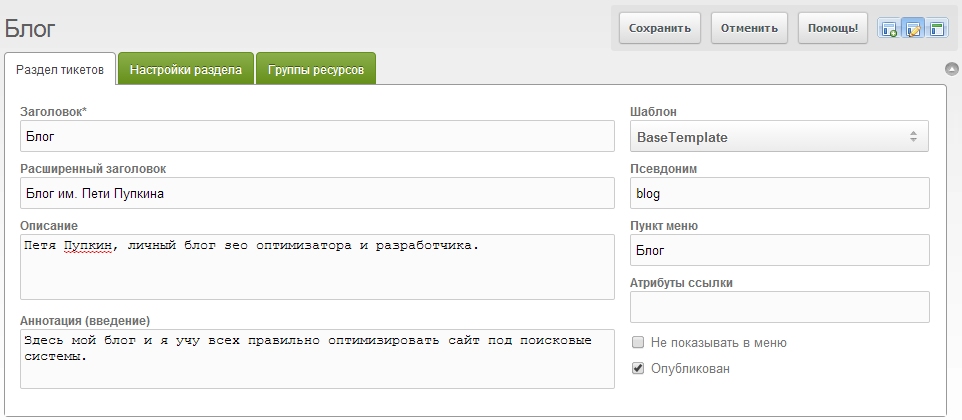
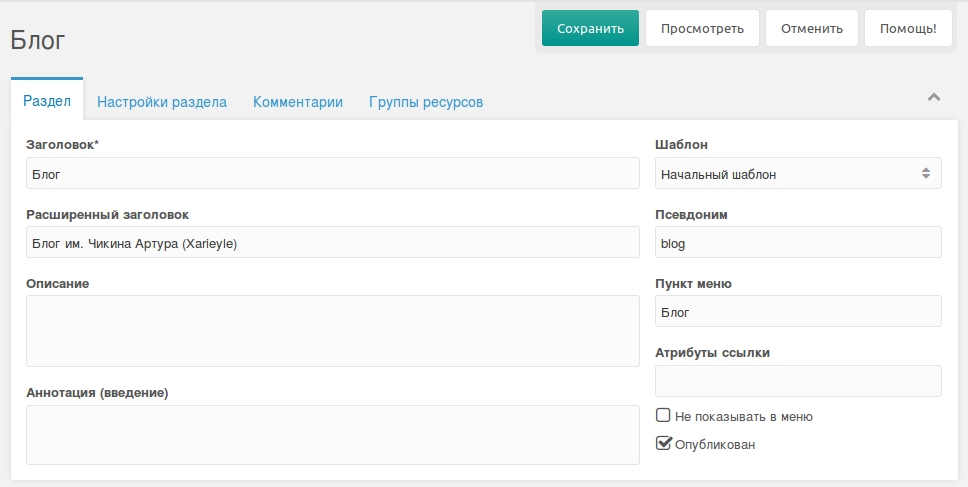
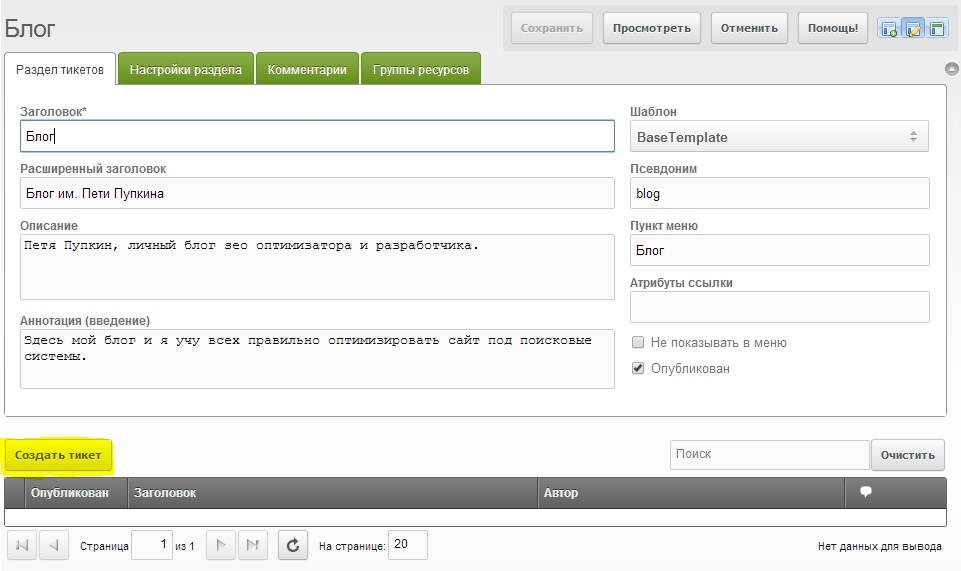
Fill in the information for your ticket section (e.g. site news or a blog).
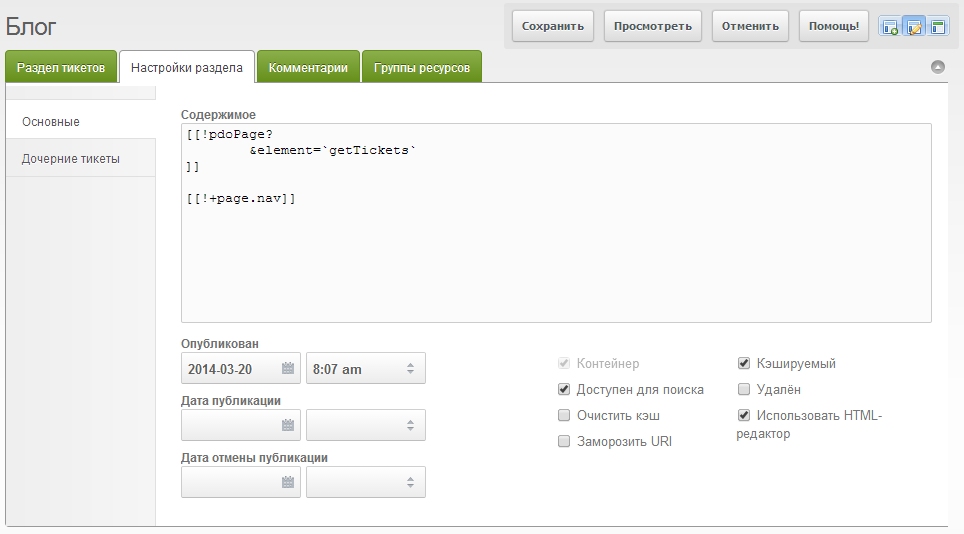
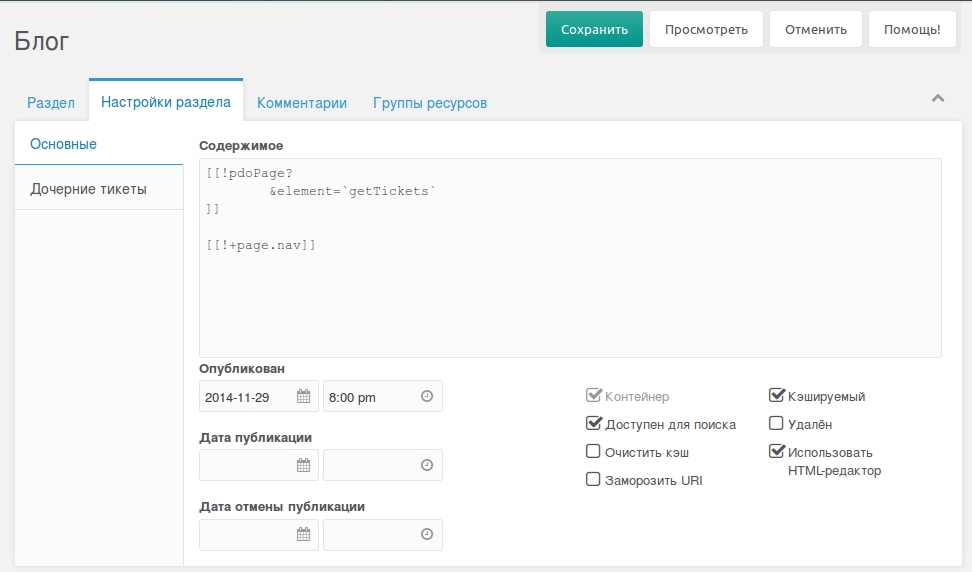
Ticket section settings
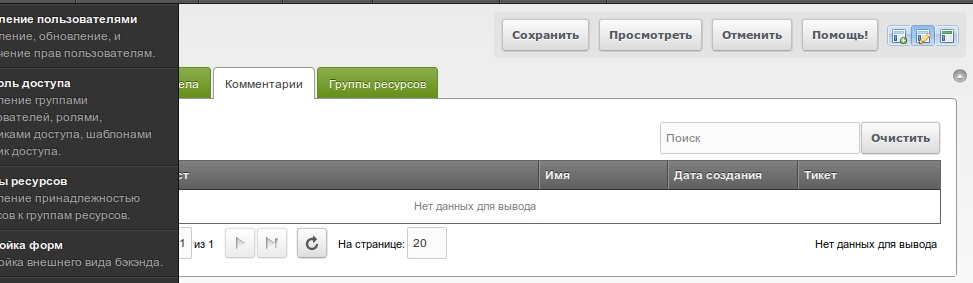
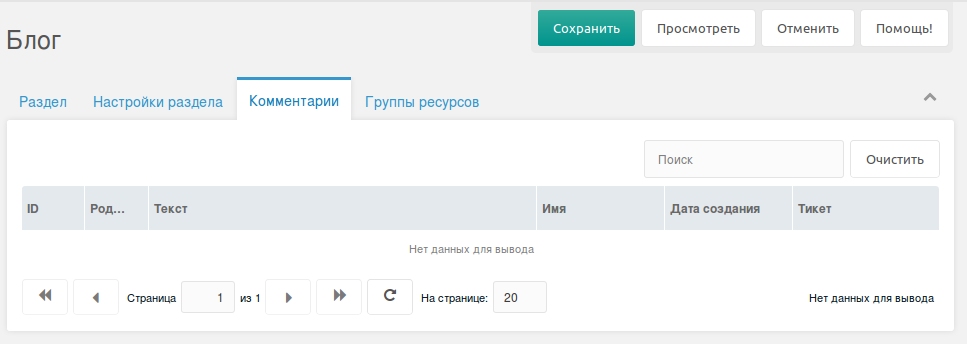
Comment management
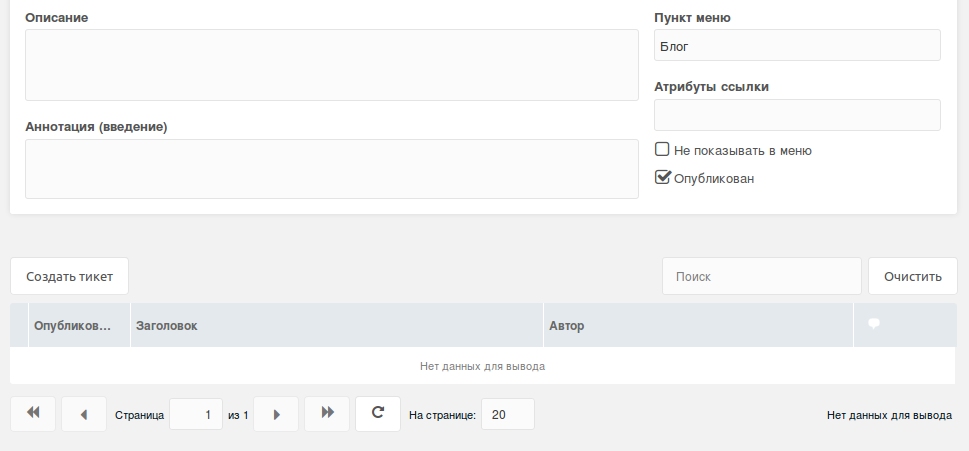
After creating the ticket section you can create tickets. Click Create ticket
Section settings
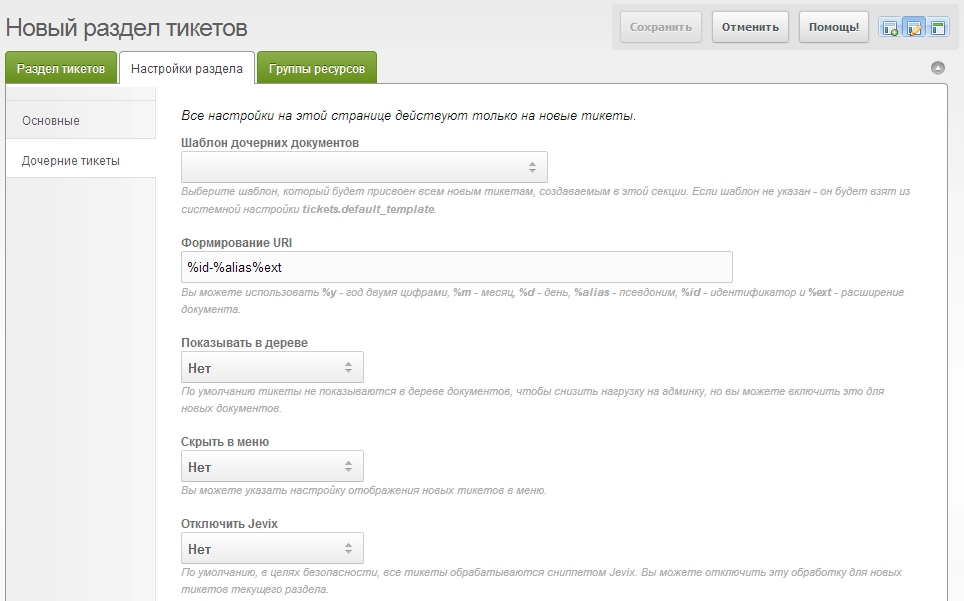
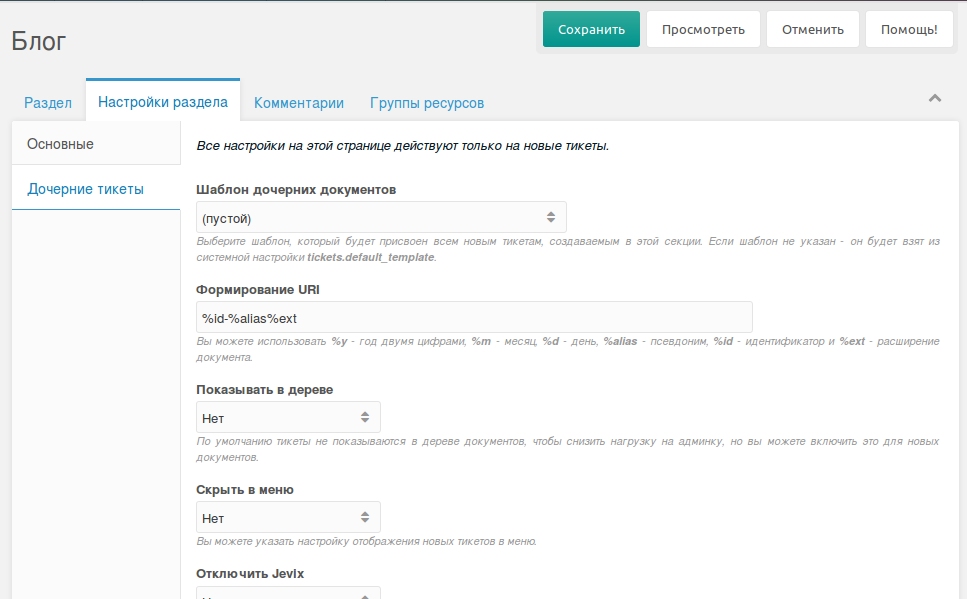
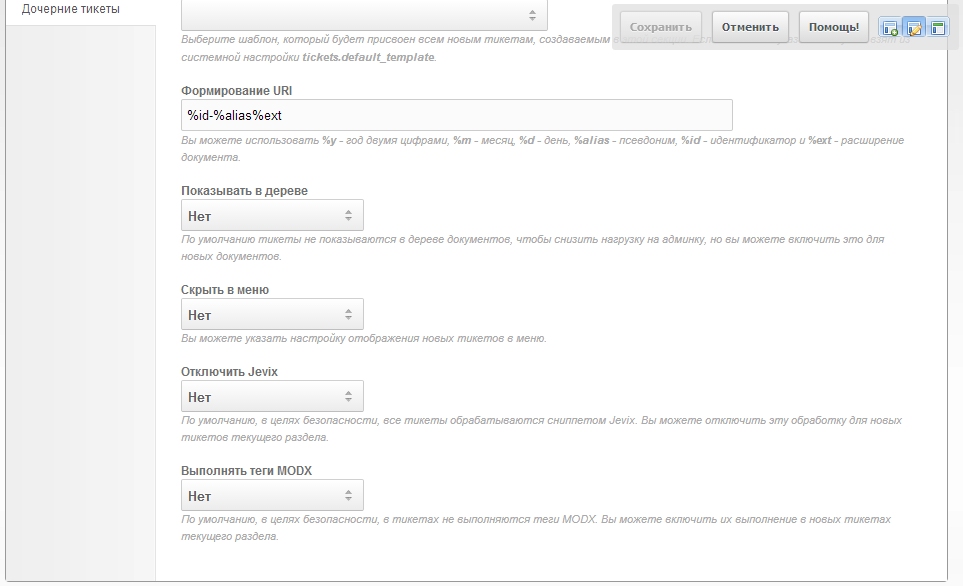
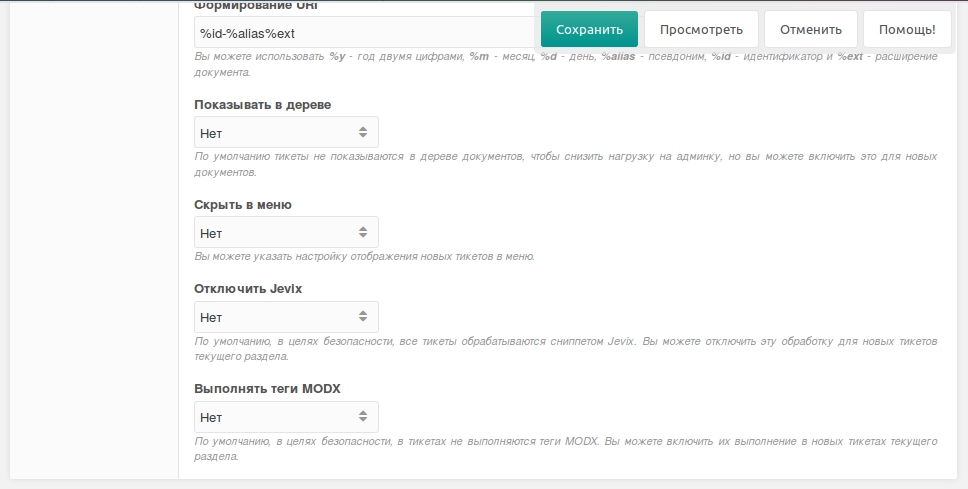
The Section settings tab (properties.tickets) controls new tickets in this section.
Child tickets
| Field | Description |
|---|---|
| Child template | template for new tickets; fallback tickets_default_template |
| URI pattern | %y, %m, %d, %alias, %id, %ext |
| Show in tree | show_in_tree for new tickets |
| Hide in menu | hidemenu for new tickets |
| Disable Jevix | skip HTML filtering for new tickets |
| Process MODX tags | allow MODX tags in new ticket content |
OnPageNotFound uses the URI pattern for short section URLs. See Frontend.
Ratings
Points for ticket, comment, view, vote, and star actions in the section. Exposed as ratings in getComments and ticket meta.
Full policy keys: Policies and permissions.