



Installation
Requirements: miniShop2 must be installed. PHP 5.3.0 or higher with XML support (SimpleXML, XMLReader, XMLWriter).
Install via the package manager. Installation creates the mSync namespace with system settings and component plugins, and several database tables with the "msync_" prefix.
Uninstall
On removal, all system settings and plugins in the msync namespace and tables with the msync_ prefix are removed automatically.
Authentication
If authentication fails, for FastCGI create an .htaccess file in /assets/components/msync/ with:
apache
RewriteEngine On
RewriteCond %{HTTP:Authorization} !^$
RewriteRule ^(.*)$ $1?http_auth=%{HTTP:Authorization} [QSA]
You can also add to the site root .htaccess:
apache
SetEnvIf Authorization .+ HTTP_AUTHORIZATION=Example nginx config:
nginx
location / {
  rewrite ^(.*)$ /$1?http_auth=$http_authorization;
}
Initial setup for CommerceML 2
Before installing, it is best to have an empty "Products category" in miniShop2.
Fill these system settings: "Catalog category ID (msync_catalog_root_id)", "Default template for new categories (msync_template_category_default)" and "Default template for new products (msync_template_product_default)".
Open the component and go to the "Sync credentials" tab.
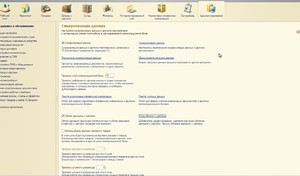
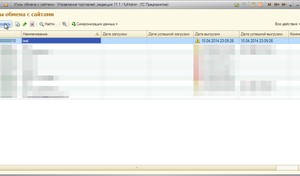
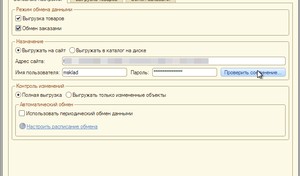
Copy the parameters into 1C or the service. Login and password can be set in system settings. In 1C: "Administration" → "Data sync" → "Exchange nodes with sites"
Внимание
For stable sync, set "Execution limit" (msync_time_limit) in system settings to a low value. Recommended: 5. Depends on script memory and PHP execution time.