Find in images
This feature is mainly for large catalogs. For smaller sites with around 50 resources it may be less needed because:
- On upload, all metadata is copied automatically
- Images are grouped by hash—10 identical images in different resources show as one
- Transfer images from minishop2 gallery to ms2Gallery and back (metadata is transferred)
- Search images in the same category (parent resource) as the current resource/product
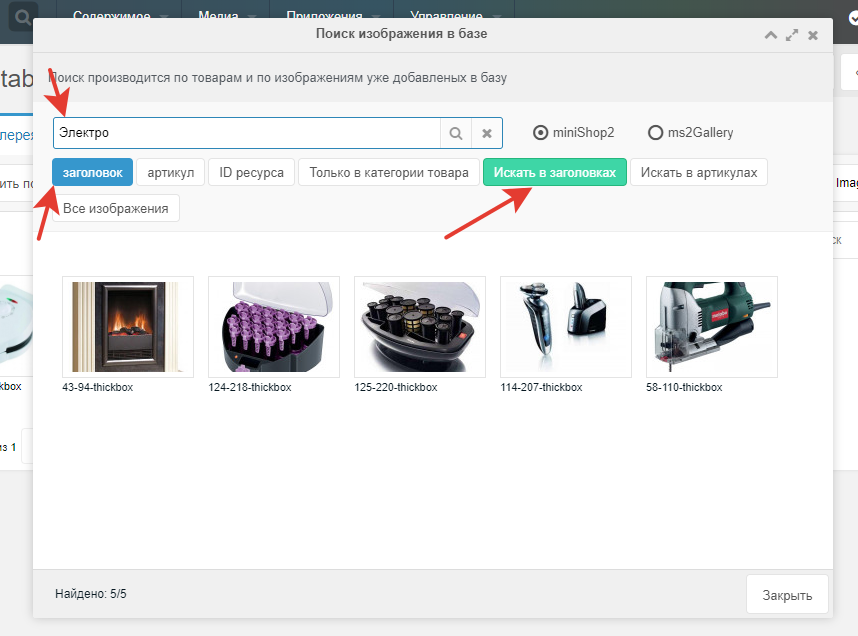
- Search via buttons:
- title (puts title in search)
- article (puts article in search)
- resource ID (puts ID in search)
- by resource title
- by product article
- by image name
- by image description
- All images (show all images)
- Switch search between minishop2 and ms2Gallery in the same window
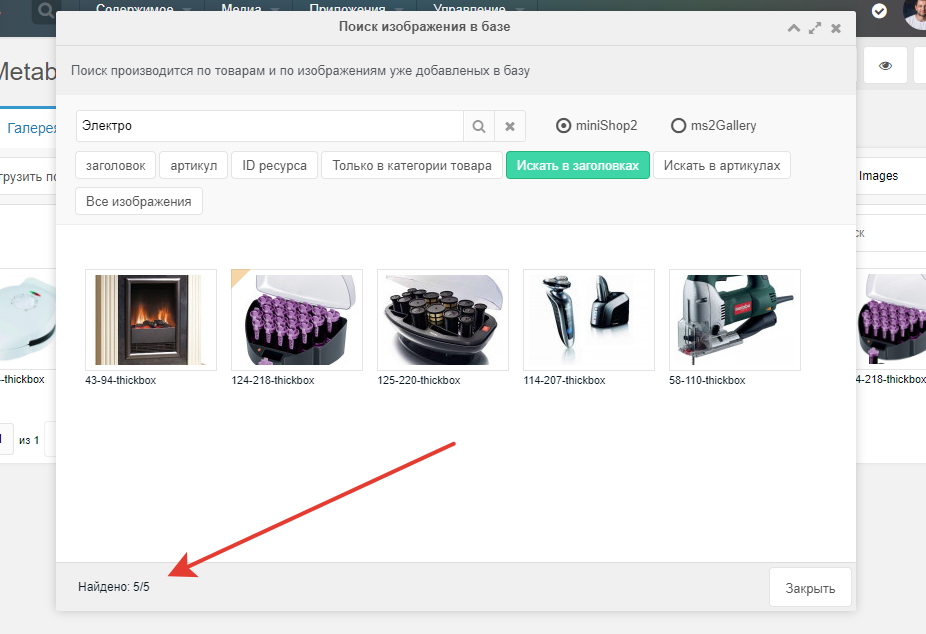
The modal also shows the count of found and displayed images.
Metadata
miniShop2 and ms2Gallery allow metadata such as:
miniShop2 metadata
- File name
- Title
- Description
ms2Gallery metadata
- File name
- Title
- Description
- Alt name
- Extra
- Active
On download these fields are transferred automatically.
Внимание
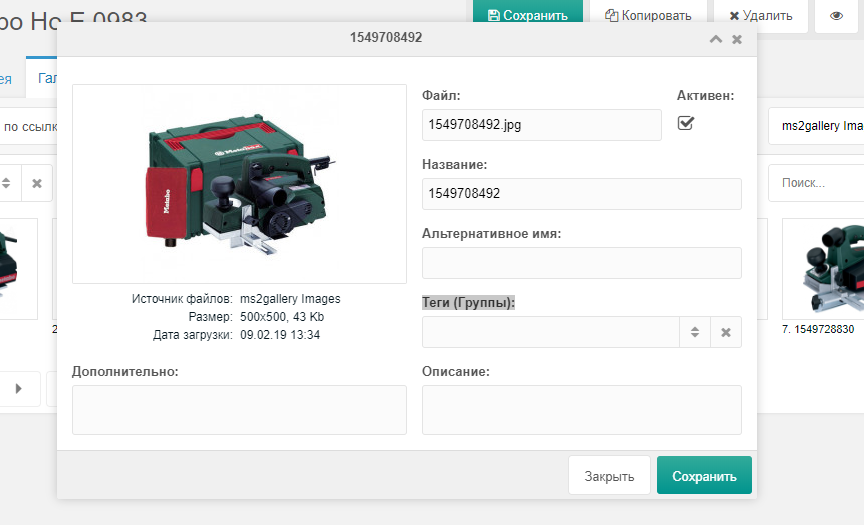
Downloading from ms2Gallery to miniShop2 does not transfer: Alt name, Extra, Active—miniShop2 has no such fields.
In ms2Gallery Tags (Groups) are not transferred
Bulk download
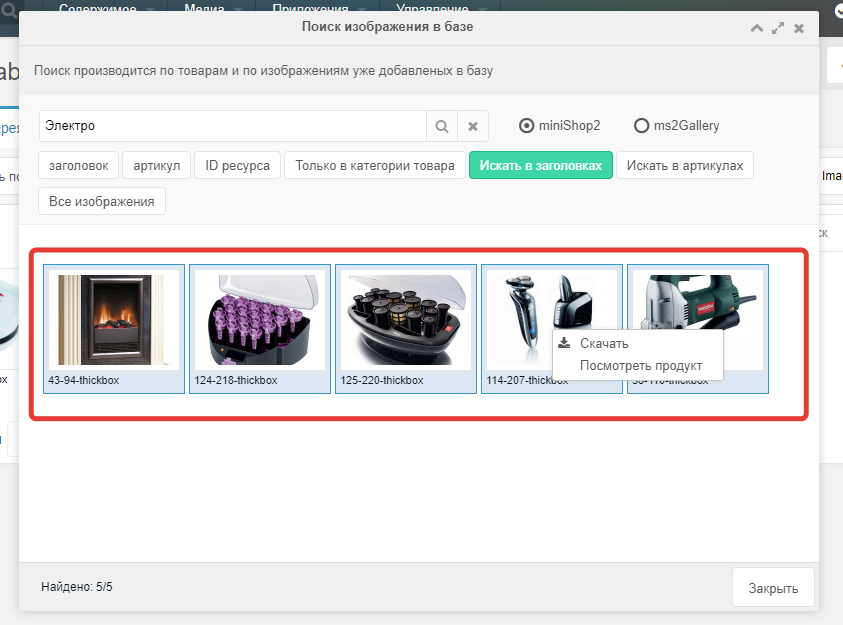
Use Shift or Ctrl, then right-click and download.
View product
Open the product card in a modal via iframe.
Useful when you need to check the product for a found image or spot an error.
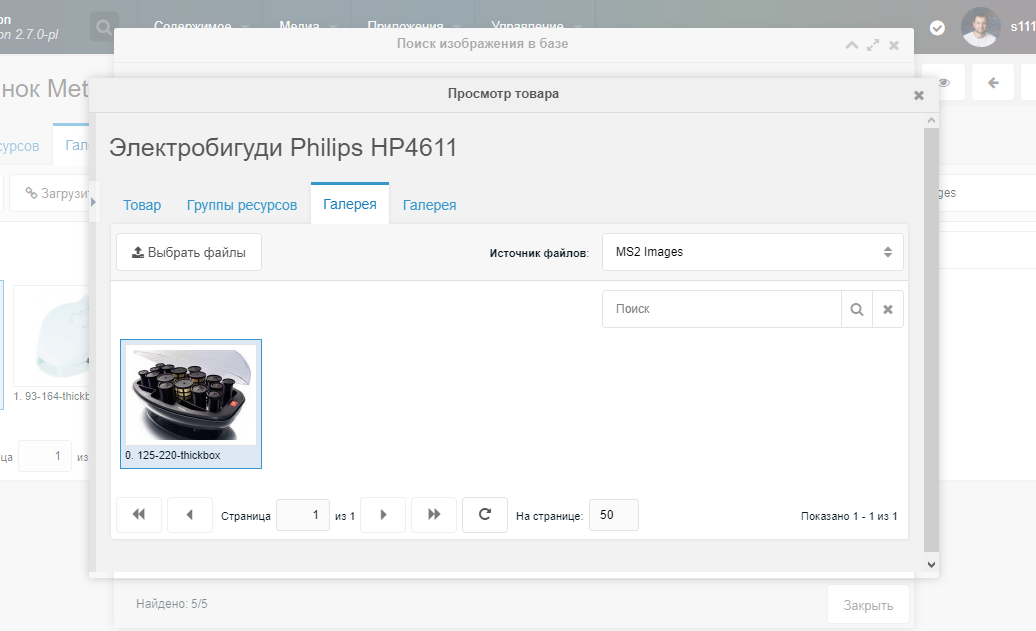
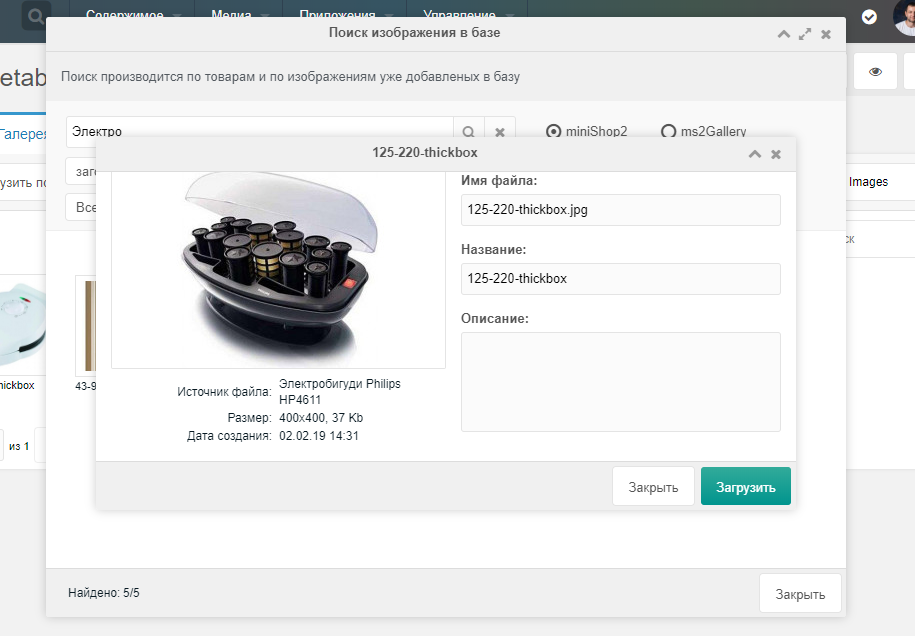
Image descriptions
Each image has its own description and title.
Double-click the image to view them; there is also an upload button.
Search by title
If you have products with the same names, you can choose by title.
Switching between components
Download images from ms2Gallery into minishop2 or the other way around.
For ms2_resource_files choose ms2Gallery. For ms2_product_files choose minishop2.
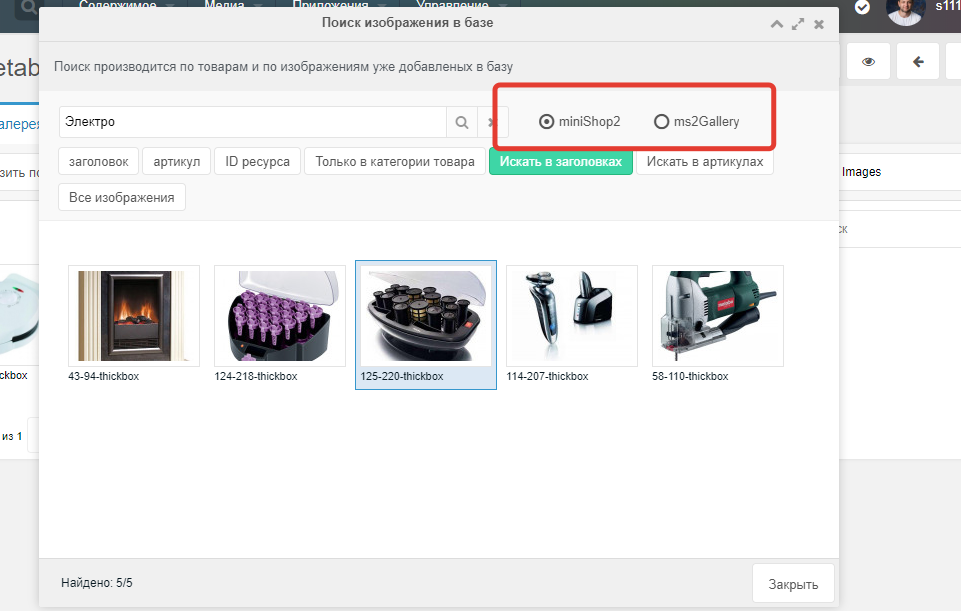
Image already in gallery
To detect if an image is already in the gallery, image hashes in the gallery are compared with the product card and found images.
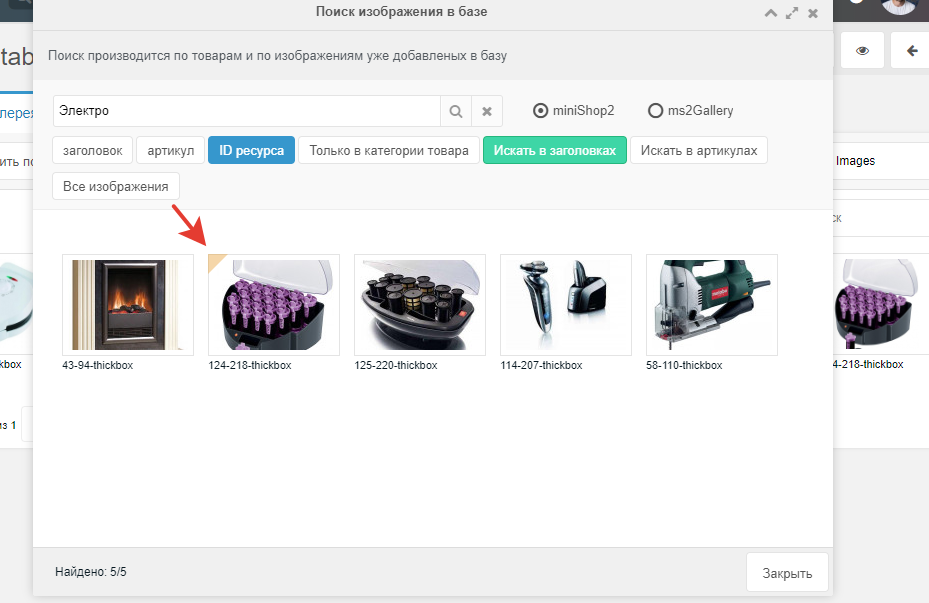
Images already present are marked with a triangle in the top-left—they are not downloaded again.