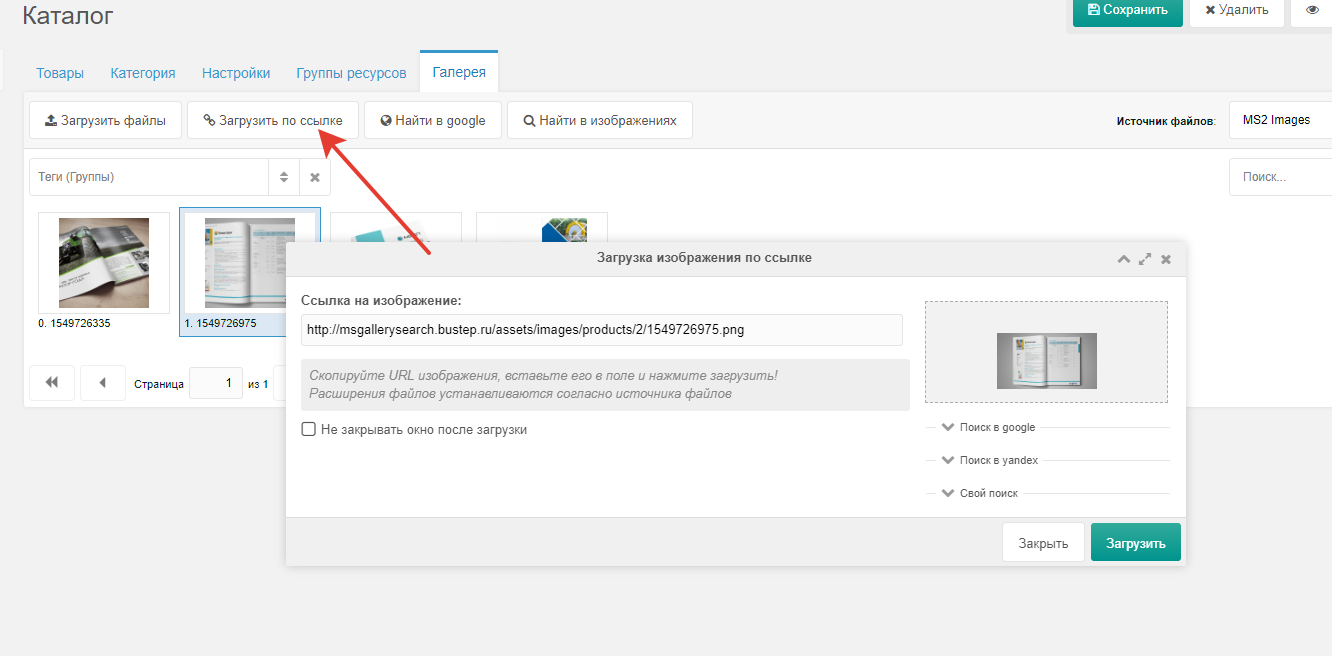
Load by button
This button allows you to load any image from the internet directly into the gallery. After pasting the link, a preview of the image is automatically displayed first, which indicates that the image is available.
In action (GIF)
How images are loaded
During loading the component does not control settings such as: allowed image extensions, watermark overlay and other settings that are set via the file source.
So make sure your settings match your expectations.
File source settings minishop2
File source settings ms2Gallery
Errors during loading
When an error occurs, various messages may be returned depending on the server from which you are trying to download images.
If the image does not download from your link, there can be different reasons:
- Dynamic paths for images
- Image cache that is generated only personally when visiting the page
- The image link was copied incorrectly (you can verify by opening it in a browser)
- When copying from Google search, since Google caches images on its servers, after you copied the image link and pasted it, it may not actually exist and it was only Google's cache.
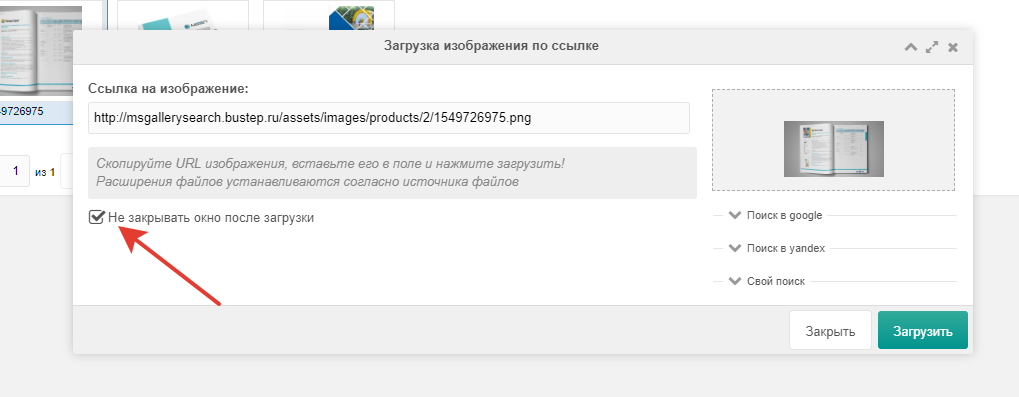
Do not close checkbox after download
Needed when you plan to load more than one image.
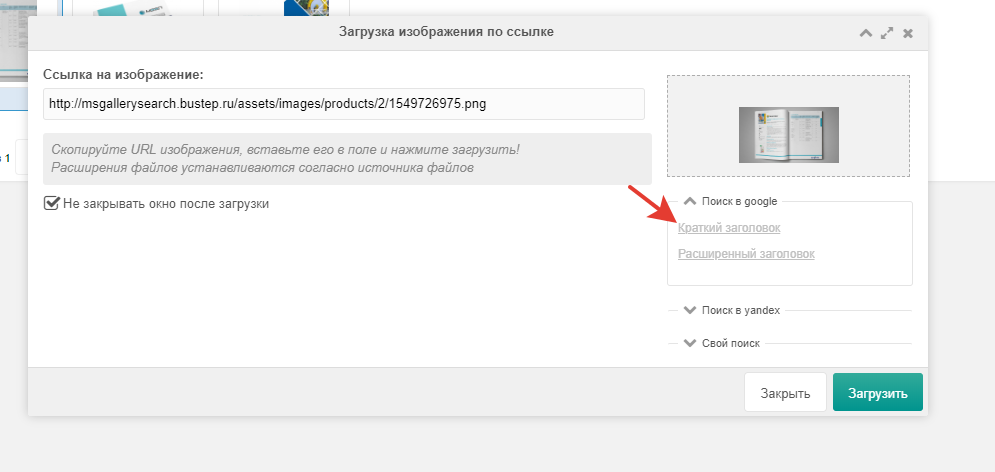
Links to Google and Yandex search
A special block with links has been added to the window:
- Short title
- Extended title
- Article (link visible only in product card)
After clicking you are automatically taken to Google or Yandex image search where the search field will already contain your resource's title.
Custom search
Ability to create your own search and go to results.
Empty by default, and the tab is not displayed.
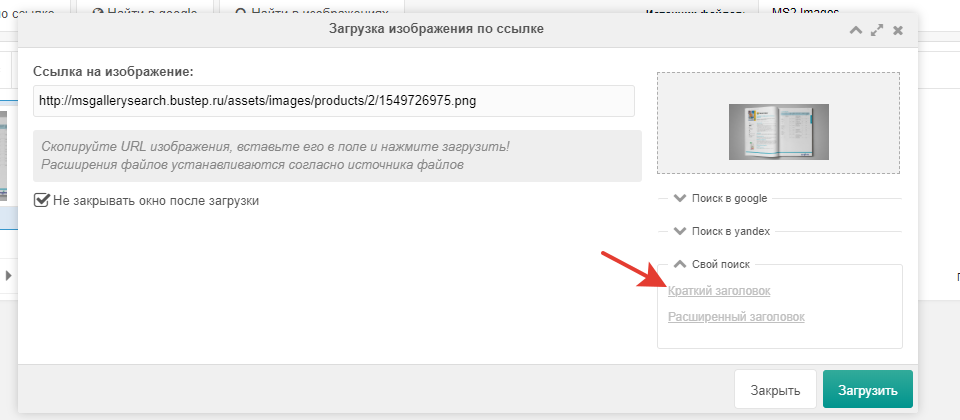
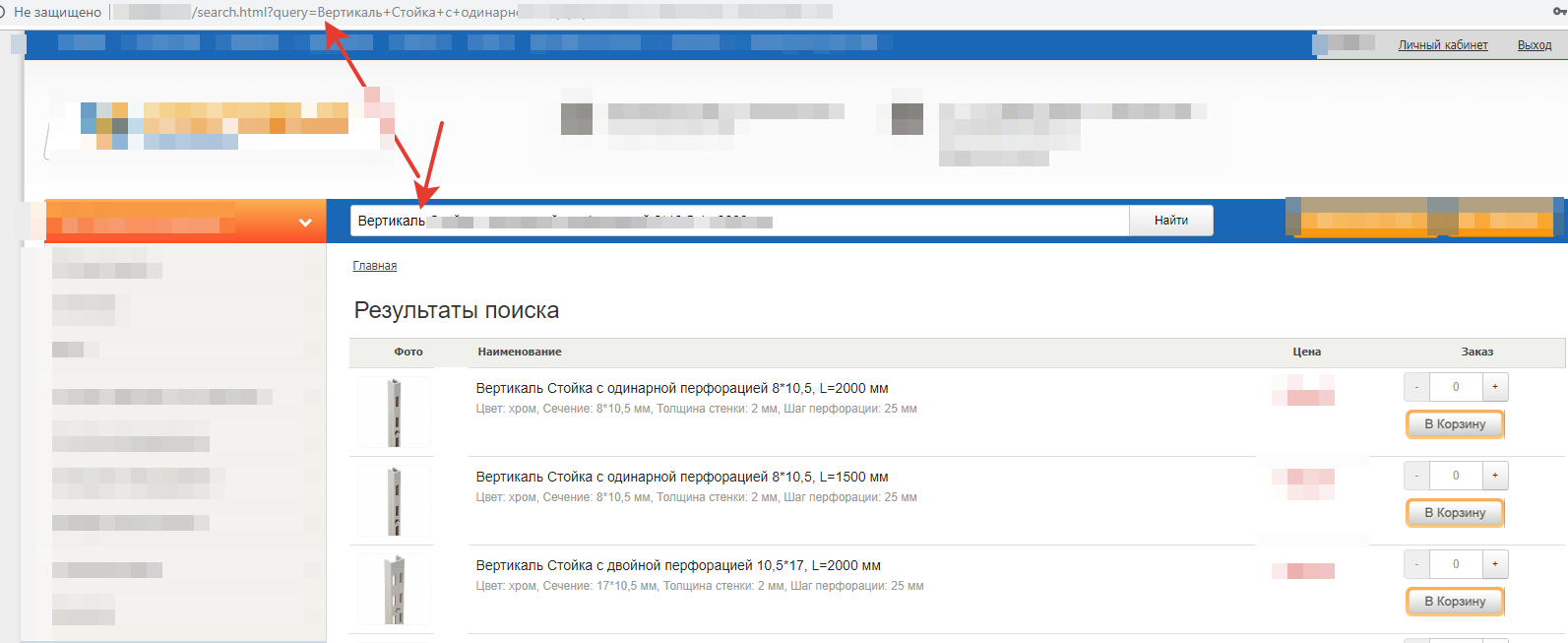
You can set in system setting: msgallerysearch_custom_search the address of the site where the search will be performed with the {query} parameter (when clicking the link it will be replaced with the short or extended resource title)

http://mysite.ru/search.html?query={query}After clicking the link, search results will open on your site.