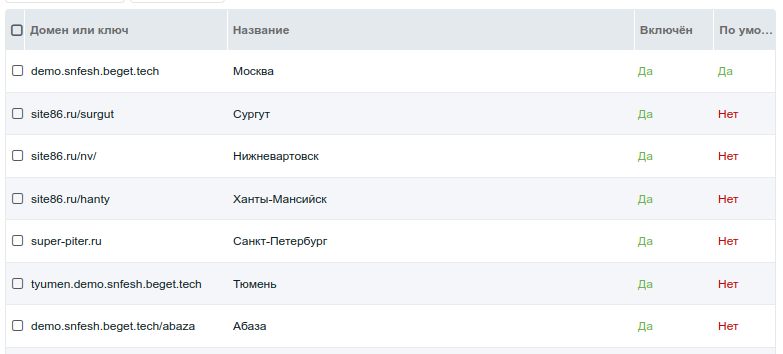
Using domains, subdomains and subdirectories
When you use domains, subdomains or subdirectories for cities, do the following.
Add the current city URL to the
basetag in theheadblock:modx<base href="[[!+cf.current_city.url]]" />Use this placeholder for the site home link:
modx[[!+cf.current_city.url]]
Then configure the site, hosting and domain DNS records.
Using subdirectories
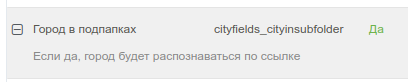
The simplest option. No extra hosting or DNS setup is needed. After adding cities with keys, enable City in subfolders cityfields_cityinsubfolder in the component system settings.
Using subdomains
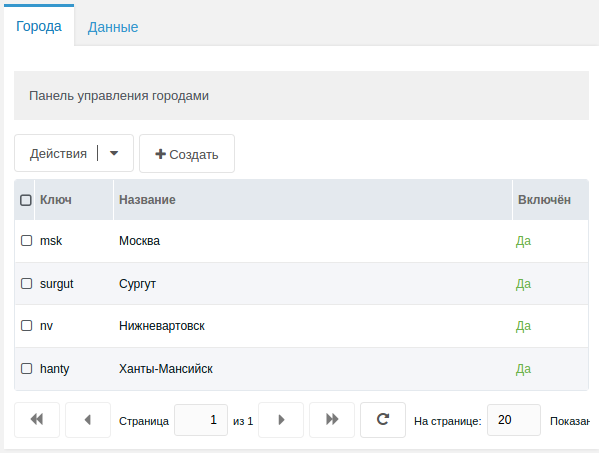
Create the city list on the component page if you have not already. The key is the future subdomain for the city.
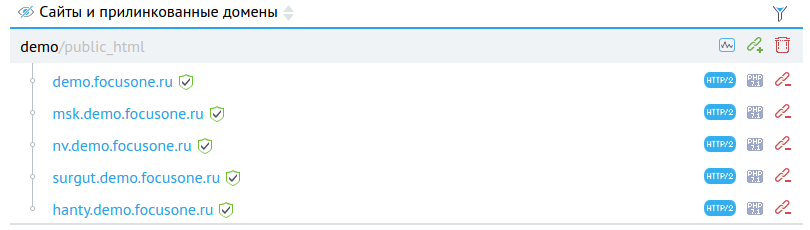
Create the corresponding subdomains with your domain registrar and point them to the same IP as the main domain.
Then attach them to the site at the same path as the main site. If you use an SSL certificate, reissue it to include the new subdomains.
Enable City in domain cityfields_cityindomain in the component system settings.

Using full domains
Setup is the same as for city subdomains, but use the full domain as the city key.
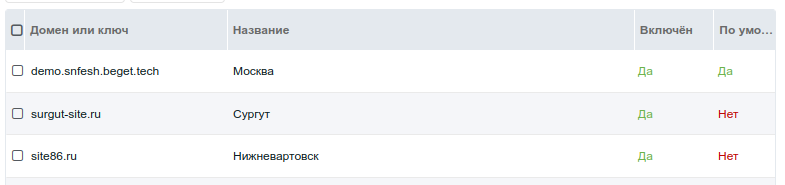
Using domains and subdirectories together
The component allows using both a full domain and a subdirectory for a city. Setup is the same as for full domains; also enable City in subfolders cityfields_cityinsubfolder in the component system settings.
Use the full domain and subdirectory as the city key when needed.