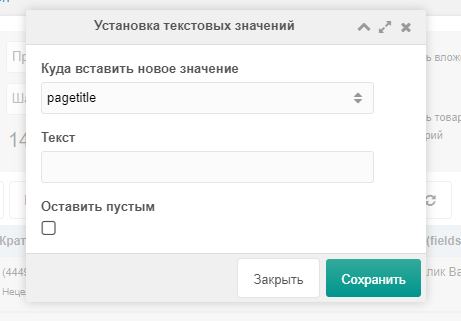
COMBO menu
This menu contains bulk actions for setting new values for certain data types.
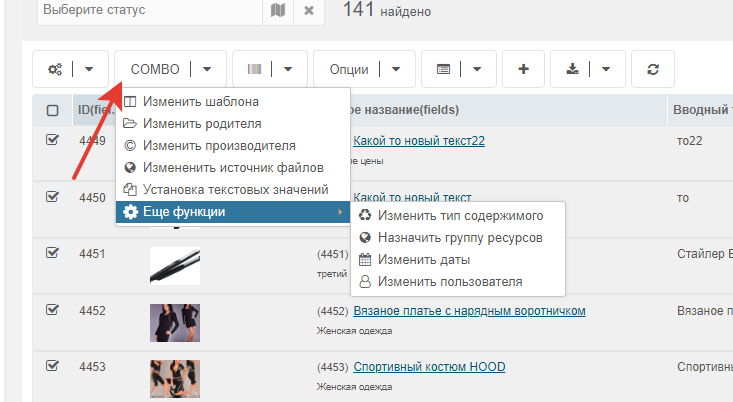
Change template
Select resources on the page and choose Change template
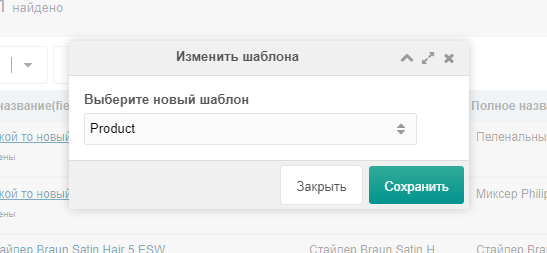
Change file source
Select resources on the page and choose Change file source
Внимание
File source change is for products only
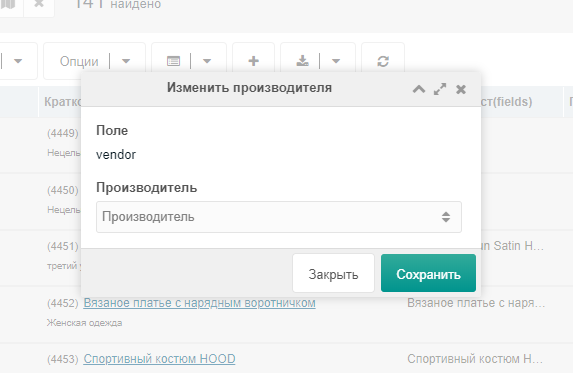
Change vendor
Select resources on the page and choose Change vendor
Внимание
Vendor change is for products only
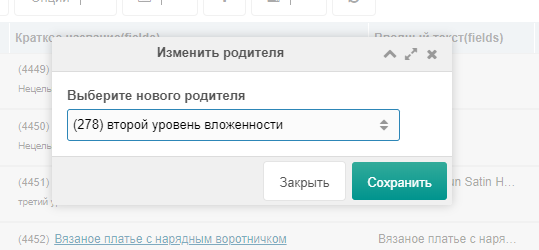
Change parent
Move resources from one parent (category) to another.
Select resources on the page and choose Change parent
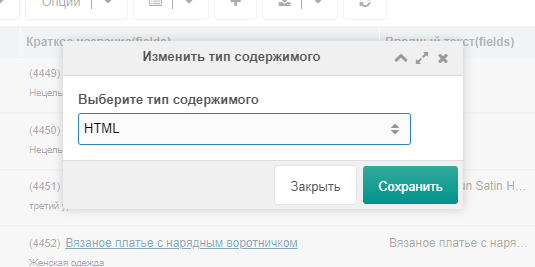
Change content type
Change content type, e.g. from html to pdf.
Select resources on the page and choose Change content type
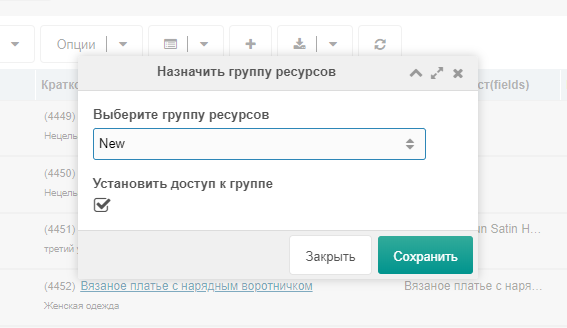
Assign resource group
Bulk assign a resource group to selected resources.
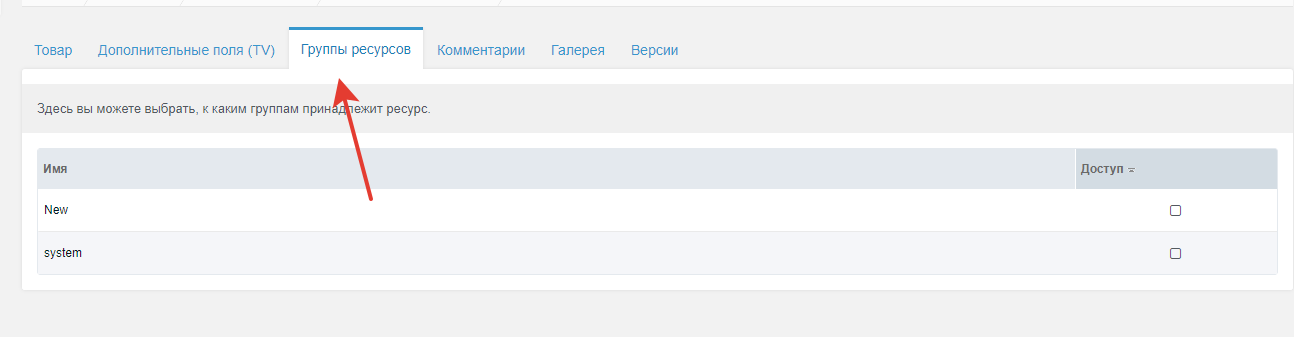
Select resources on the page and choose Assign resource group
Change dates
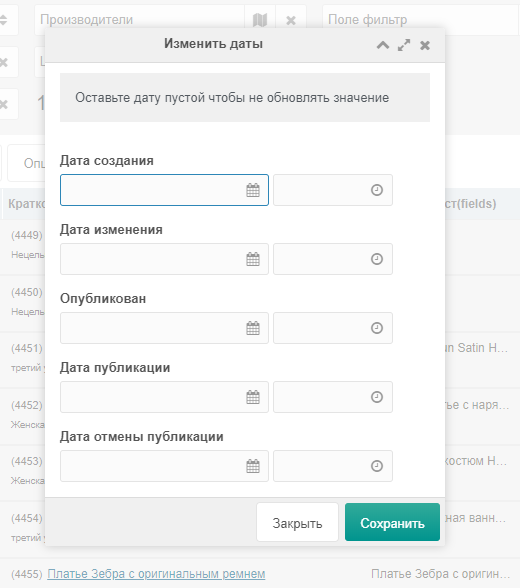
Change dates for resources.
Fields available:
- Creation date createdon
- Edit date editedon
- Published publishedon
- Publish date pub_date
- Unpublish date unpub_date
Select resources on the page and choose Change dates
Change user
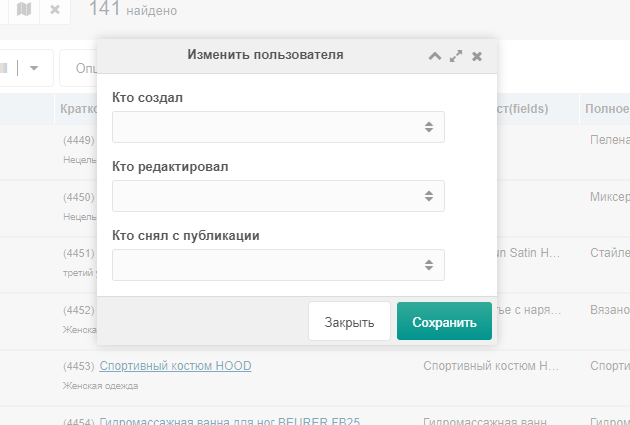
Change user for resources.
Fields available:
- Created by createdby
- Edited by editedby
- Unpublished by publishedby
Select resources on the page and choose Change user
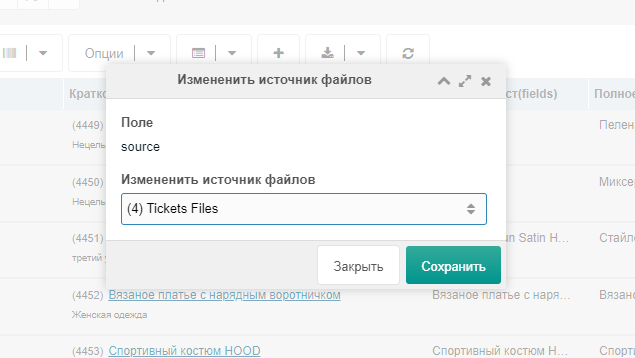
Set text values
Set text values for fields:
- Title pagetitle
- Long title longtitle
- Menu item menutitle
- Link attributes link_attributes
- Description description
- Intro introtext
Select resources on the page and choose Set text values
Choose the field to set.
Enter the text in the text field.
Check "Leave empty" to clear the field.