miniShop2 options
This menu manages options created in miniShop2 settings.
Menu
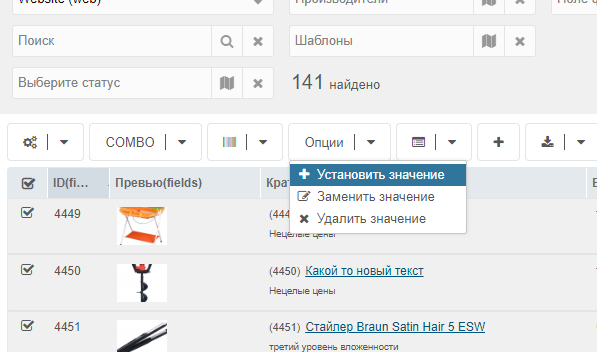
Select products and choose one of:
- Set values
- Replace value
- Delete value
Внимание
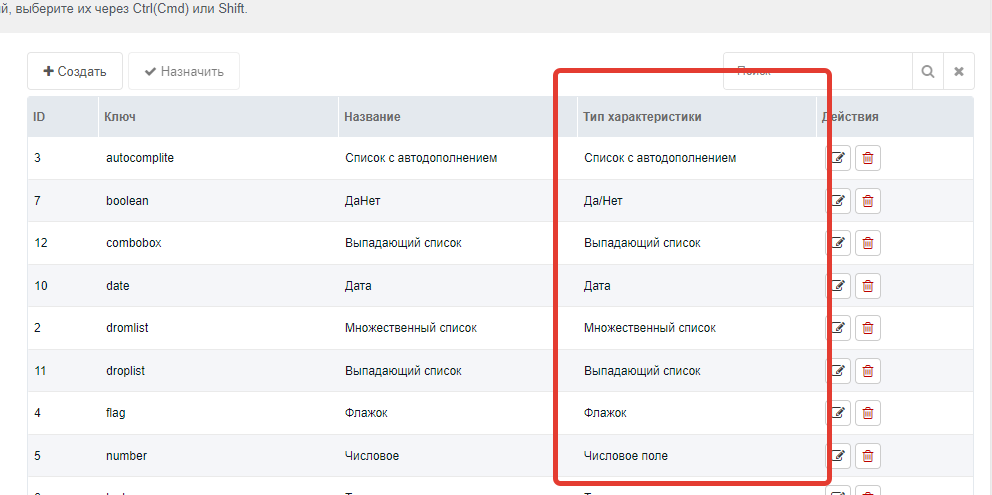
The component works only with base option types that were added on install. Others won't appear in the field list.
Field selection
After choosing an action, a modal opens to select the field. The input handler loads based on the field.
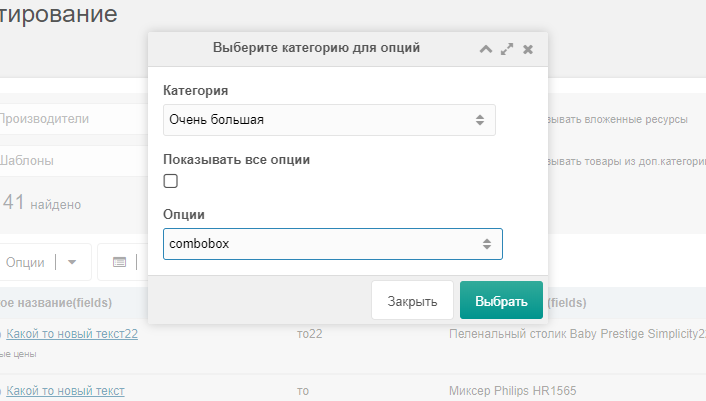
If a field doesn't appear, it may not be bound to a category. Select Show all options to list all fields.
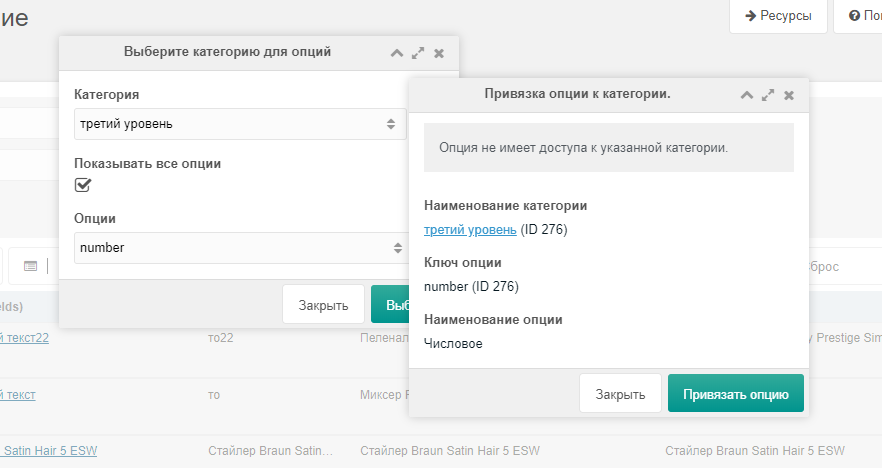
Binding option to category
If you click Select and the option isn't bound to a category, you'll be prompted to bind it.
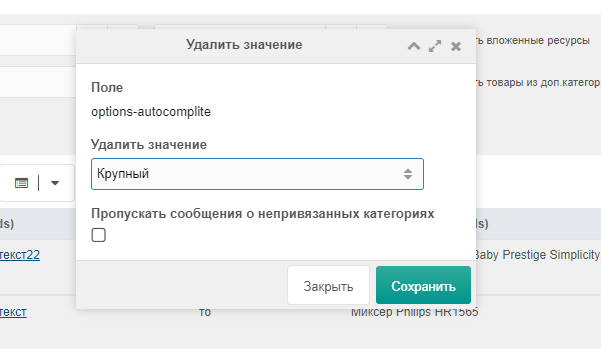
Set/Replace/Delete
New value accepts values for the selected option type.
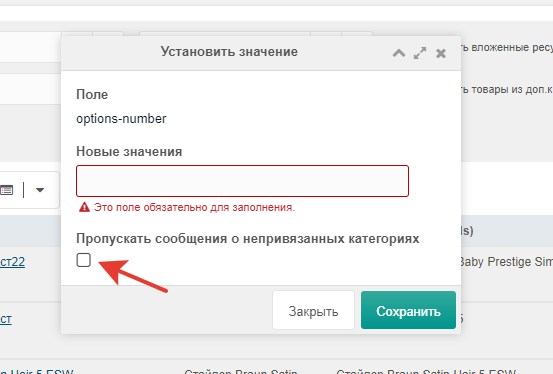
If you selected products from different categories and some category doesn't have the option bound, check Skip unbound category messages. This skips entering values for products you accidentally selected.
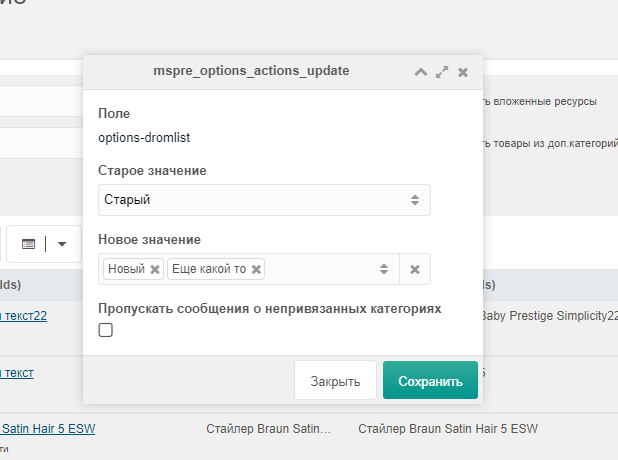
Replace
You can choose from values already in the selected products. This avoids long lists. E.g. if you have value Exclusive, select it and enter the replacement value. All products with Exclusive will be updated.
Осторожно
The Delete value field type depends on the selected option type for the field.
Delete
Finds all matches in selected product options and deletes them.
Осторожно
The Delete value field type depends on the selected option type for the field.