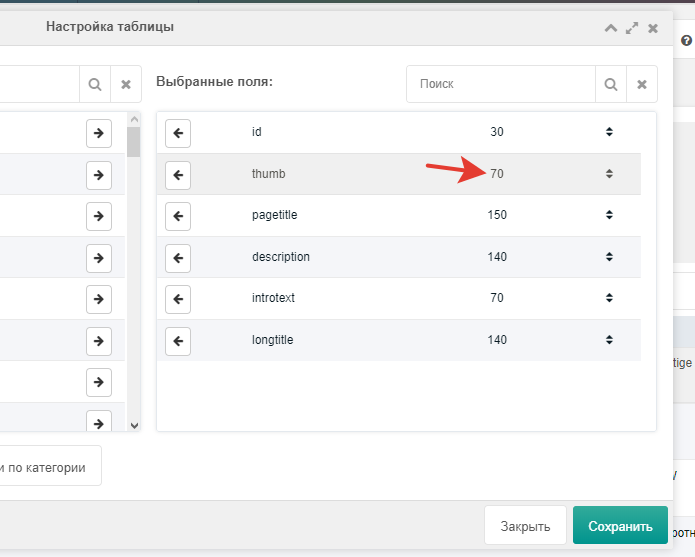
List field settings
You can show only the fields you select via the button.
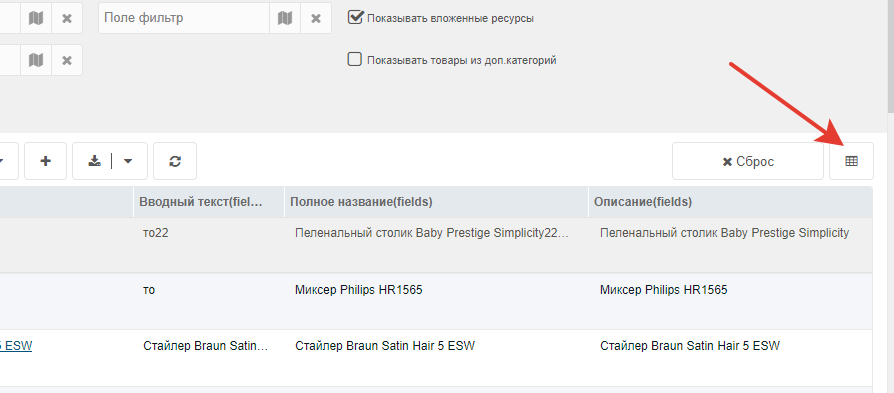
A modal opens where you can search for the field.
To add a field, drag it to the right column.
You can also set the column width for a field.
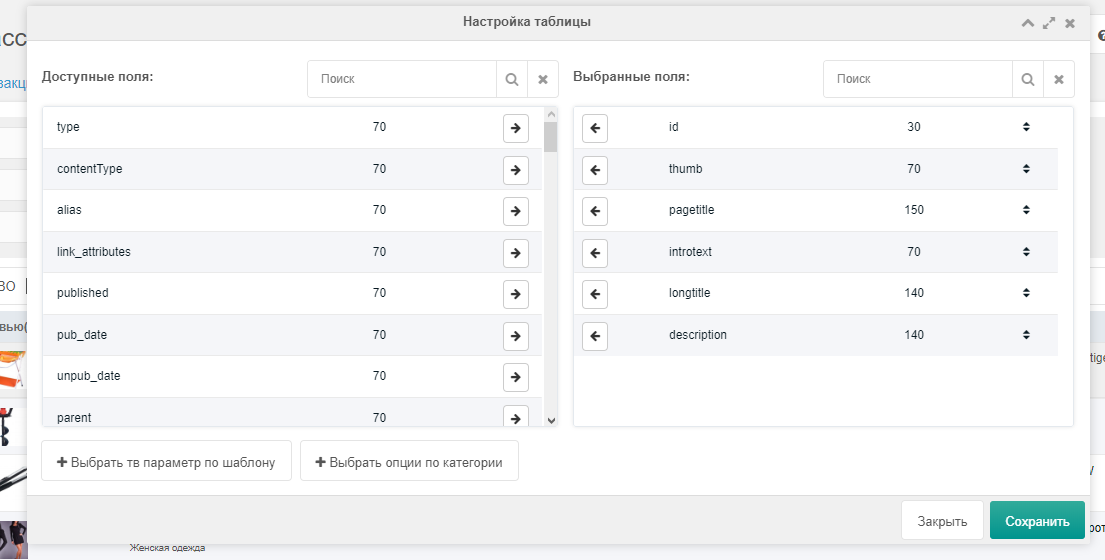
Template field selection
You can add TV parameters that have template access.
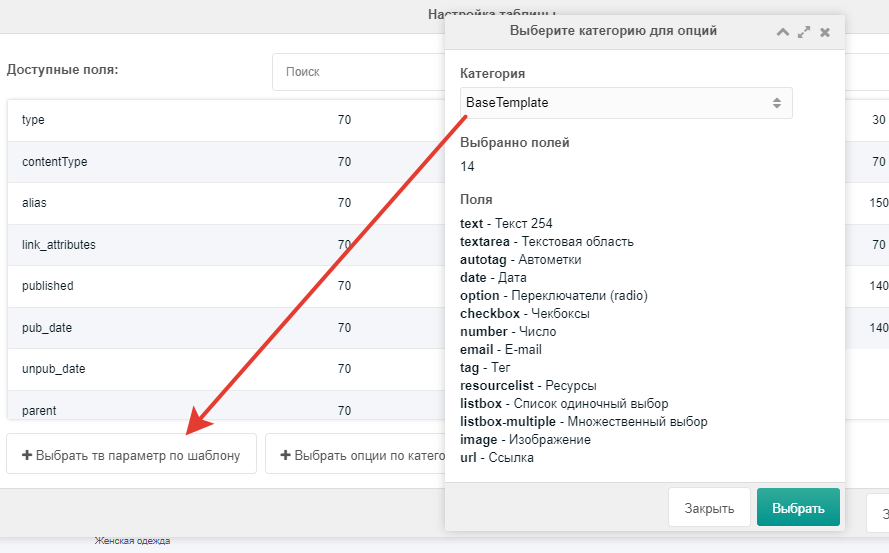
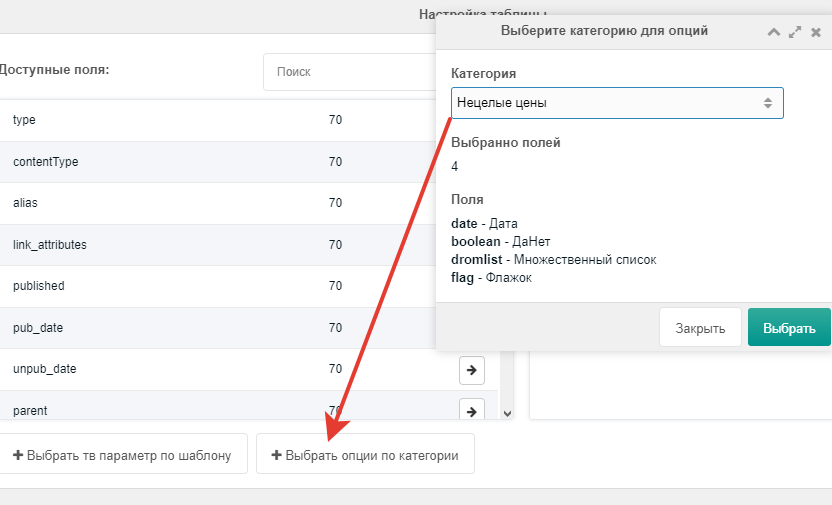
Category field selection
You can add options bound to a category.
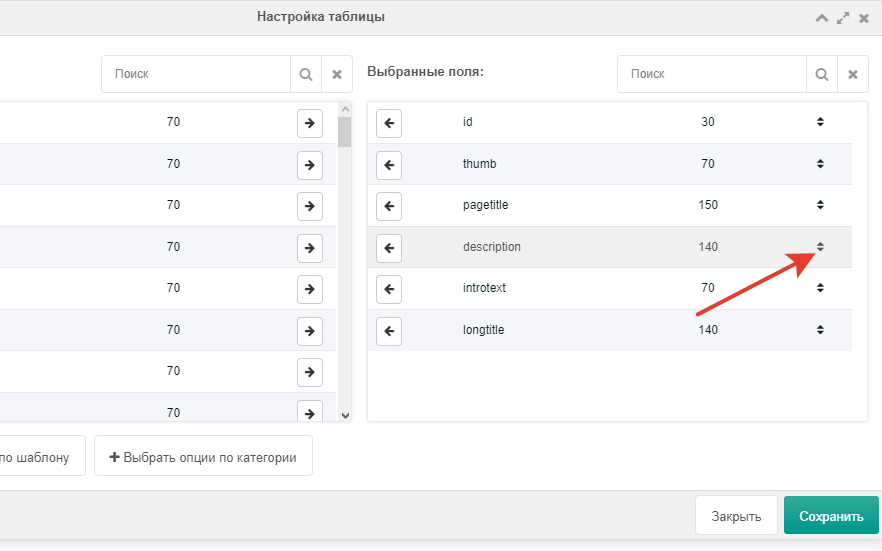
Field position
Use the arrows to change field order. Select a field and drag it up.
Setting width
Double-click the numbers to set column width.