


Installation
Requirements
miniShop2 and pdoTools 2.1.0-pl or higher are required. PHP 5.3.0 or higher on the server, and jQuery on the frontend (2.x recommended). If you use Bootstrap Multiselect, Bootstrap must be loaded manually. If you don’t use it on the site, you can use a minimal build.
Installation is done via the package manager. Besides copying files and creating/updating tables, snippets, and plugins, it sets these miniShop2 system settings:
ms2_order_product_fields — order item table fields. List of fields for ordered products (purchase history). Added:
- option_msextrafields_order — JSON of extra properties;
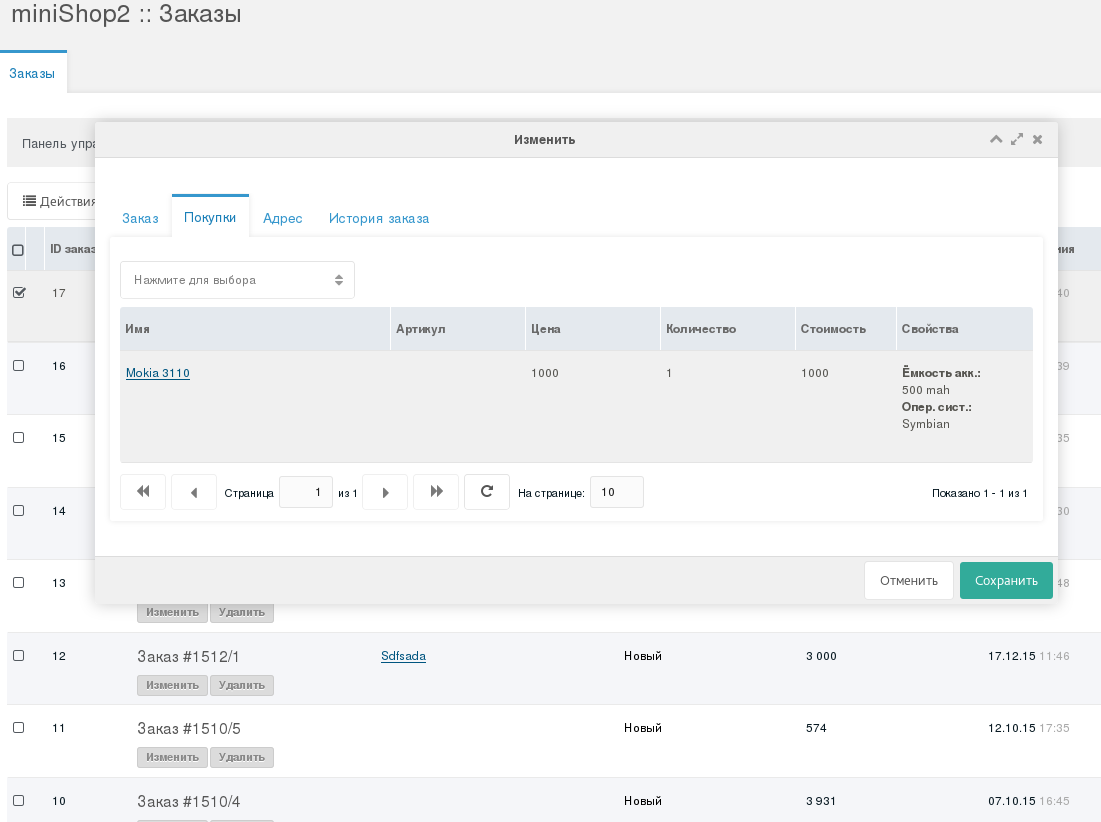
- msextrafields_order — parsed display of extra properties;
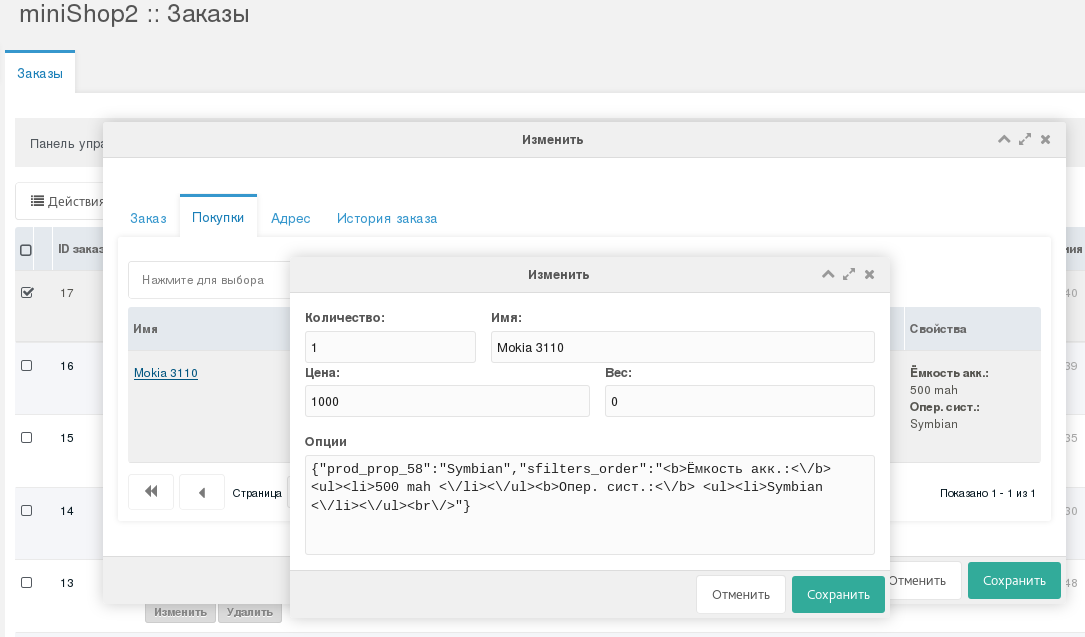
ms2_category_grid_fields — product table fields. Comma-separated list of visible columns in the category products grid.
custom_measure — property unit of measure; double-click to edit;
msextrafields — short summary of product properties; double-click opens quick-edit;
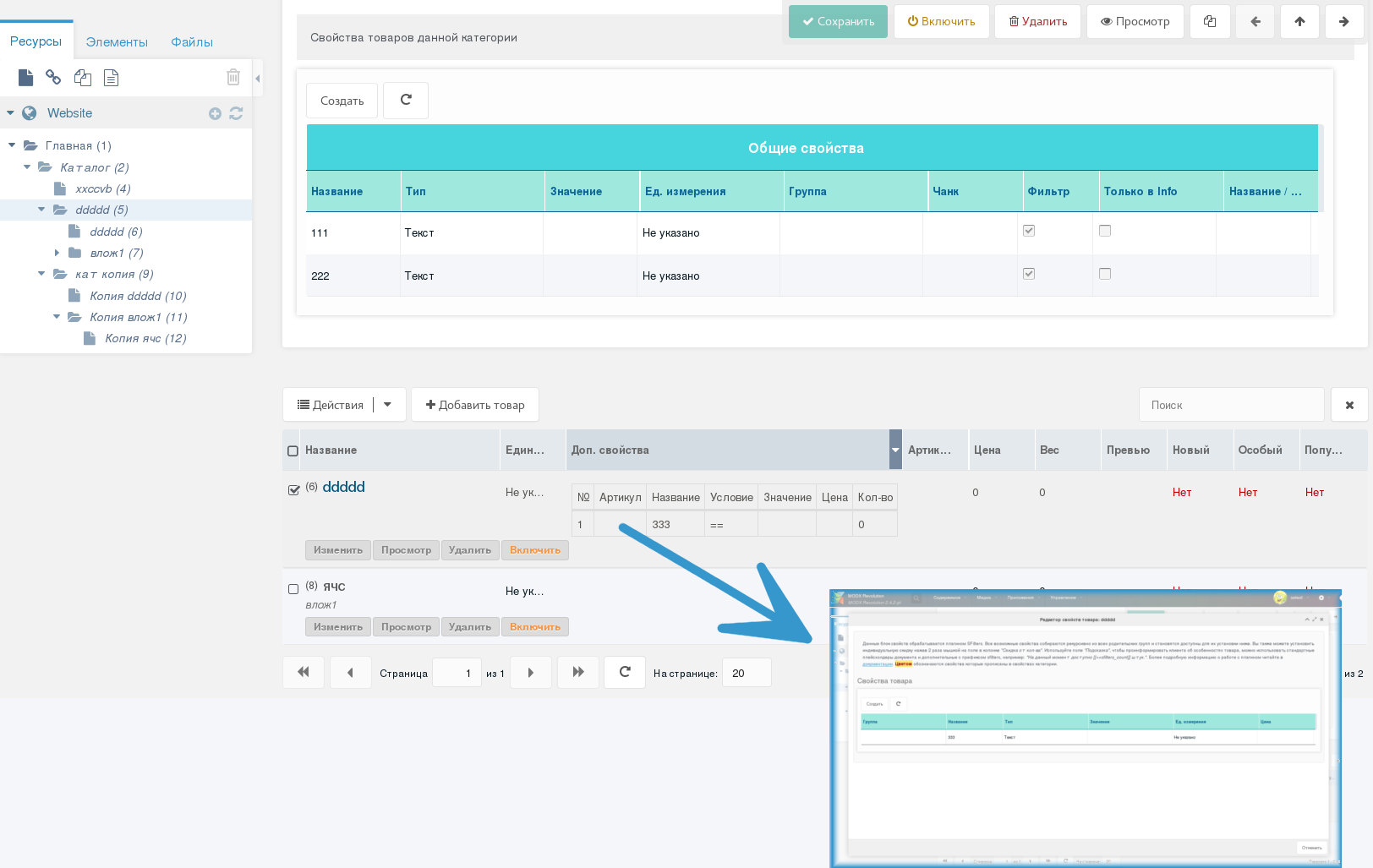
ms2_product_extra_fields — product extra fields. List of extra product fields used in the store.
- msextrafields — adds controls for product extra properties.
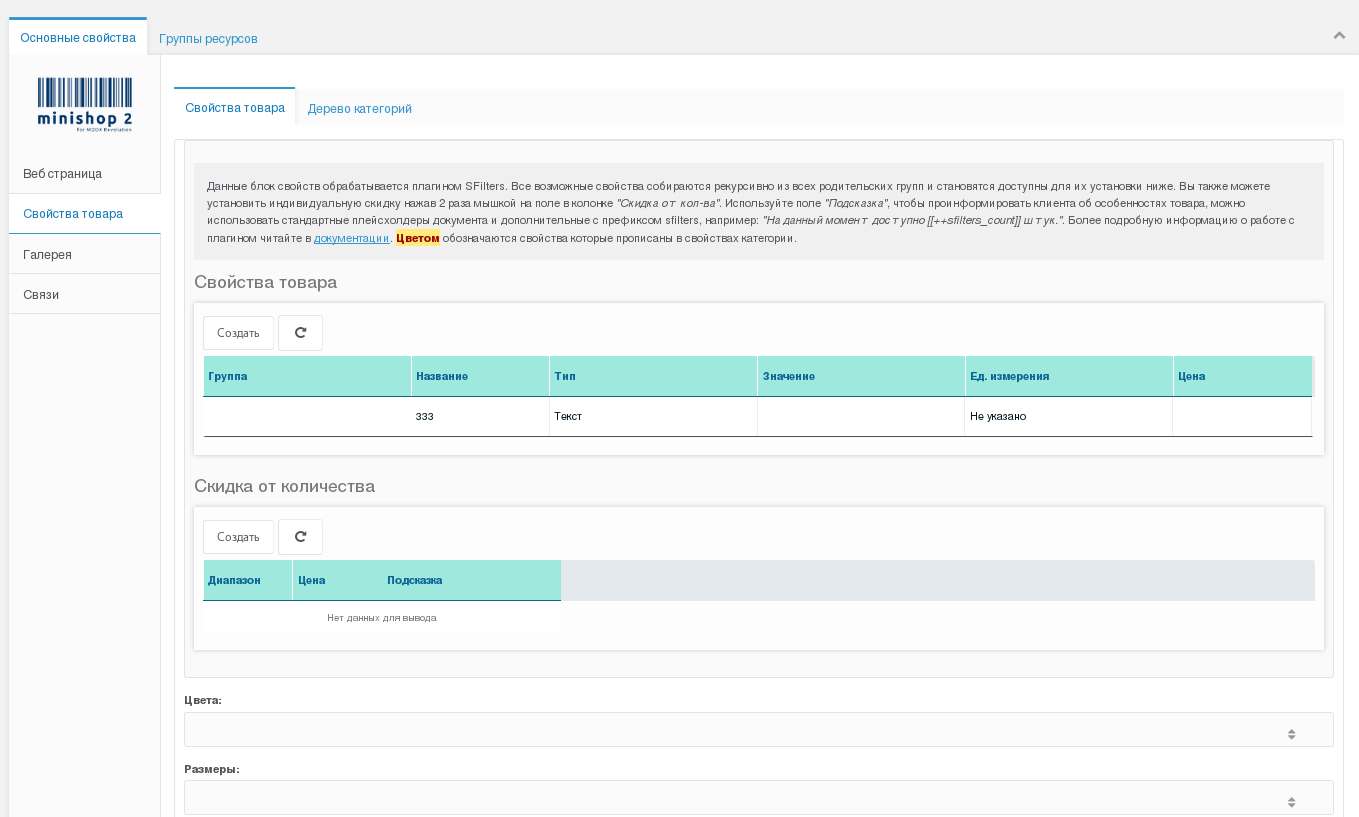
ms2_product_main_fields — main product panel fields. List of product panel fields.
- custom_measure — product property unit of measure; list comes from other settings.
Uninstall
On removal, all values written to miniShop2 system settings are deleted automatically. Extra product properties remain in the database; all other component data is removed (as a safeguard). To drop the component tables as well, look for tables with the sub-prefix ...ms2efs_.... With the default DB prefix modx_, the full table prefix is modx_ms2efs_.