



GoogleSheets authorization
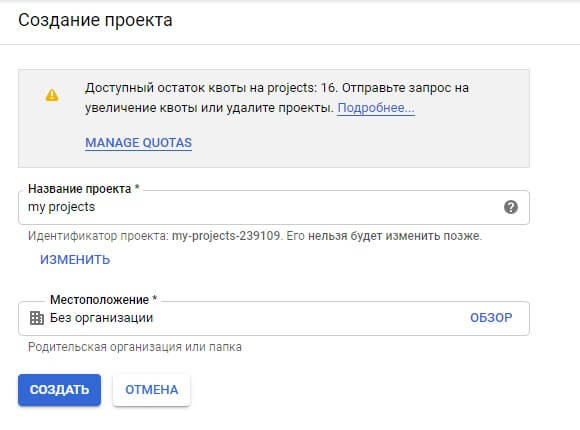
1. Create a project
2. Create API credentials
- Go to APIs & Services
- Click Credentials
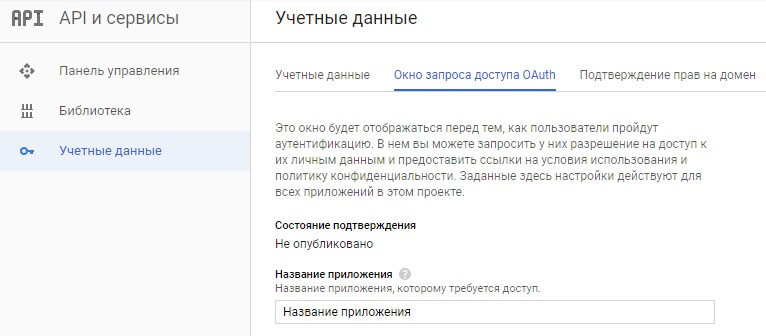
- Go to the OAuth consent screen tab
- Enter an application name and save it
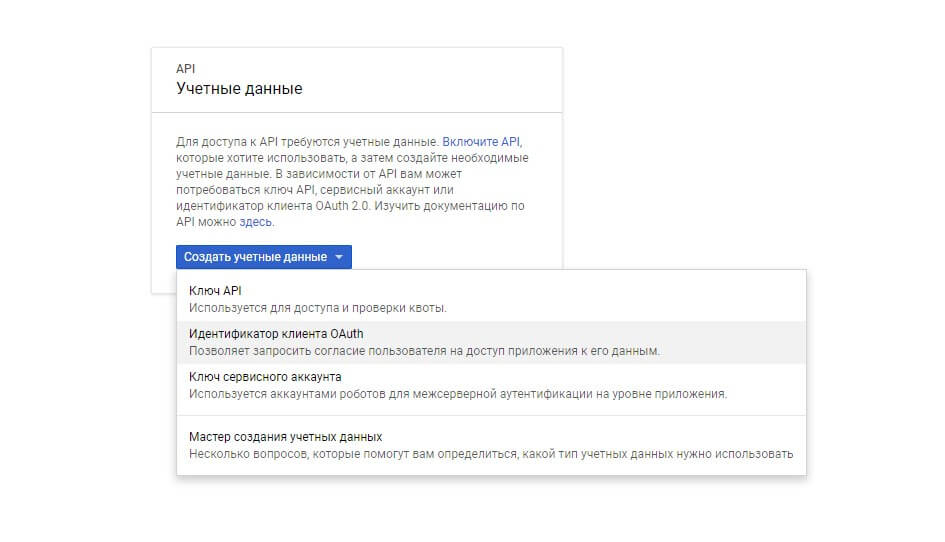
- Create credentials (in the dropdown choose "OAuth client ID"):
- Choose application type: "Other"
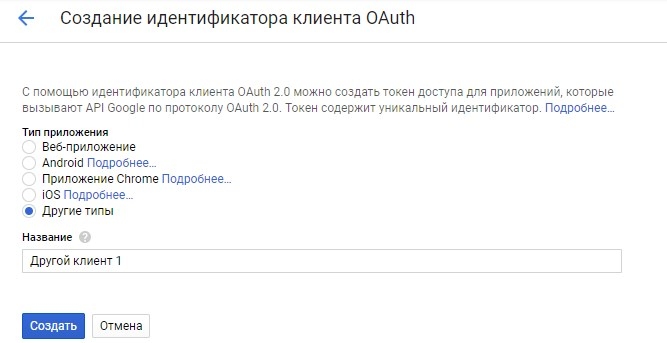
- Click Create
- You get client_id (Client ID) and client_secret (Client secret)
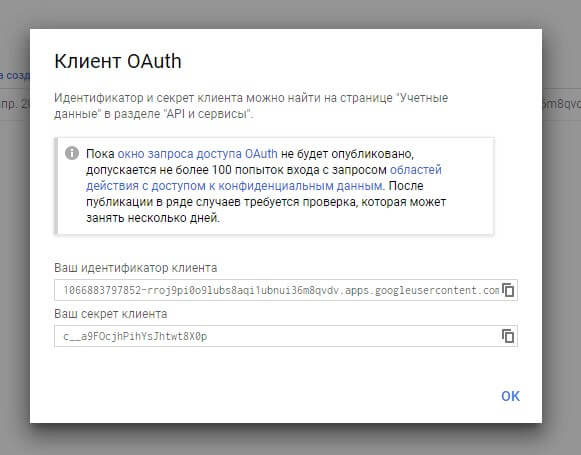
- Copy the values into system settings: googlesheets_client_id and googlesheets_client_secret
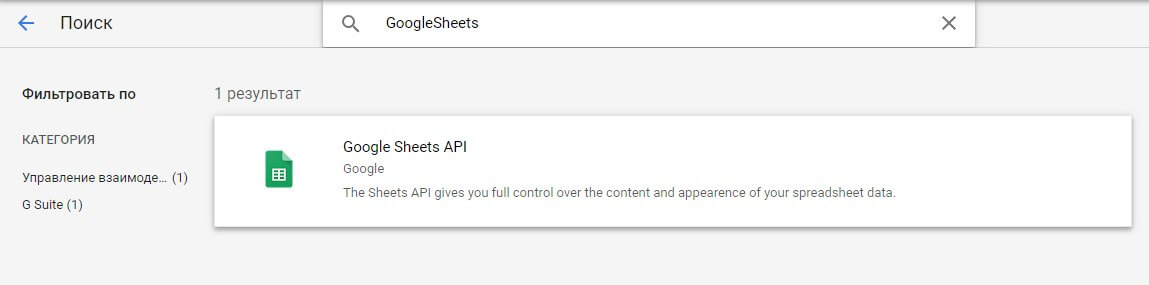
- Go to API Library and enable Google Sheets API
3. Authorize
- Open the component menu: Apps -> GoogleSheets
- Click Authorization on the right
- A new tab opens to get the authorization code (if it doesn't open, allow pop-ups)
- Copy the authorization code into the googlesheets_auth_code system setting
- Click Authorization again
- If you don't see a success message, something went wrong or a step was missed.