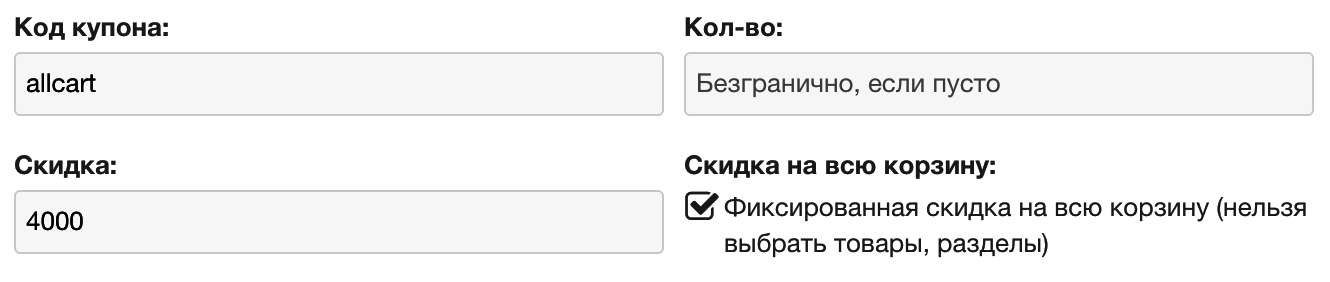
Fixed cart discount
In versions before 1.3.0, if you specified a discount without percent (e.g. 4000) for the whole promo code, that amount was subtracted from each product unit. This happened because the promo code is applied to each product. Despite this, a fixed (non-percent) discount is often needed.
Version 1.3.0 added the ability to create a promo code that applies to the whole cart.
In this case we lose the option to mark products/categories the discount applies to. That makes sense, since the fixed discount is subtracted from the cart. Now, if you specify a discount without percent for this type of promo code, that exact amount is subtracted from the cart, regardless of product count.
Due to specifics of this discount type, for a fixed cart discount to work you must check Discount on entire cart when creating the coupon and enter a number without percent in the Discount field.