


PageBuilder
Visual section builder for MODX 3: draft and publish without overwriting resource content
- MODX 3
- PHP 8.2
- Vue 3

Simple contact block: clickable phone and email (tel: / mailto:), optional short text and button.
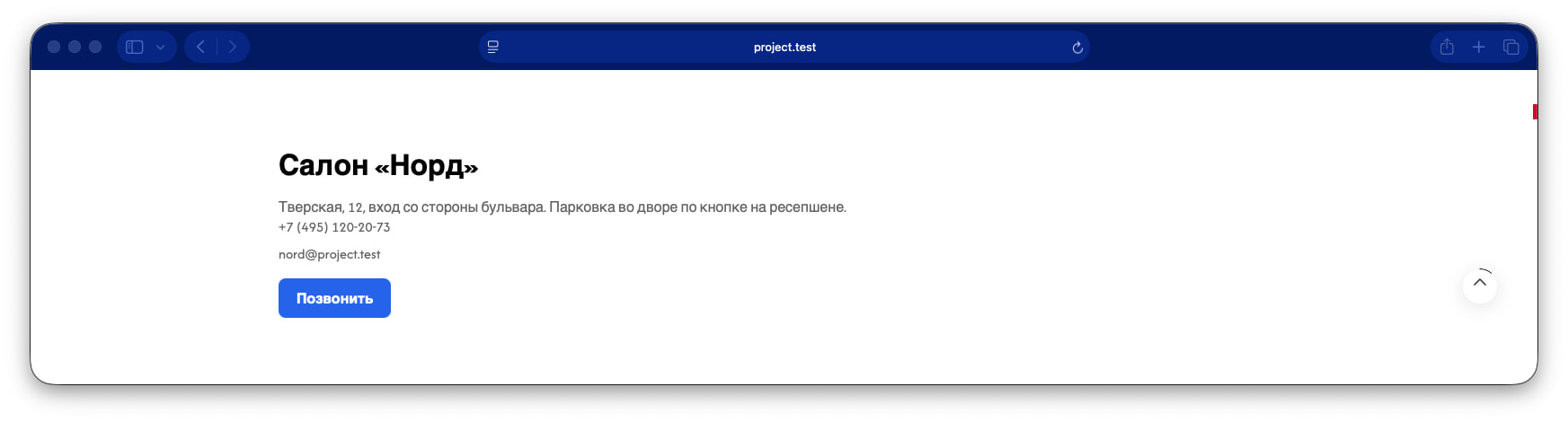
Fill at least Phone or Email. The button behaves like the CTA section.
| Parameter | Value |
|---|---|
| key | contact |
| Layer | Free |
| Category | conversion (conversion) |
| Chunk | pagebuilder_contact |
| Requires | — |
Fill these fields in the section inspector. Field types are documented in the field types reference.
title) Type text. Optional.
text) Type textarea. Optional.
phone) Type text. Optional.
email) Type text. Optional.
button_label) Type text. Optional.
button_url) Type url. Optional.
pb-contact with tel:/mailto: links and optional CTA button.
Example payload after save. Media, video, and map values may be enriched on output:
{
  "title": "Section title",
  "text": "Supporting text under the title.",
  "phone": "+7 (999) 123-45-67",
  "email": "hello@example.com",
  "button_label": "Learn more",
  "button_url": "https://example.com/action"
}Fenom chunk pagebuilder_contact:
<section class="pb-section pb-section--contact pb-contact{if $cssClass} {$cssClass|escape}{/if}" data-pb-section="contact"{if $id} id="pb-{$id|escape}"{/if}>
  <div class="pb-section__inner pb-contact__inner">
    {if $title}
      <h2 class="pb-heading pb-contact__title">{$title|pb_text}</h2>
    {/if}
    {if $text}
      <p class="pb-contact__text">{$text|pb_text}</p>
    {/if}
    <div class="pb-contact__details">
      {if $phone}
        <a class="pb-contact__link pb-contact__phone" href="tel:{$phone|escape:'url'}">{$phone|escape}</a>
      {/if}
      {if $email}
        <a class="pb-contact__link pb-contact__email" href="mailto:{$email|escape:'url'}">{$email|escape}</a>
      {/if}
    </div>
    {if $button_label && $button_url}
      <div class="pb-contact__actions">
        <a class="pb-contact__button pb-button" href="{$button_url|pb_href|escape}">{$button_label|pb_text}</a>
      </div>
    {/if}
  </div>
</section>