


PageBuilder
Visual section builder for MODX 3: draft and publish without overwriting resource content
- MODX 3
- PHP 8.2
- Vue 3

| Requirement | Version |
|---|---|
| MODX Revolution | 3.0.3+ |
| PHP | 8.2+ |
| VueTools | 1.1.2+ |
| pdoTools | 3.0+ |
| PageBuilder (Free) | 1.0.17-beta |
| PageBuilder Pro | 1.0.17-beta, requires pagebuilder ≥ 1.0.17 |
Install PageBuilder (Free) and PageBuilder Pro from modstore.pro. Package provider not found happens only for the encrypted Pro package when the provider is not connected. The current Free package is not encrypted. Free install does not show that message.
pagebuilder namespace should appear in the package list.Pro
Installing PageBuilder Pro is enough: Package Manager usually pulls the Free core (pagebuilder) as requires.pagebuilder. If the dependency did not download, install Free from the same provider.
In Users → User groups, add to the editor policy:
pagebuilder_viewpagebuilder_saveFor section type management in the control panel: pagebuilder_manage_types.
The tab is off by default. In System settings → namespace pagebuilder:
| Key | Value |
|---|---|
pagebuilder_resource_tab_enabled | 1 |
pagebuilder_resource_tab_parents | empty = all resources. Otherwise the resource id itself, its direct parent, or any ancestor |
Tab position: pagebuilder_resource_tab_index (0 first and selected on open, -1 last).
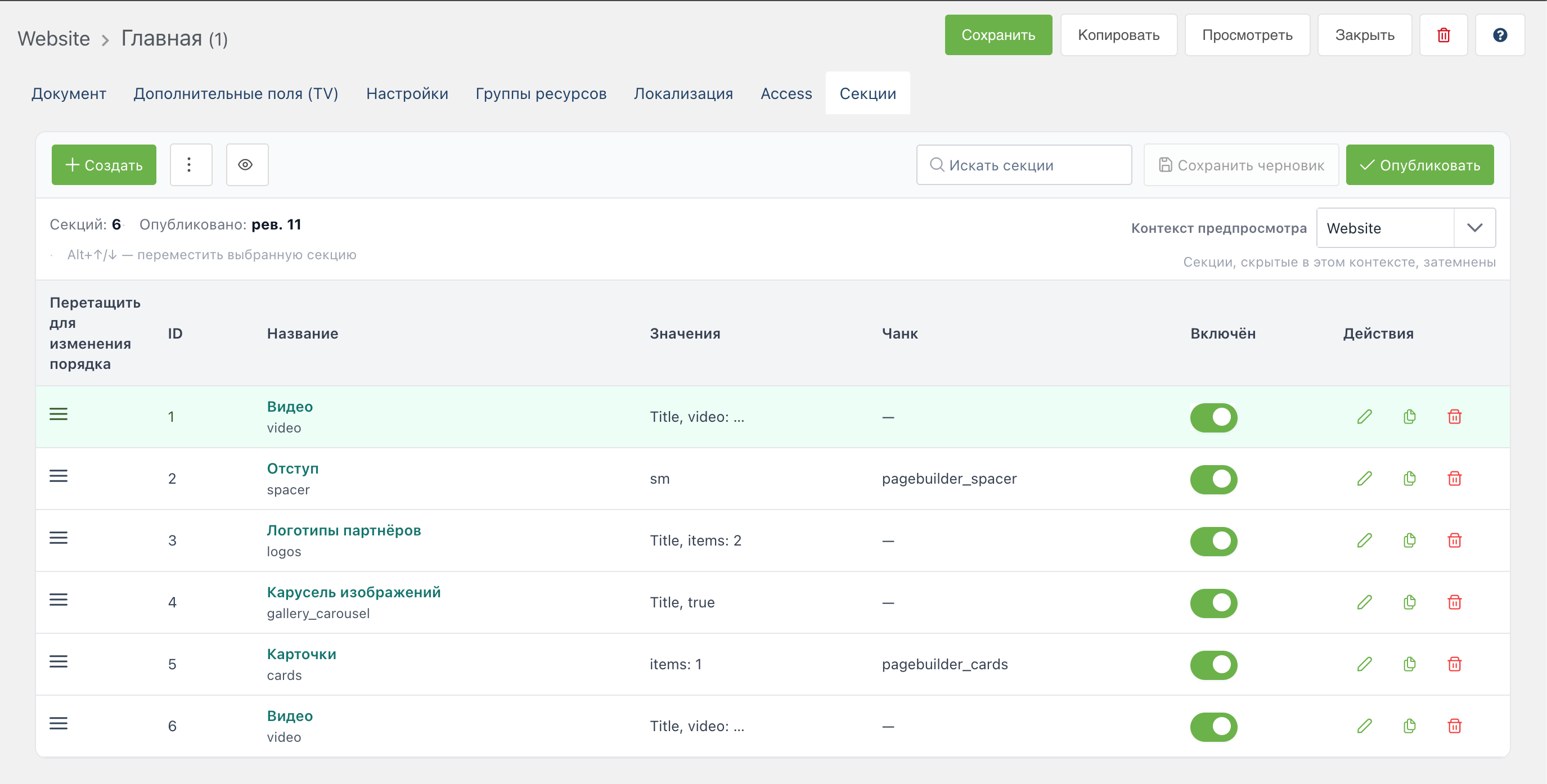
Details: System settings.
In the page template or resource content field:
[[!PageBuilder]]{'!PageBuilder' | snippet}The snippet renders published sections for the current resource. The draft is not shown on the site.
With pagebuilder_fake_enabled = 1, the inspector shows a Fake button that fills fields with demo data for quick layout checks.
Draft preview without publish: Preview on the tab (token via preview.php).
Open the resource on the site. Section HTML should appear. By default pagebuilder-sections.css loads (pagebuilder_load_frontend_css).
If the block is empty:
!. Use [[!PageBuilder]]quiz and contact_form sections (Pro) need FetchIt on the site. Without it the form shows an unavailability message.