



Resource fields: boolean, SEO, text, dates, links
Bulk operations on MODX resource fields of a product. Price, stock, TV, and options are on separate pages.
Open: Run operation → pick the type in the operation dialog.
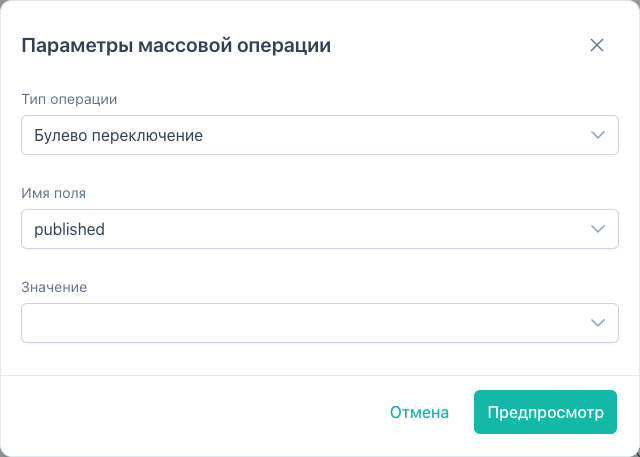
Boolean toggle (boolean_toggle)
Toggle resource flags and MS3 product labels.
Fields
| Field | Description |
|---|---|
published | Published |
hidemenu | Hide from menu |
deleted | Trash (soft delete via flag) |
searchable, cacheable, richtext, uri_override, show_in_tree | MODX flags |
new, popular, favorite | MiniShop3 labels |
Value
| UI | API value | Effect |
|---|---|---|
| Toggle | (omitted) | flip 0 ↔ 1 |
| Yes | 1 | set on |
| No | 0 | set off |
MS3 labels are also covered in product and prices.
The deleted boolean and Soft delete (soft_delete) both set deleted=1. Soft delete skips already deleted rows and asks for confirm before apply. See product and prices.
Text field (text_set)
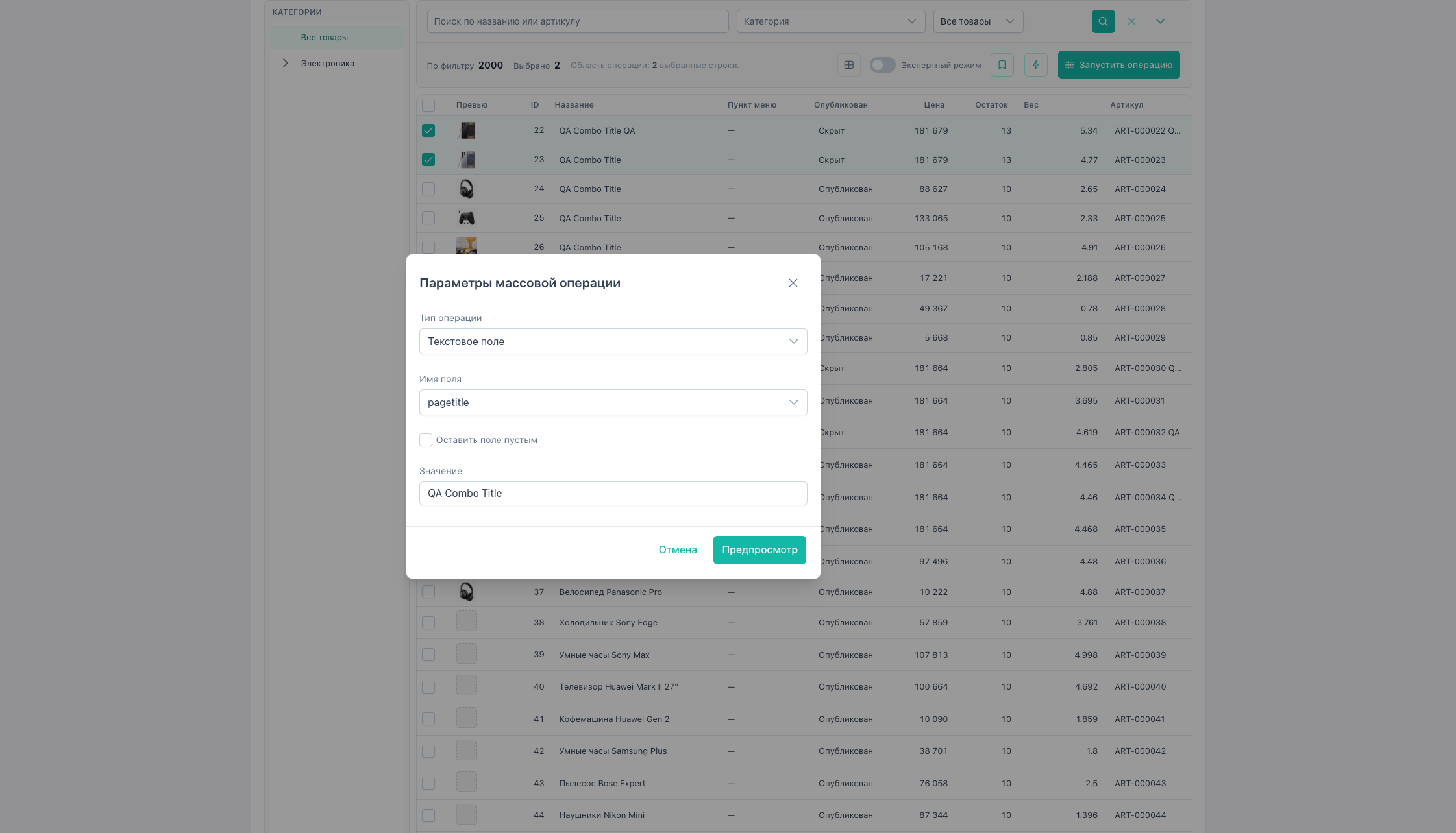
Set one resource or MS3 field:
| Field | Note |
|---|---|
pagetitle, longtitle, menutitle, description, introtext, link_attributes | String |
article | SKU |
weight | Number ≥ 0 |
Clear empty (clearEmpty) writes an empty string or weight = 0.
Shortcut: Quick actions → Set text. Article and weight also in product and prices.
SEO (seo)
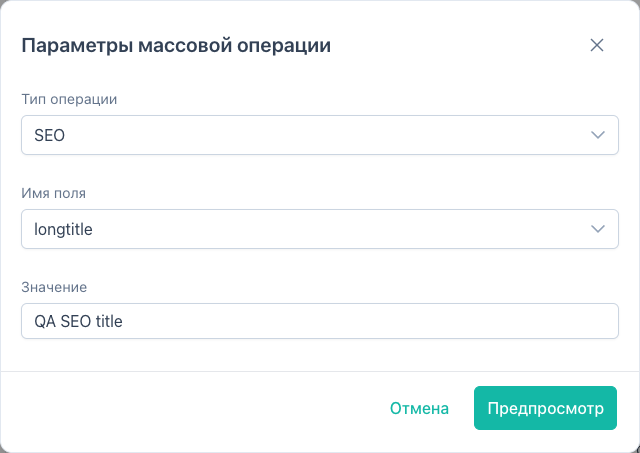
Set one SEO field for the whole selection.
| Field | Purpose |
|---|---|
longtitle | Long title |
description | Meta description |
menutitle | Menu title |
alias | URL alias |
Parameters: field, value. No replace mode. Use Text replace for substring replacement.
Text replace (text_replace)
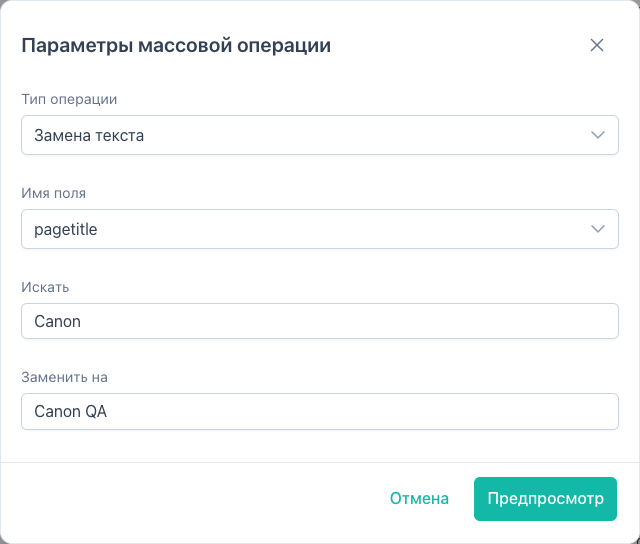
Find and replace in resource text fields.
| Field | Notes |
|---|---|
pagetitle, longtitle, description, introtext, content, alias, uri, menutitle | one field per operation in UI |
Parameters: field, fields (single-element array), search, replace.
API also supports useRegex and caseInsensitive. UI defaults both to false.
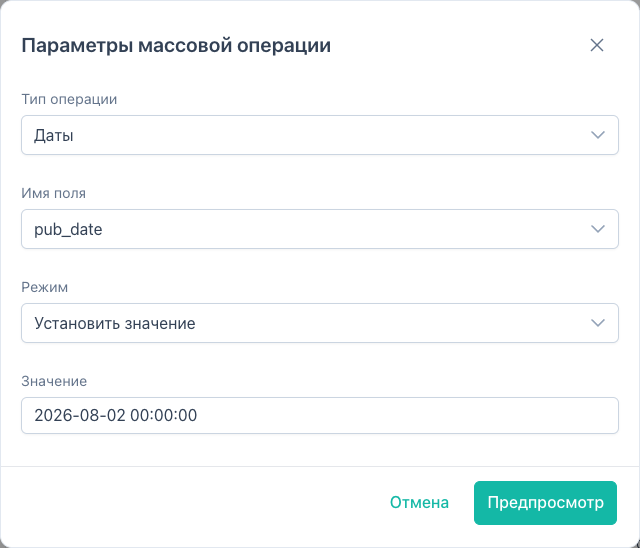
Dates (dates)
| Field | Description |
|---|---|
createdon, editedon, publishedon | System dates |
pub_date, unpub_date | Publish / unpublish |
| Mode | API mode | Parameters |
|---|---|---|
| Set | set | value as YYYY-MM-DD or YYYY-MM-DD HH:MM:SS |
| Clear | clear | |
| Offset by N days | offset_days | days (integer, may be negative) |
Also via Quick actions → Change dates. See quick actions.
Resource group (resource_group)
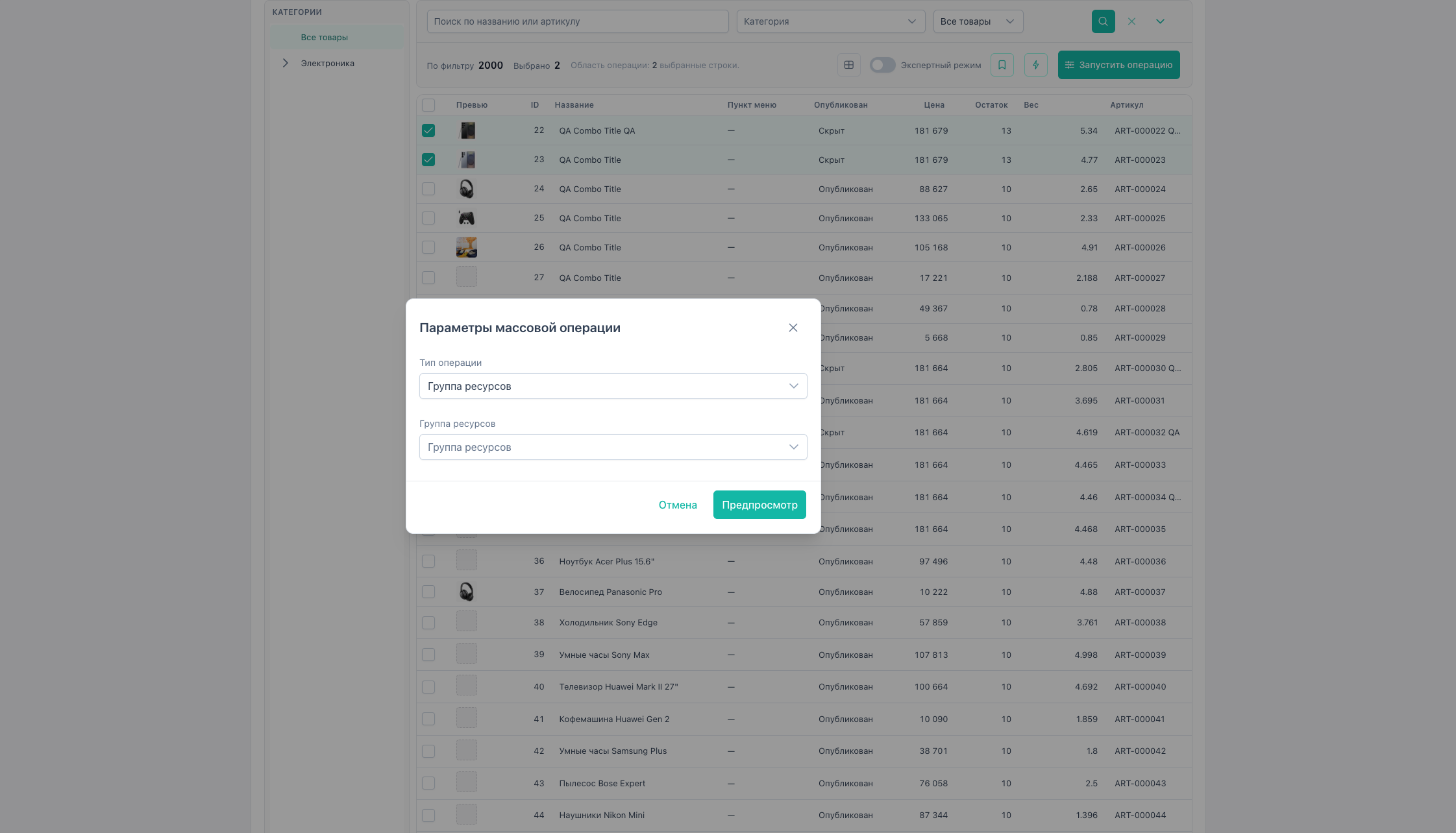
Assign a MODX access group.
groupIdfromfilters/references.- API optional
groupIds[]. UI selects one group.
Quick actions: “Assign resource group”.
Product links (link)
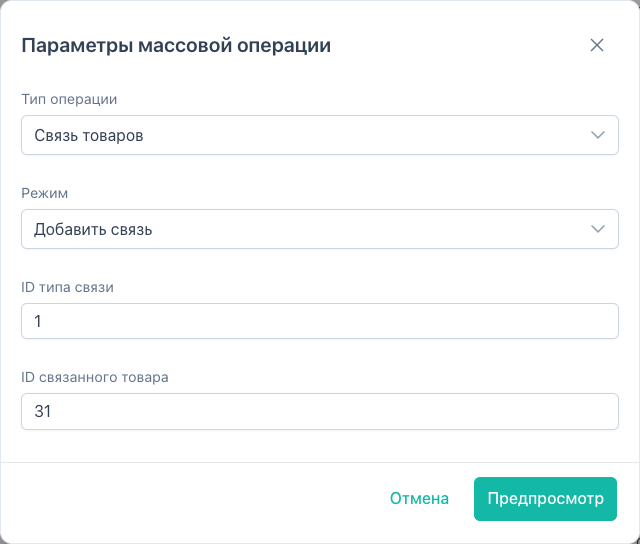
Works with msProductLink (MS3 related products).
| Mode | API mode | Action |
|---|---|---|
| Add | add | master → slave link |
| Remove | remove | drop link |
Parameters:
linkTypeId: MS3 link type IDtargetProductId: related product (slave) ID
Preview shows rows where the link already exists or is missing.