



Product & prices
Bulk operations on MiniShop3 product fields: price, stock, categories, vendor, variants.
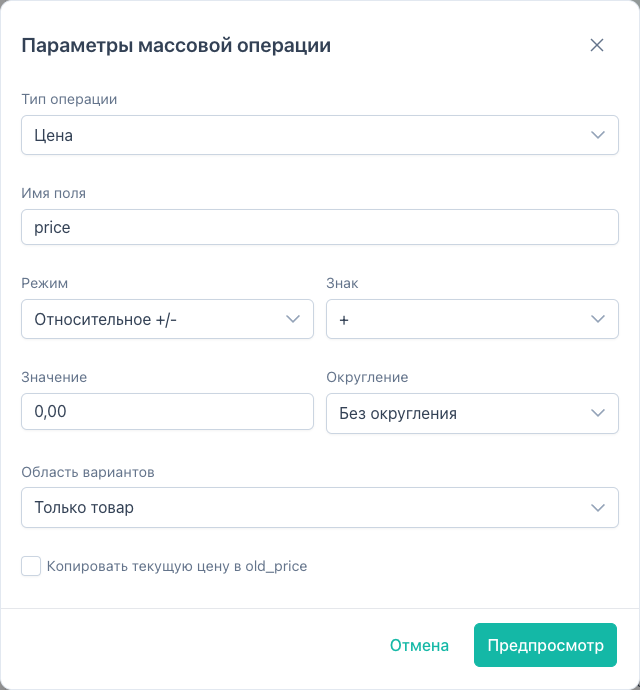
Prices
Run operation → type Price.
Change modes
| Mode | Parameter | Example |
|---|---|---|
| Set value | mode: set | Price = 1990 |
| Relative +/- | mode: relative, sign, value | Was 1000, +100 → 1100 |
| Percent | mode: percent, sign, value | −10% of current price |
Rounding
| Value | Effect |
|---|---|
none | No rounding |
integer | To integer (standard rounding) |
floor | Down to integer |
ceil | Up to integer |
tens | To tens |
hundreds | To hundreds |
Transfer between price fields
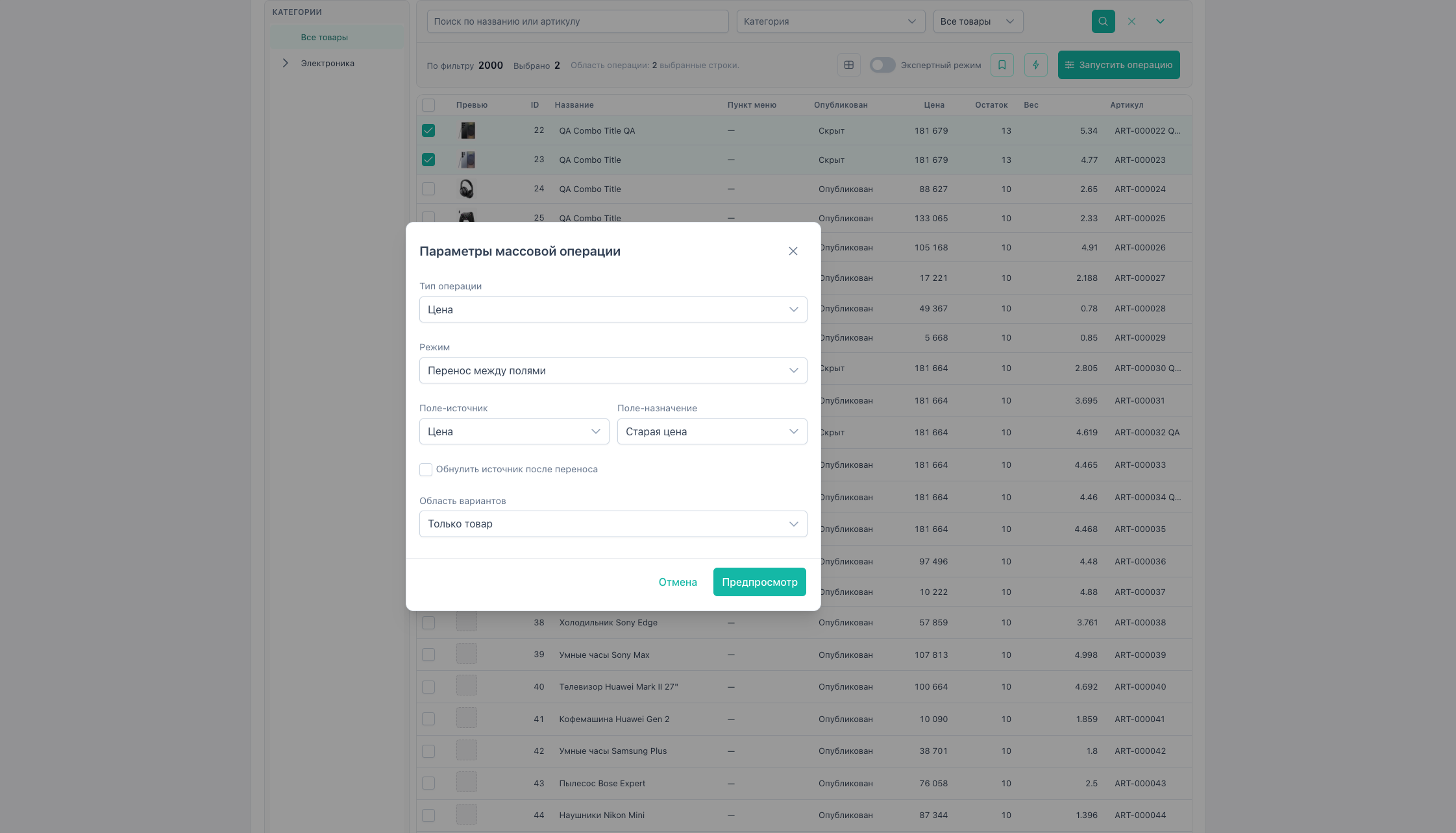
Mode “Transfer between fields” (mode: transfer):
| Parameter | Description |
|---|---|
sourceField | Copy from (price, old_price) |
targetField | Write value to |
clearSource | Zero source after transfer (default false) |
Preview shows only the target field change; source stays unchanged until clearSource is enabled. Supports variantScope.
Copy current price to old_price on change
Flag “Copy current price to old_price” (transferToOldPrice) before changing price — discount scenario: old price on storefront, new in price. Works in set / relative / percent modes.
Variant scope (ms3Variants)
variantScope | Behavior |
|---|---|
product_only | Main product only |
all_variants | Product + all variants |
skip_if_variants | Skip products with variants |
Stock
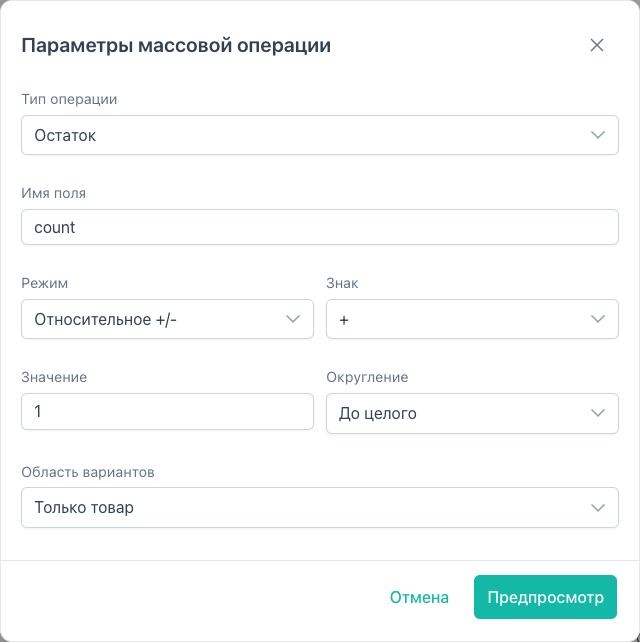
Type Stock (fieldType: stock, DB field count):
- same set / relative / percent modes;
- default rounding
integer; - supports
variantScope.
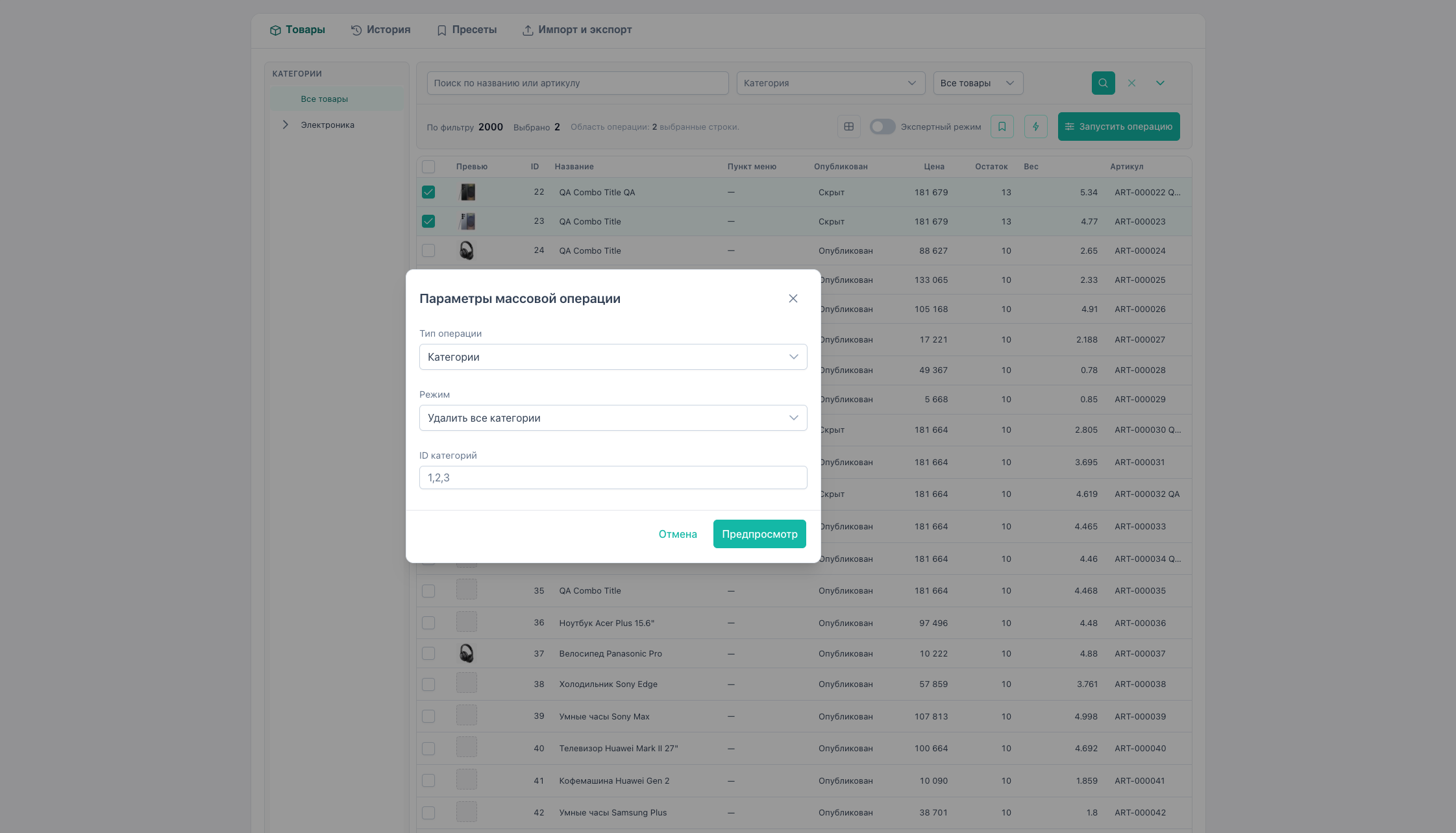
Categories
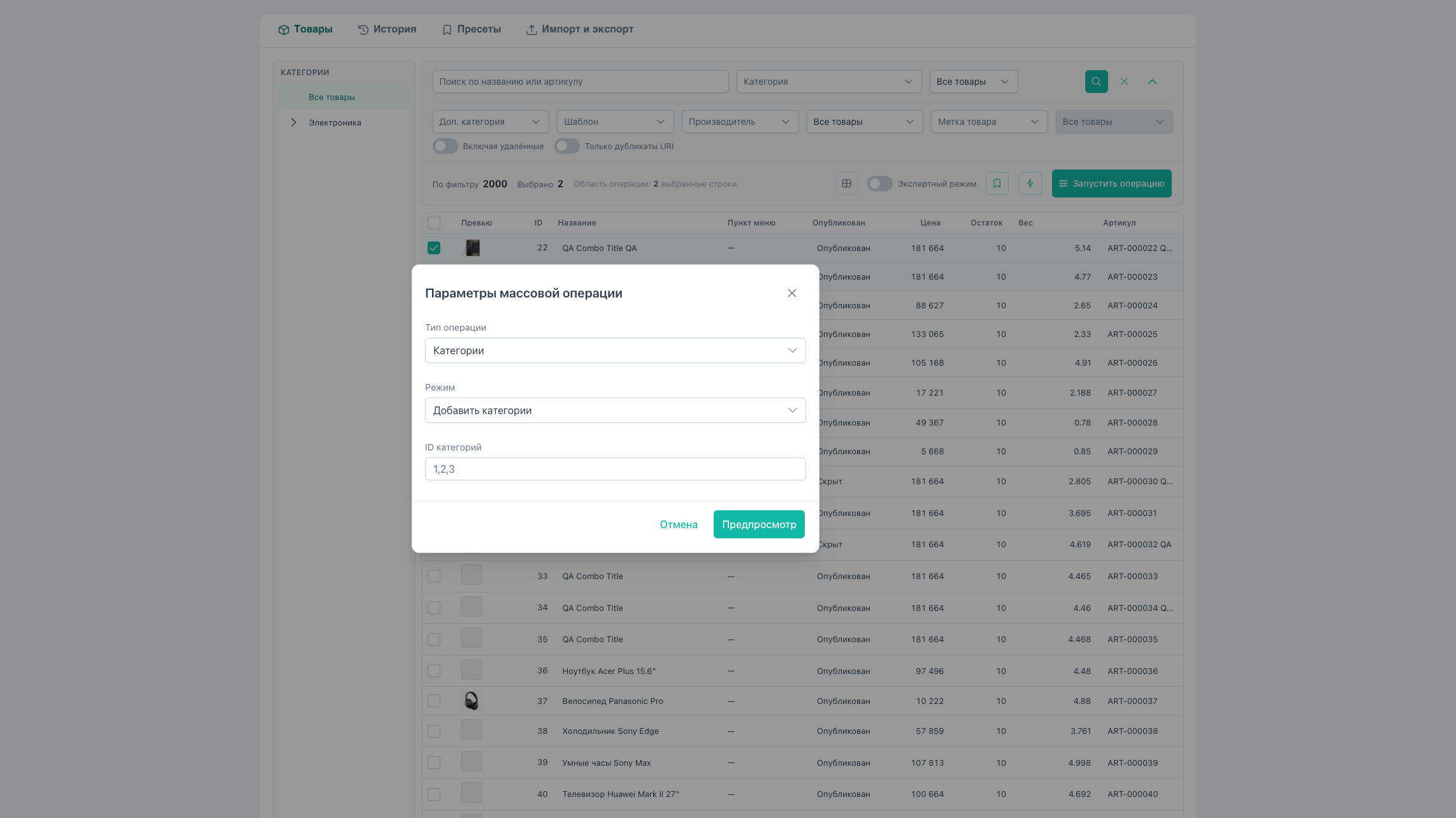
Type Categories:
| Mode | Action |
|---|---|
| Add categories | assign_additional — comma-separated IDs in categoryIds |
| Remove all additional categories | remove_all |
| Change parent | change_parent — new parentId |
Additional categories are stored in ms3_product_categories.
Vendor and template
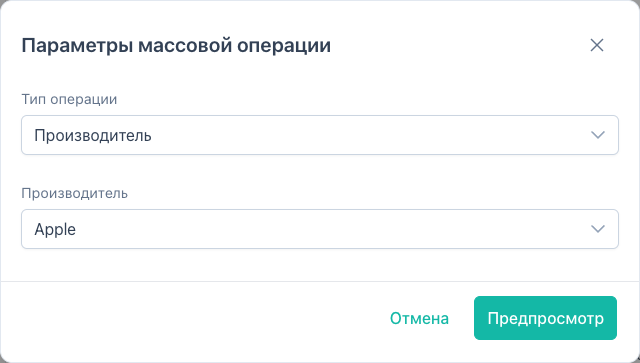
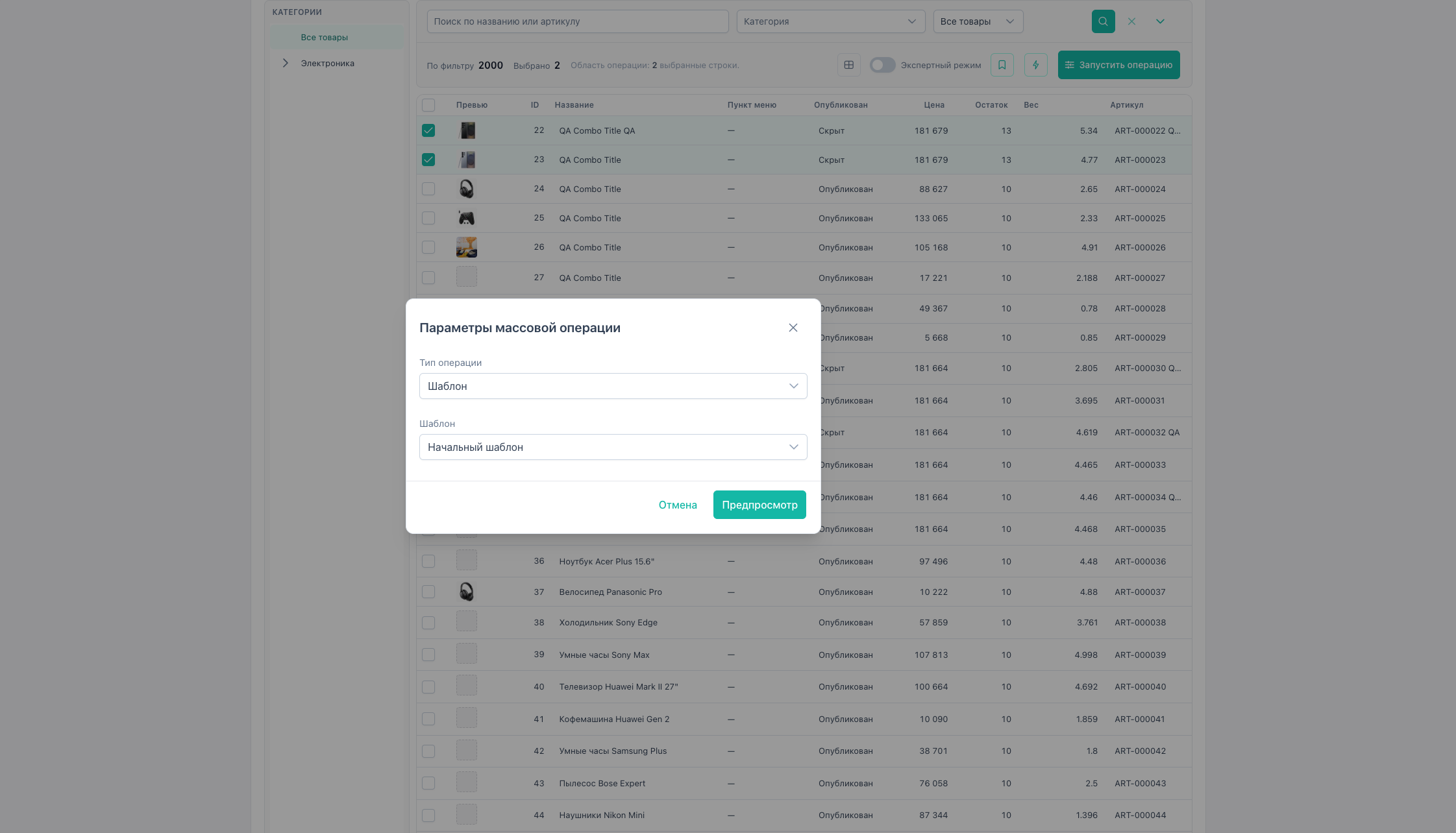
- Vendor —
vendor, parametervendorId. - Template —
template, parametertemplateId(also Quick actions → “Change template”).
Also available via Quick actions.
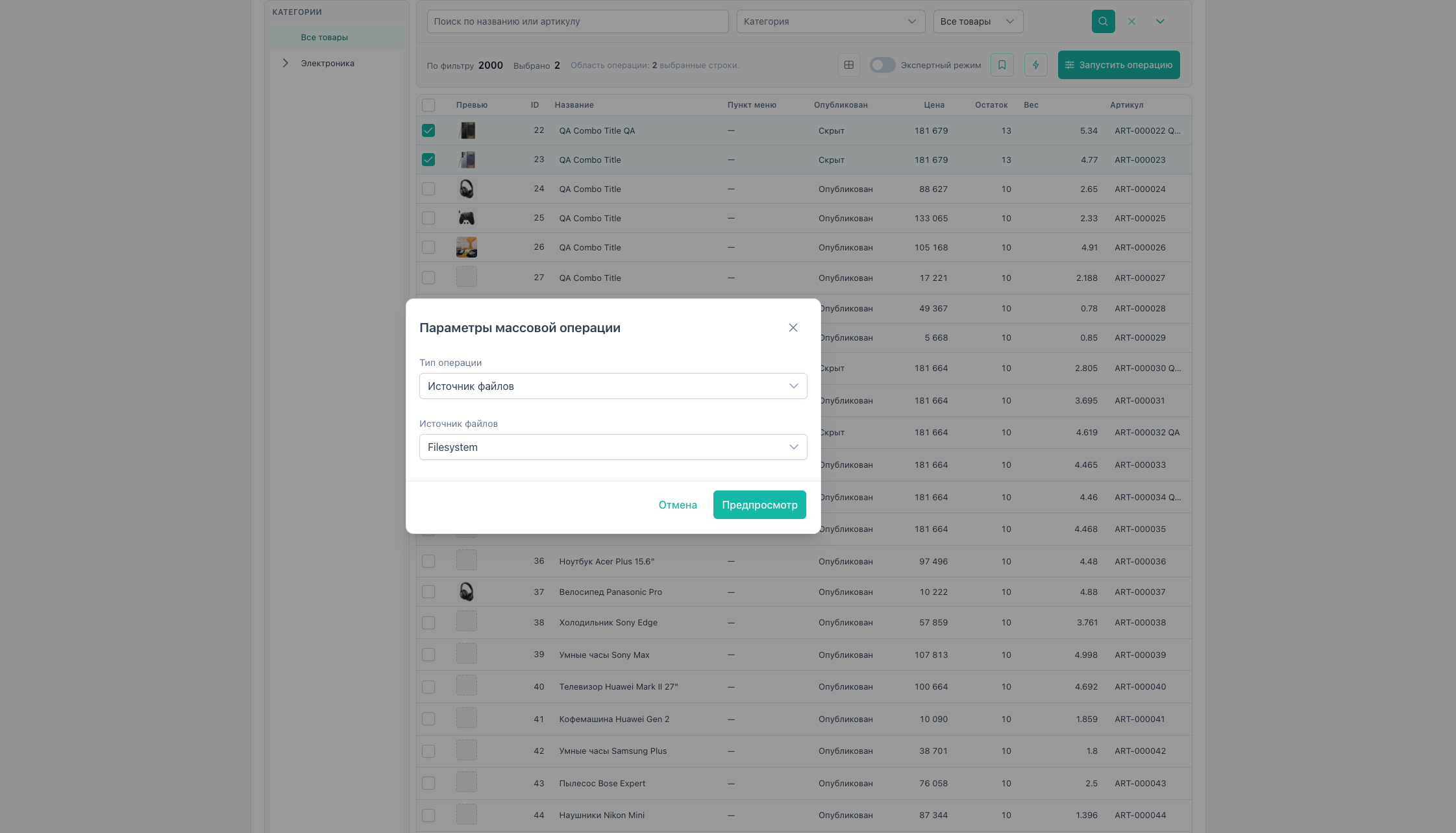
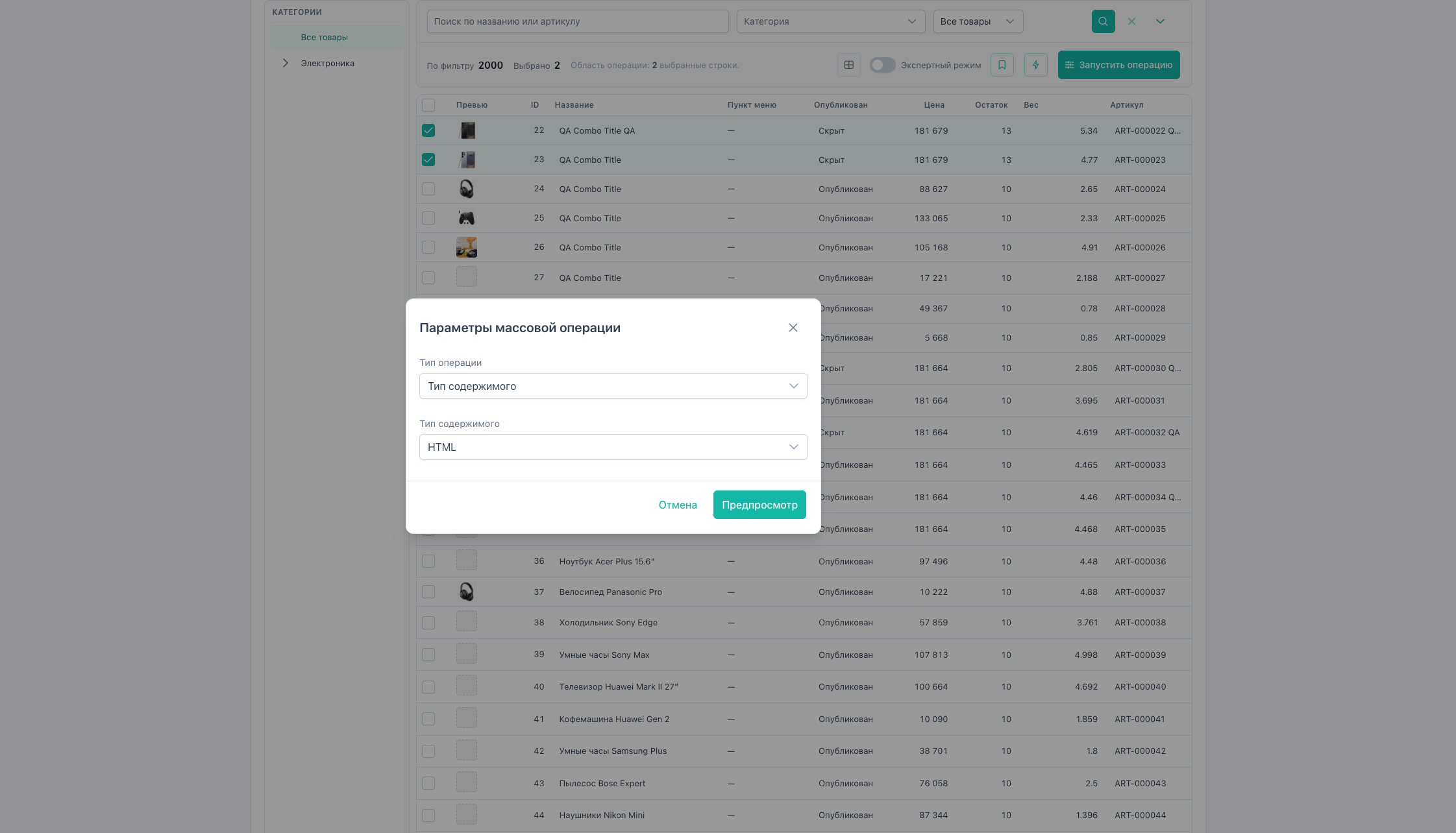
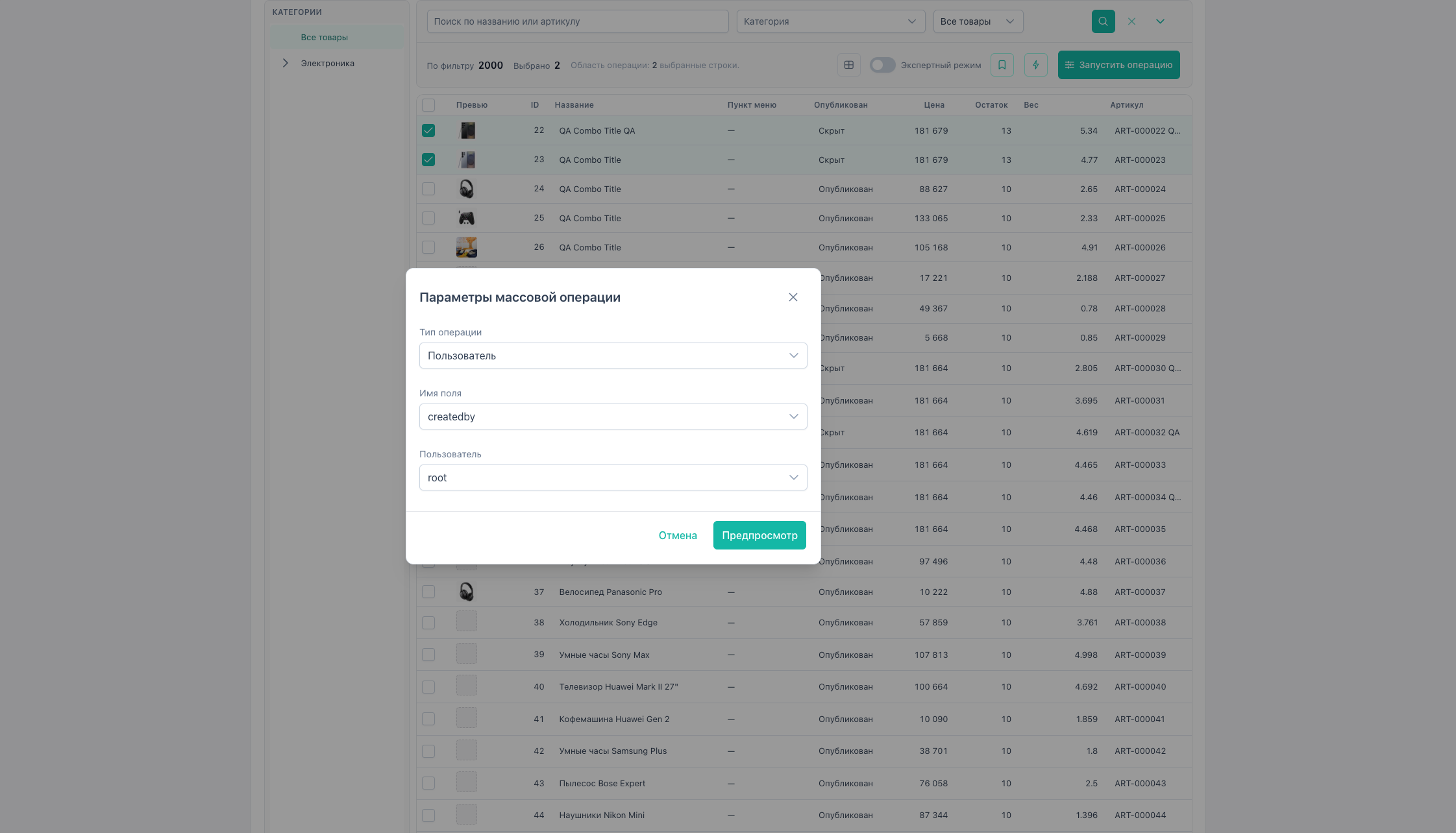
Also via Run operation / Quick actions: source, content_type, user.
Variants (ms3Variants)
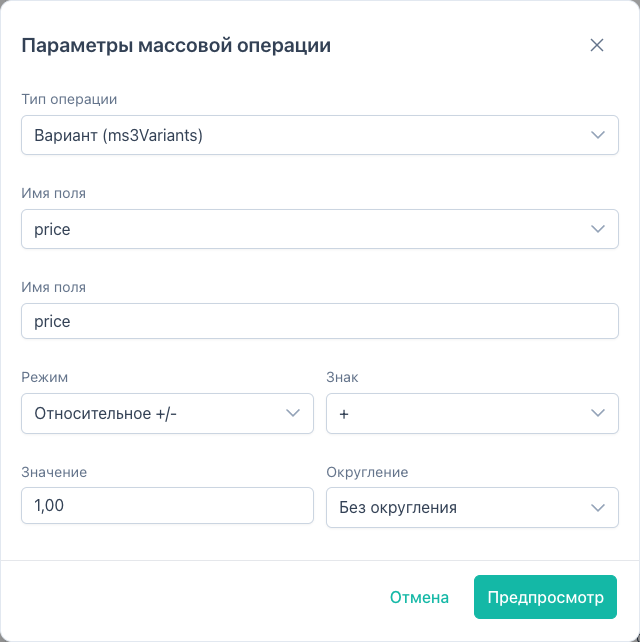
With ms3Variants installed, type Variant:
- fields:
price,count,sku,weight; - bulk change variant values for selected products.
Article and weight
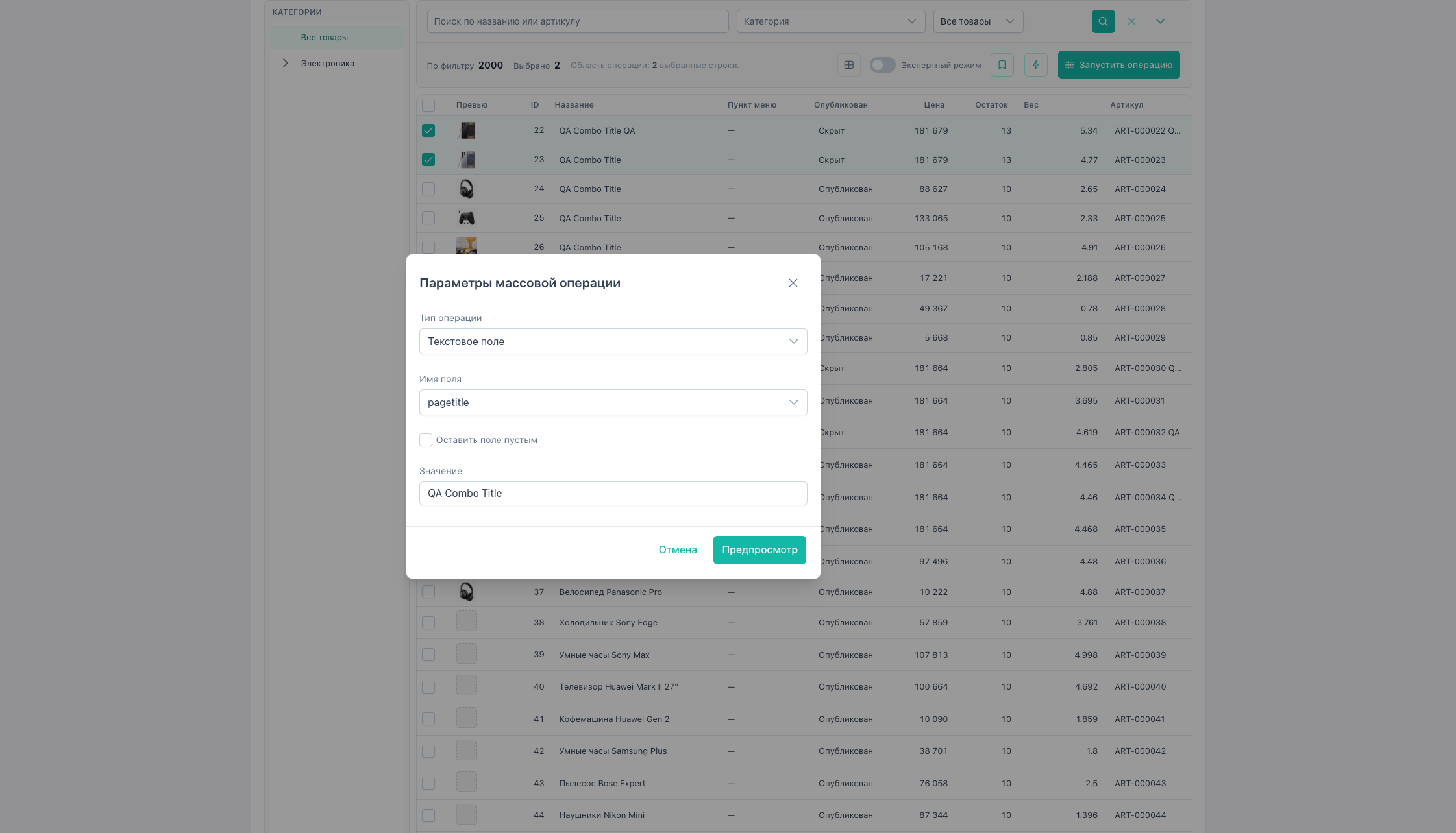
Operation Text field (text_set):
| Field | Behavior |
|---|---|
| article | String SKU value |
| weight | Number ≥ 0 (kg); numeric input in form |
“Leave field empty” clears article or sets weight to 0.
Product flags (MS3)
In MiniShop3, flags new, popular, favorite live in ms3_products (msProductData model) as tinyint(1).
| Field | Purpose |
|---|---|
new | New arrival |
popular | Popular |
favorite | Featured |
Bulk operation: type Boolean toggle → field new / popular / favorite → Yes / No / Invert.
Grid filter: “Product flag” + Yes/No → key filterSpec.new (or popular, favorite).
Gallery thumbnail regeneration
Operation Regenerate gallery thumbnails (fieldType: gallery_regenerate):
- for each product calls MS3 processor
Gallery\GenerateAll; - products without rows in
ms3_product_filesare skipped; - rollback via history does not restore files on disk (side-effect operation);
- apply runs in chunks via
BatchOperationRunner; progress inproducts/progress; - for large selections, lower system setting
msbulkeditor_chunk_size.
Available in Quick actions → “Regenerate gallery thumbnails”.
Resource utility operations
Type Resource utility operations (fieldType: resource_utility, parameter action):
action | Action |
|---|---|
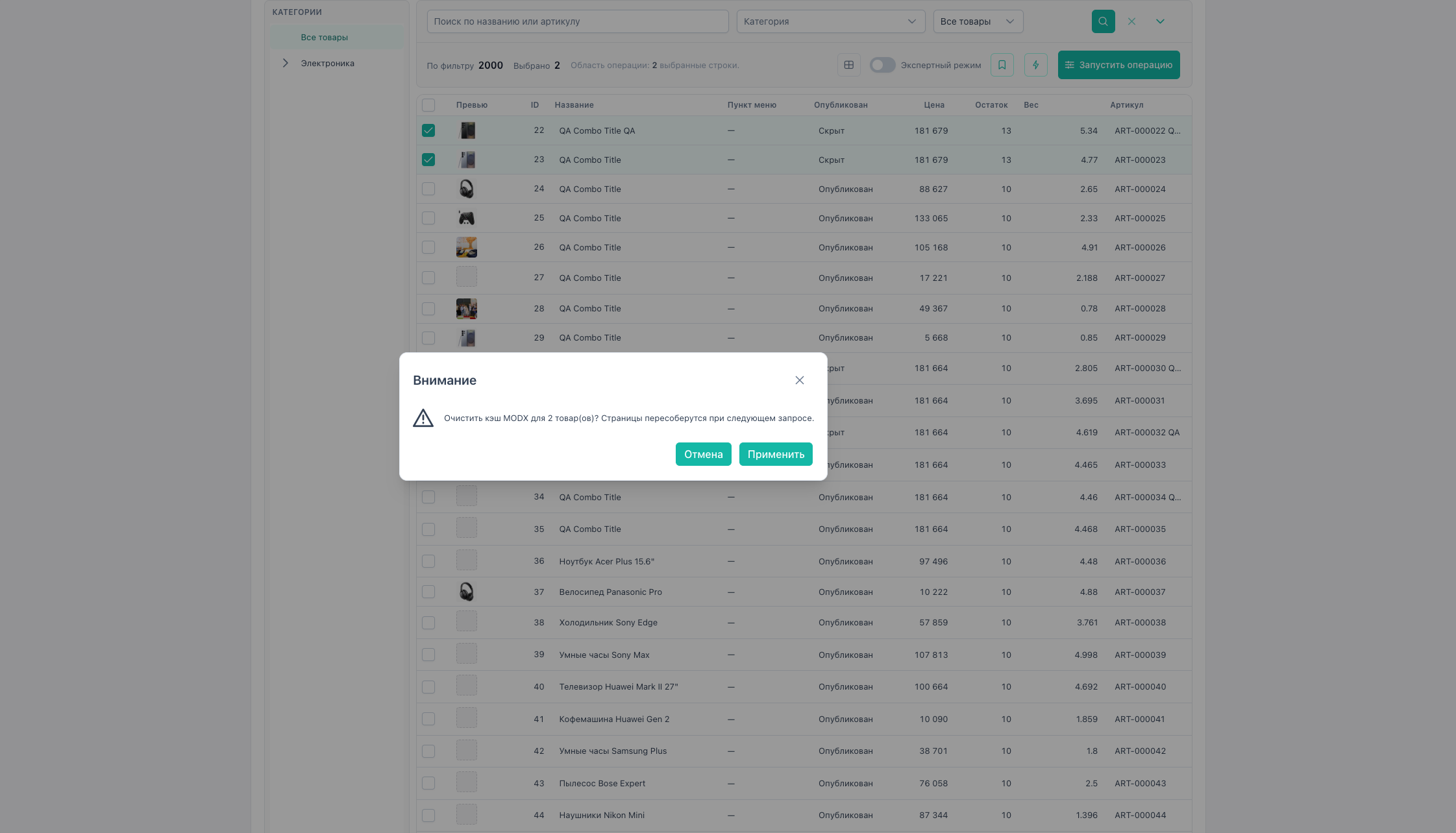
clear_cache | cacheManager.refreshResource for each product |
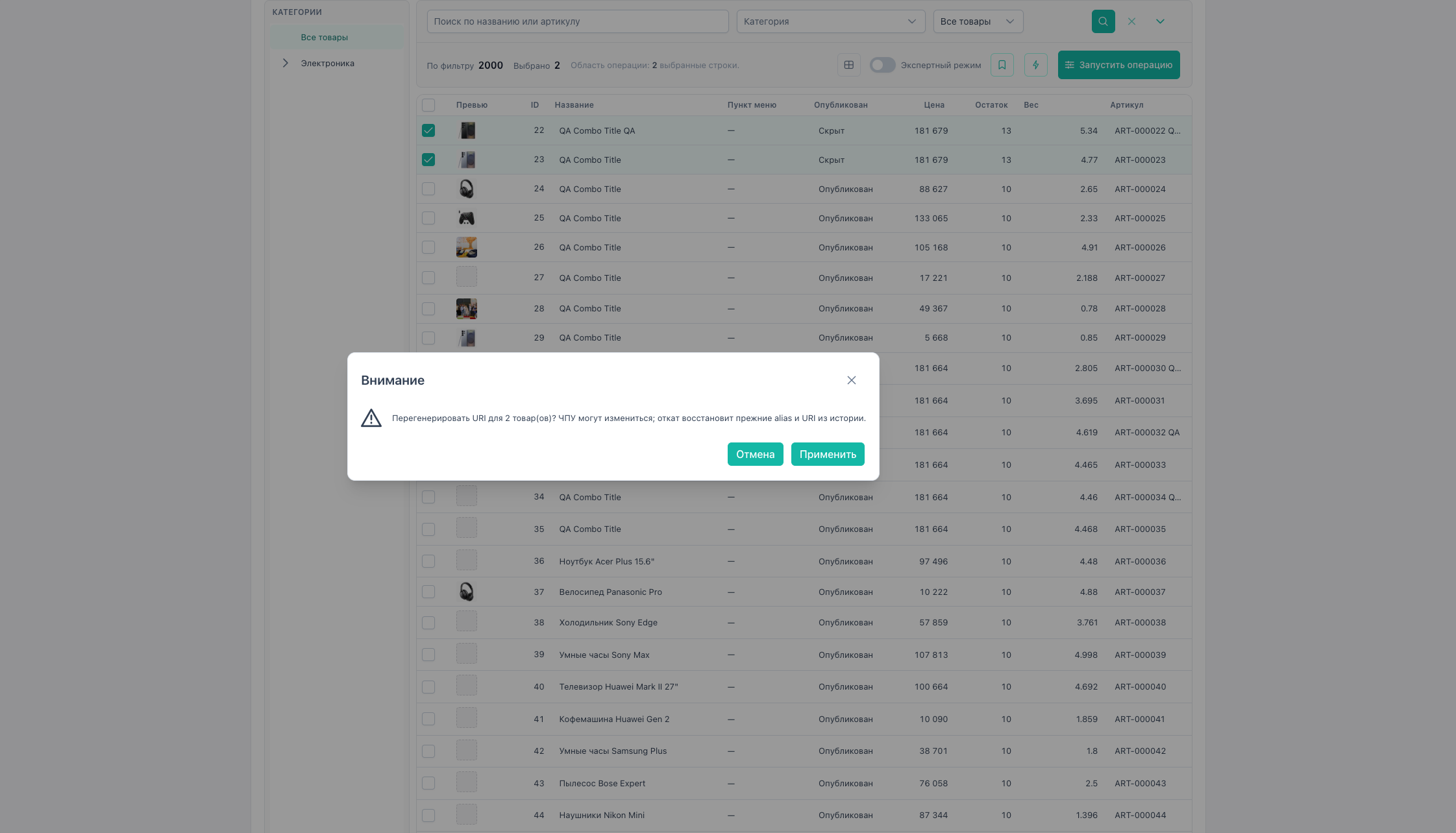
regenerate_uri | rebuild alias and URI via modResource |
- requires
msbulkeditor_editand confirm dialog before apply; - products with
uri_overrideare skipped forregenerate_uri; - rollback of
regenerate_urirestores alias and URI from history; - rollback of
clear_cachedoes not restore cache files (side-effect); - apply runs in chunks via
BatchOperationRunner.
Quick actions: “Clear resource cache”, “Regenerate URI”.
Soft delete
Operation Soft delete (fieldType: soft_delete):
- sets
deleted=1for each selected product; - already deleted resources are skipped;
- confirm dialog before apply;
- rollback from history sets
deleted=0; - permanent purge in MODX is not available here (separate human gate).
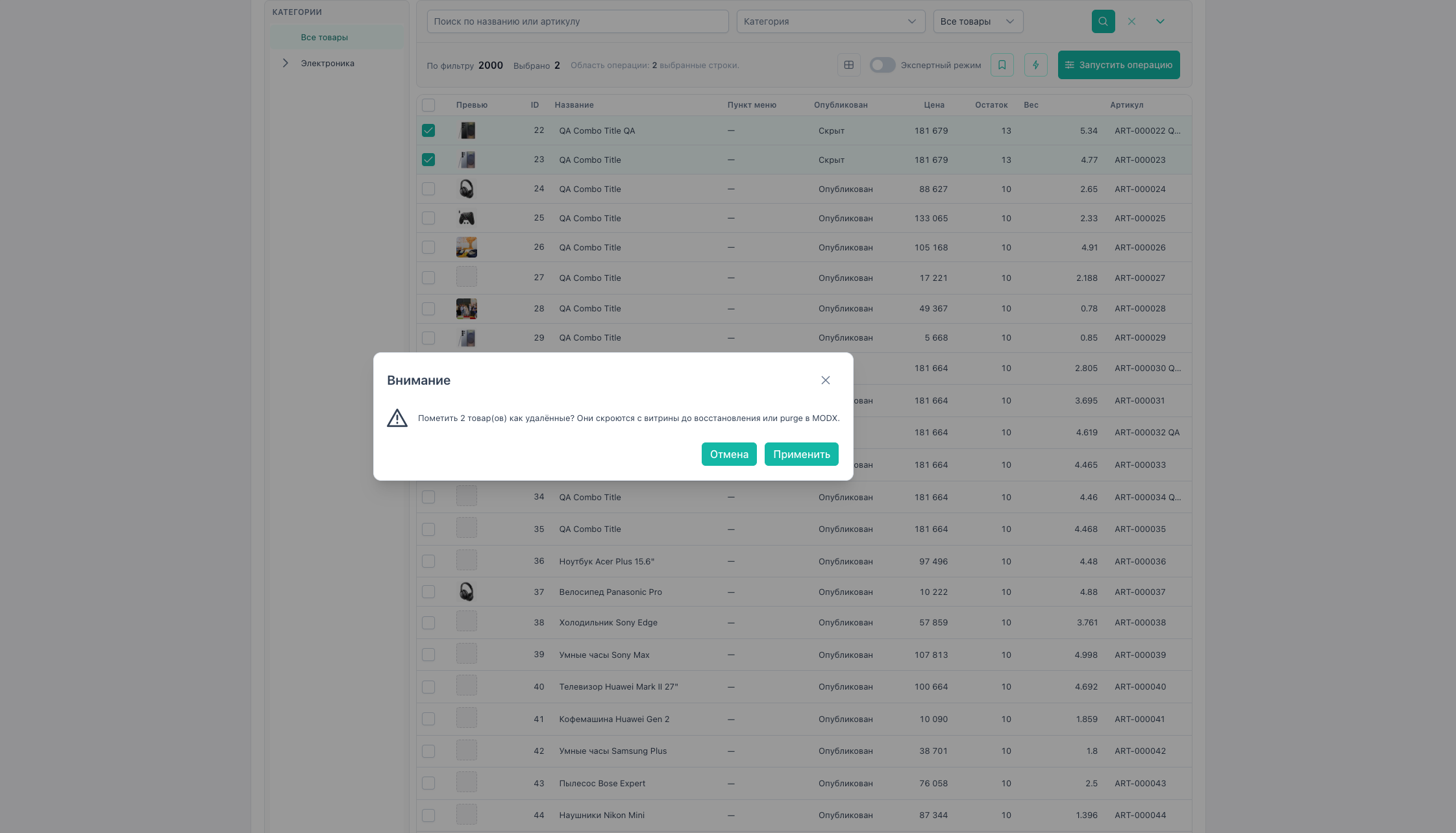
Quick actions: “Soft delete”.
Not in scope
- Bulk
country(if the field appears in MS3).
→ FAQ
Rolling back price changes
All apply operations save snapshots in history. Rollback: history.