



Presets
Save bulk operation parameters under a name for reuse.
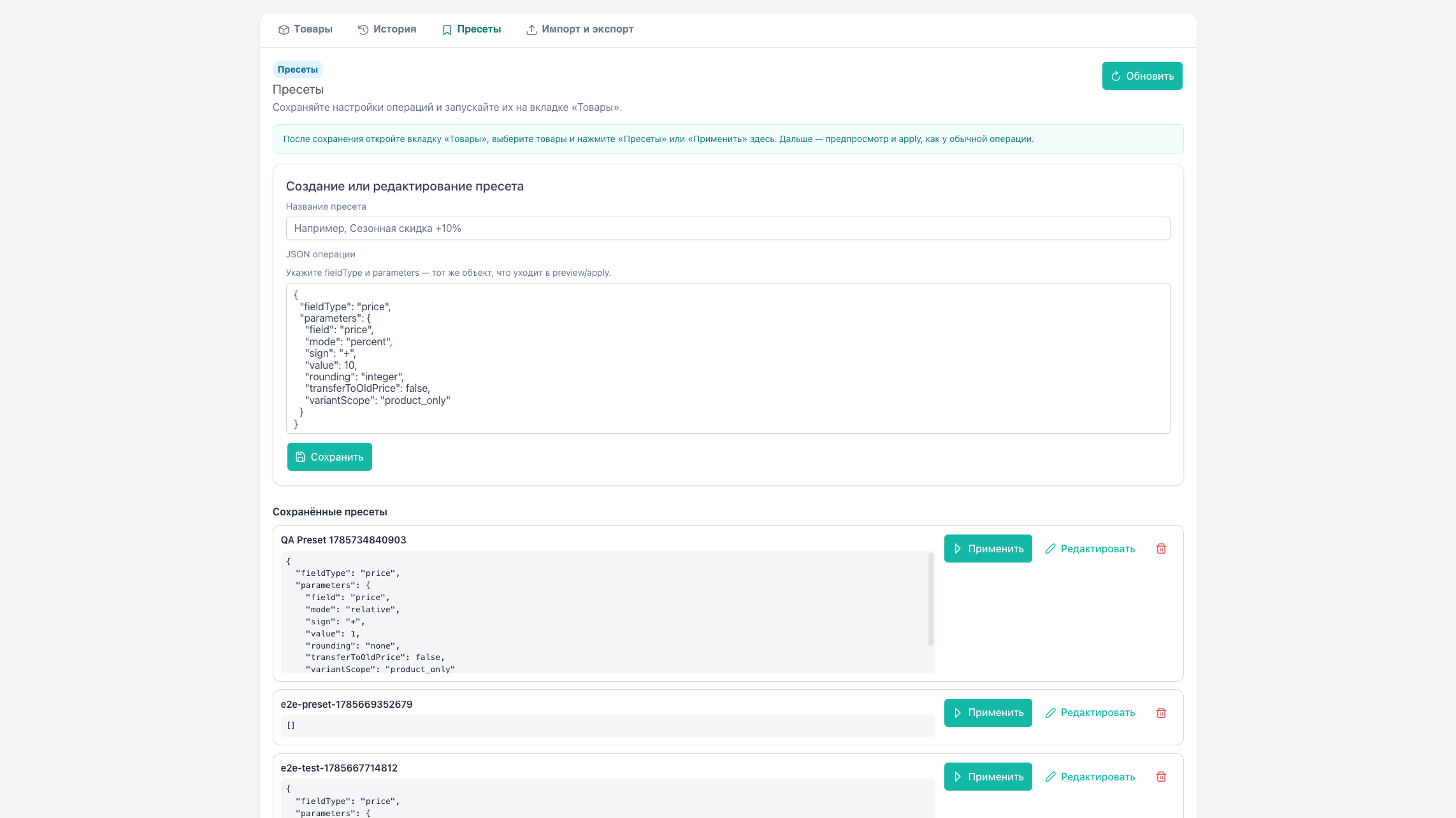
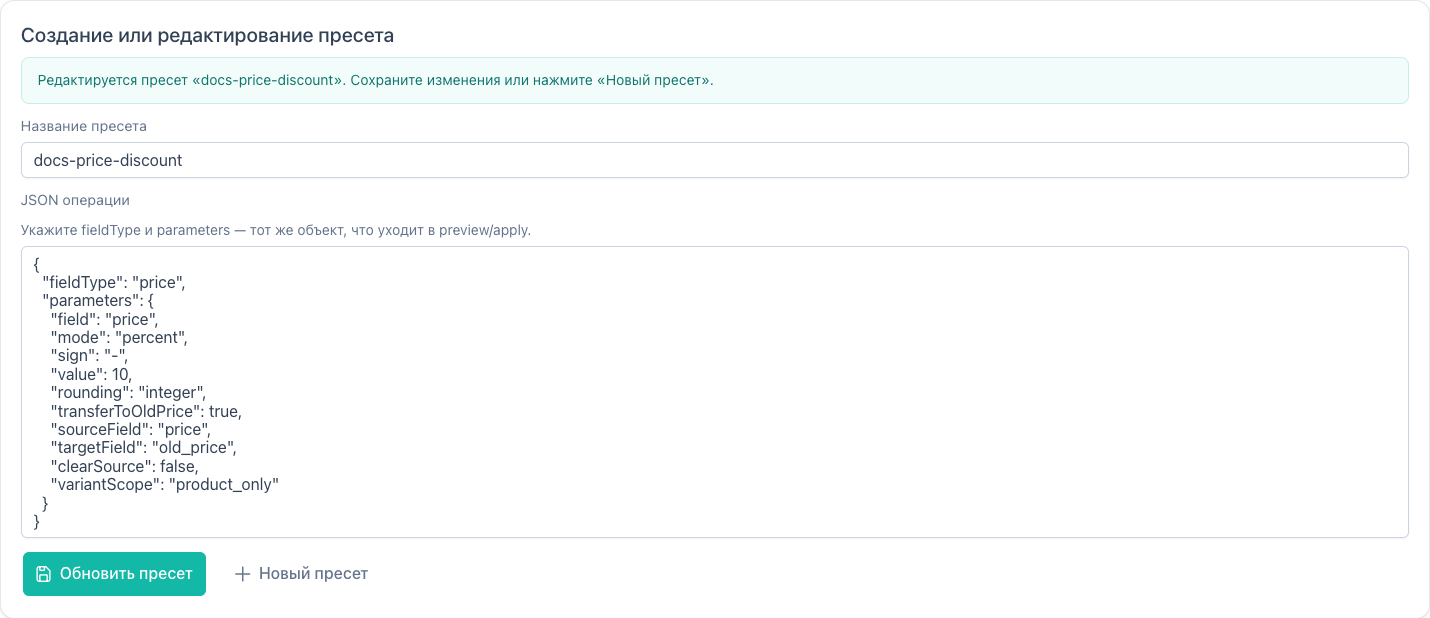
Presets tab
An InfoBanner at the top explains: after save, use Apply or the toolbar menu.
| Element | Action |
|---|---|
| Name | Unique preset name |
| Preset JSON | Payload as in products/preview / apply |
| Save | Create or update by name |
| New | Clear the form |
| Edit / Load | Put JSON and name into the form |
| Apply | Open the operation dialog on Products |
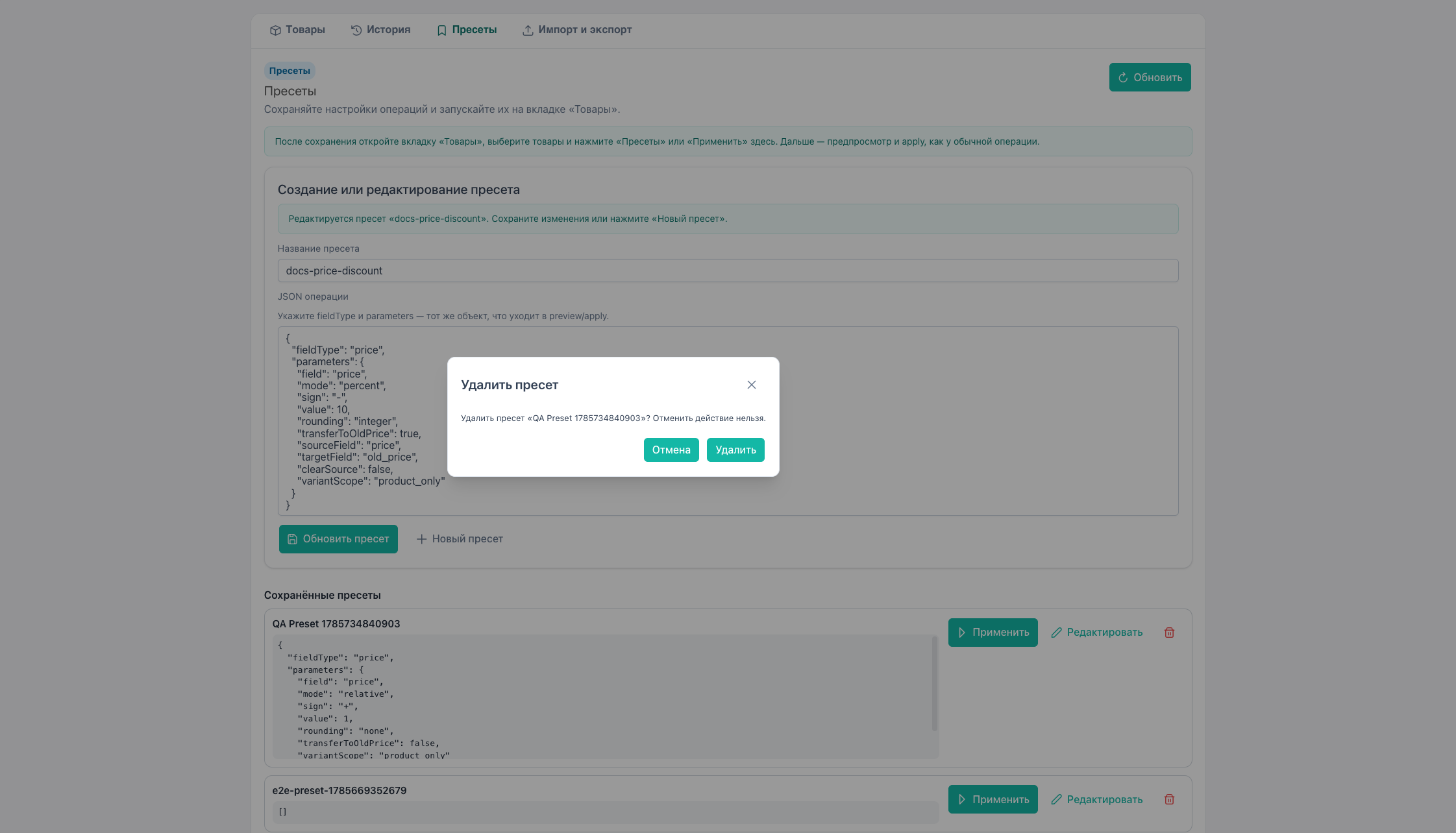
| Delete | Confirm → toast |
Empty list: empty state “No presets yet”.
Permission: msbulkeditor_presets. Without it the tab is hidden. Global presets (is_global) show a badge; only editable rows can be deleted.
Rename
- Load the preset into the form.
- Change Name (not the JSON).
- Save — UI creates the new name and deletes the old (
presets/deleteafter save).
Form banner: “Renaming preset … After save the old name will be removed”.
JSON format
Minimal example (10% discount):
json
{
  "fieldType": "price",
  "parameters": {
    "field": "price",
    "mode": "percent",
    "sign": "-",
    "value": 10,
    "rounding": "integer",
    "transferToOldPrice": true,
    "variantScope": "product_only"
  }
}
Structure matches the preview/apply body without selection: launch uses the current Products selection.
How to build JSON:
- Start from the example above or a list payload (
<pre>). - Set
fieldTypeandparametersfrom the fieldType reference / API. - The operation dialog has no “Copy JSON” button.
Invalid JSON on save or apply → error toast.
Quick launch from toolbar
On Products → Presets menu (PresetMenu):
| Menu state | Behavior |
|---|---|
| Loading | “Loading…” item |
| Empty list | “No presets” item |
| Has runnable | Preset names; click → operation dialog |
Requires selected products or expert mode (otherwise the menu button is disabled).
Workflow
- Configure the operation on Products, verify preview.
- Build preset JSON.
- Save as “Discount −10% + old_price”.
- Later: filter → select → Apply in the list or from the toolbar menu.
A TV/option preset runs through the binding wizard.
Storage
Table msbe_presets, site-wide (not per-user). CRUD requires the presets permission.