



Quick actions
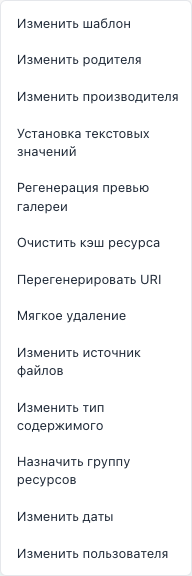
Quick actions — dropdown on the Products toolbar with preset bulk operation types. The toolbar button is icon-only (bolt); the label appears in a tooltip.
In code the component is ComboMenu (config comboMenuModel.js); in the manager UI the label is Quick actions.
How to use
- Select products or enable expert mode.
- Click Quick actions (bolt icon).
- Pick an item — opens the operation dialog with pre-filled type (field type locked).
- Fill parameters → Preview → Apply.
The menu is disabled when there is no selection and expert mode is off.
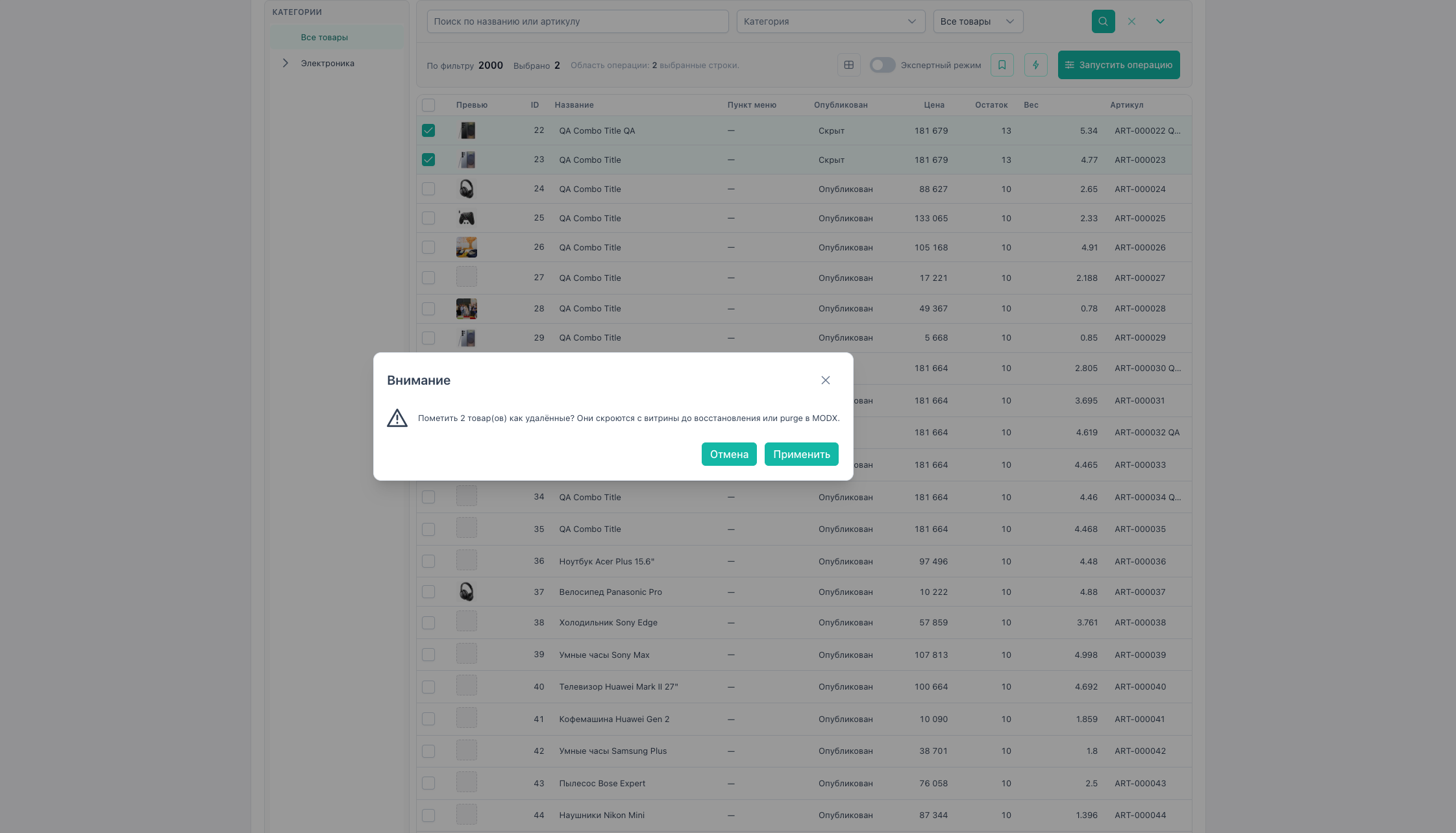
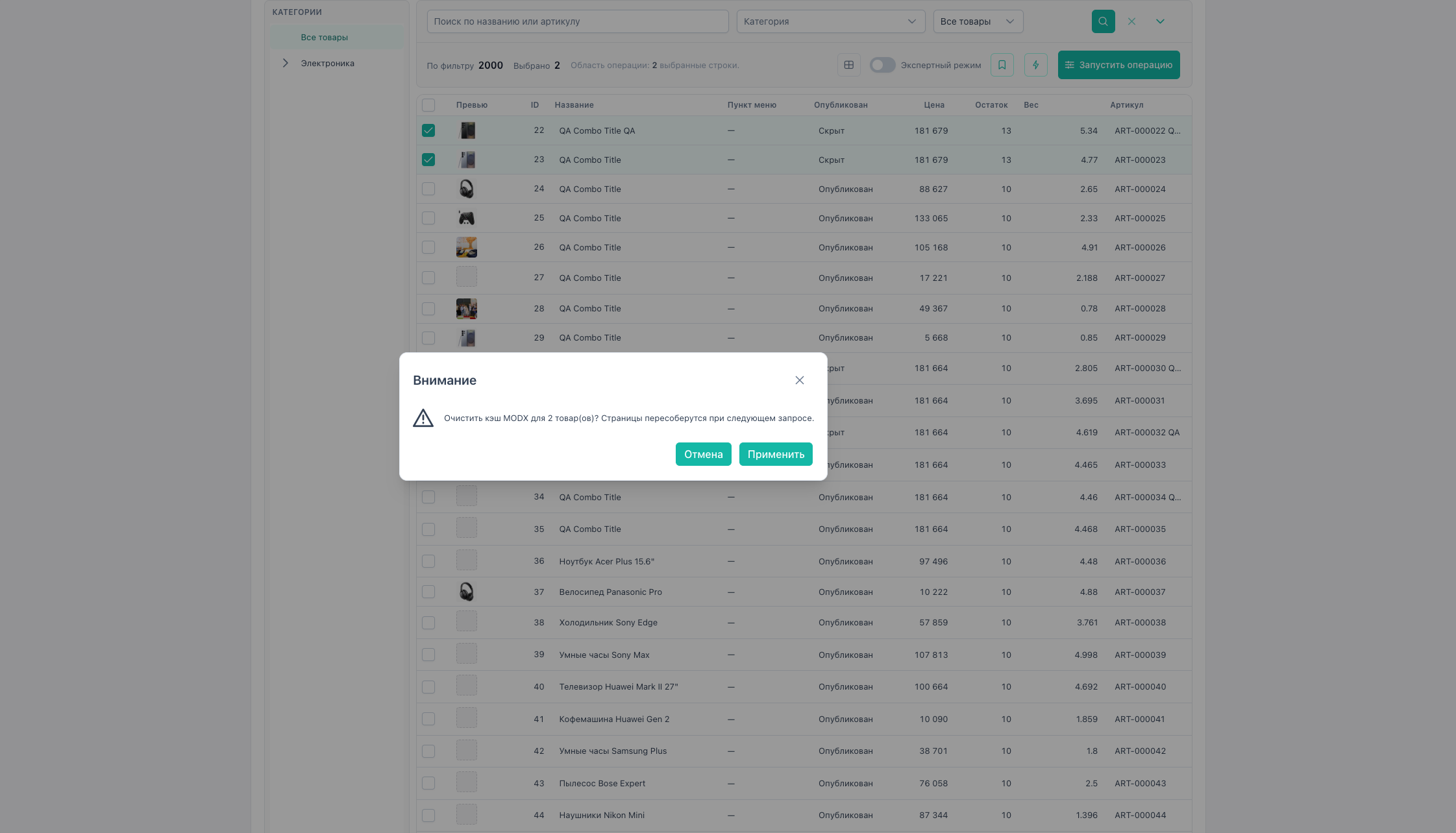
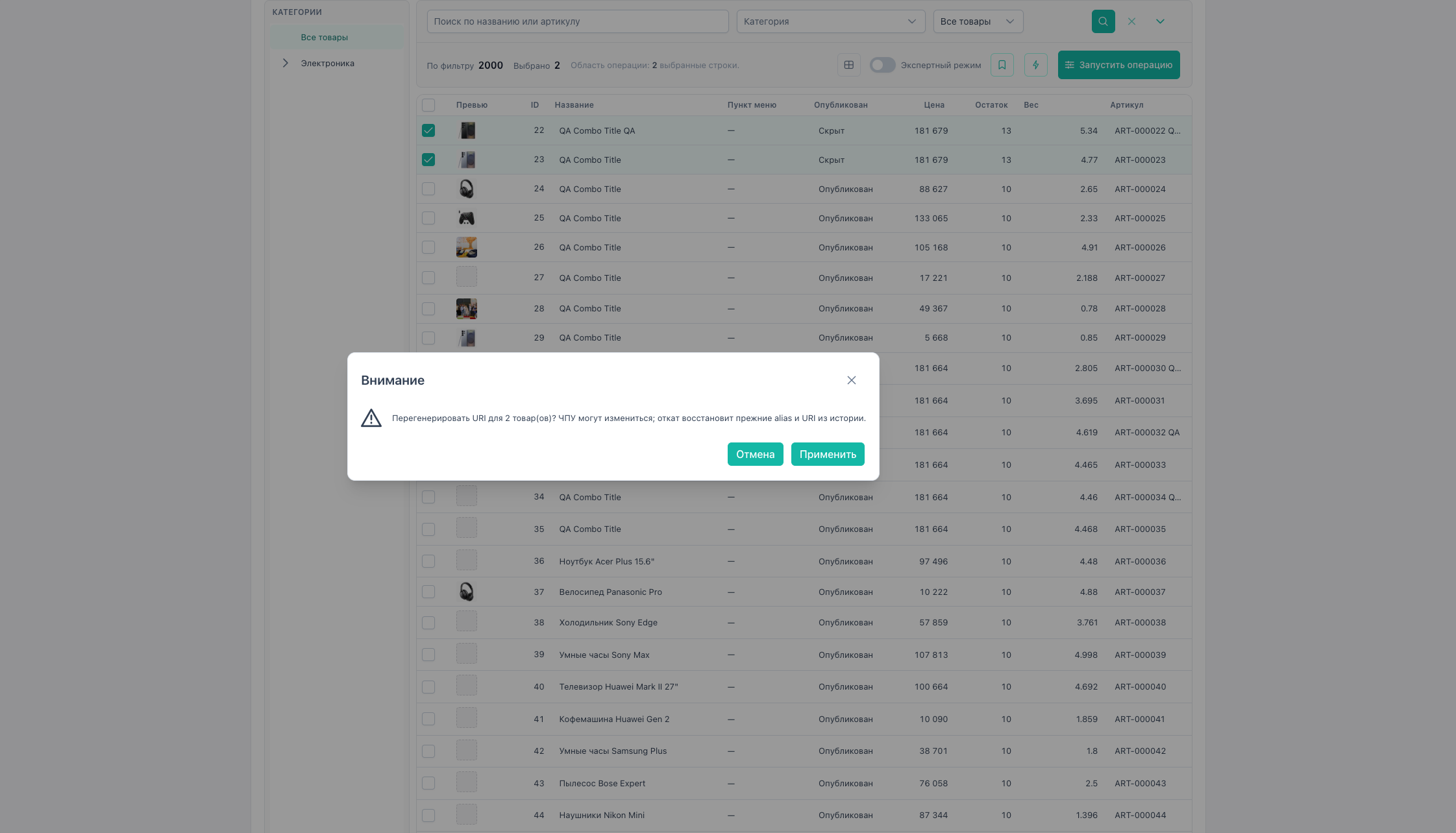
Soft delete, clear cache, and regenerate URI show a confirm dialog before apply.
Menu items
Most-used items appear first:
| Item | fieldType | Parameters (brief) |
|---|---|---|
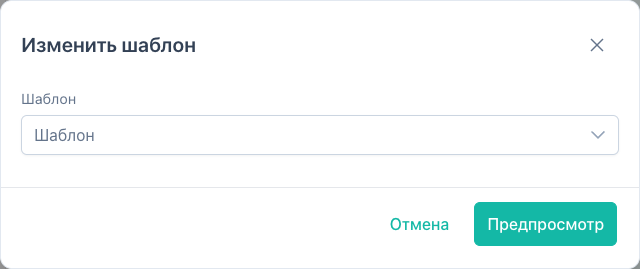
| Change template | template | Template ID |
| Change parent | category | mode: change_parent, parent ID |
| Change vendor | vendor | Vendor ID |
| Set text | text_set | defaults to field pagetitle; changeable in the form |
| Regenerate gallery thumbnails | gallery_regenerate | — |
| Clear resource cache | resource_utility | action: clear_cache |
| Regenerate URI | resource_utility | action: regenerate_uri |
| Soft delete | soft_delete | — |
| Change file source | source | Source ID |
| Change content type | content_type | Type ID |
| Assign resource group | resource_group | Group ID |
| Change dates | dates | date field, mode set / clear / offset |
| Change user | user | field (createdby, …), user ID |
Order and config: assets/.../config/comboMenuModel.js.
Item screenshots
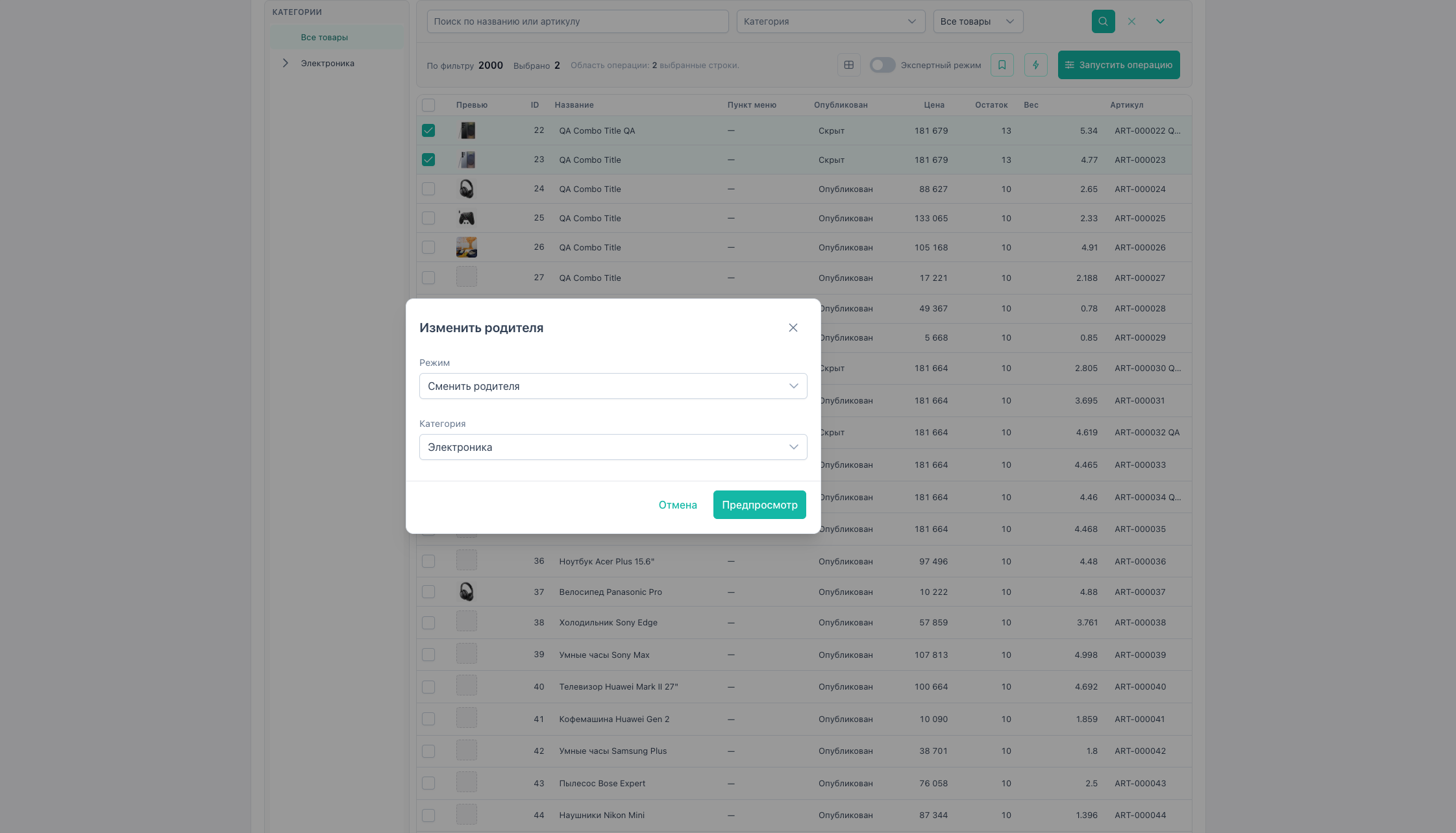
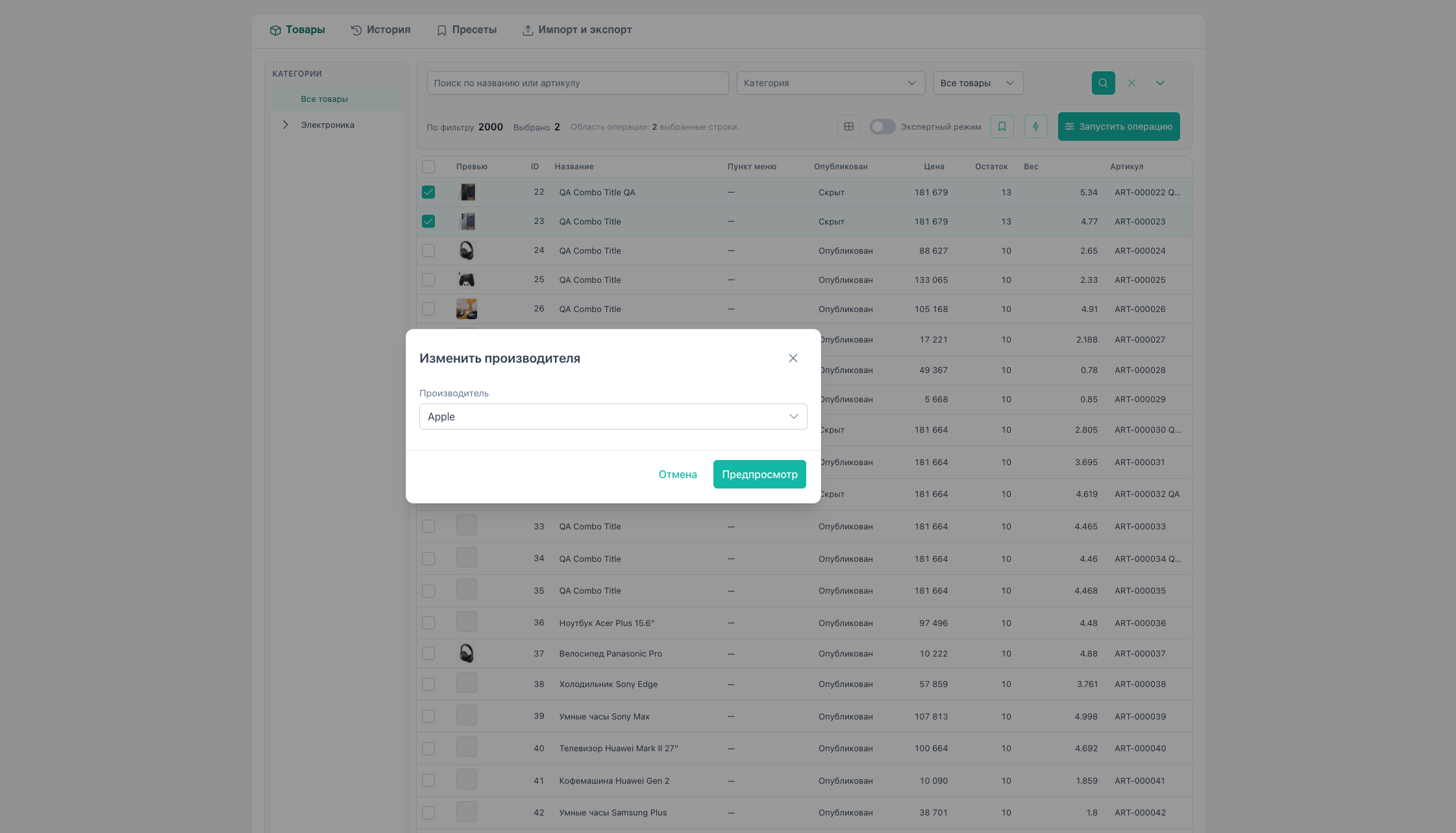
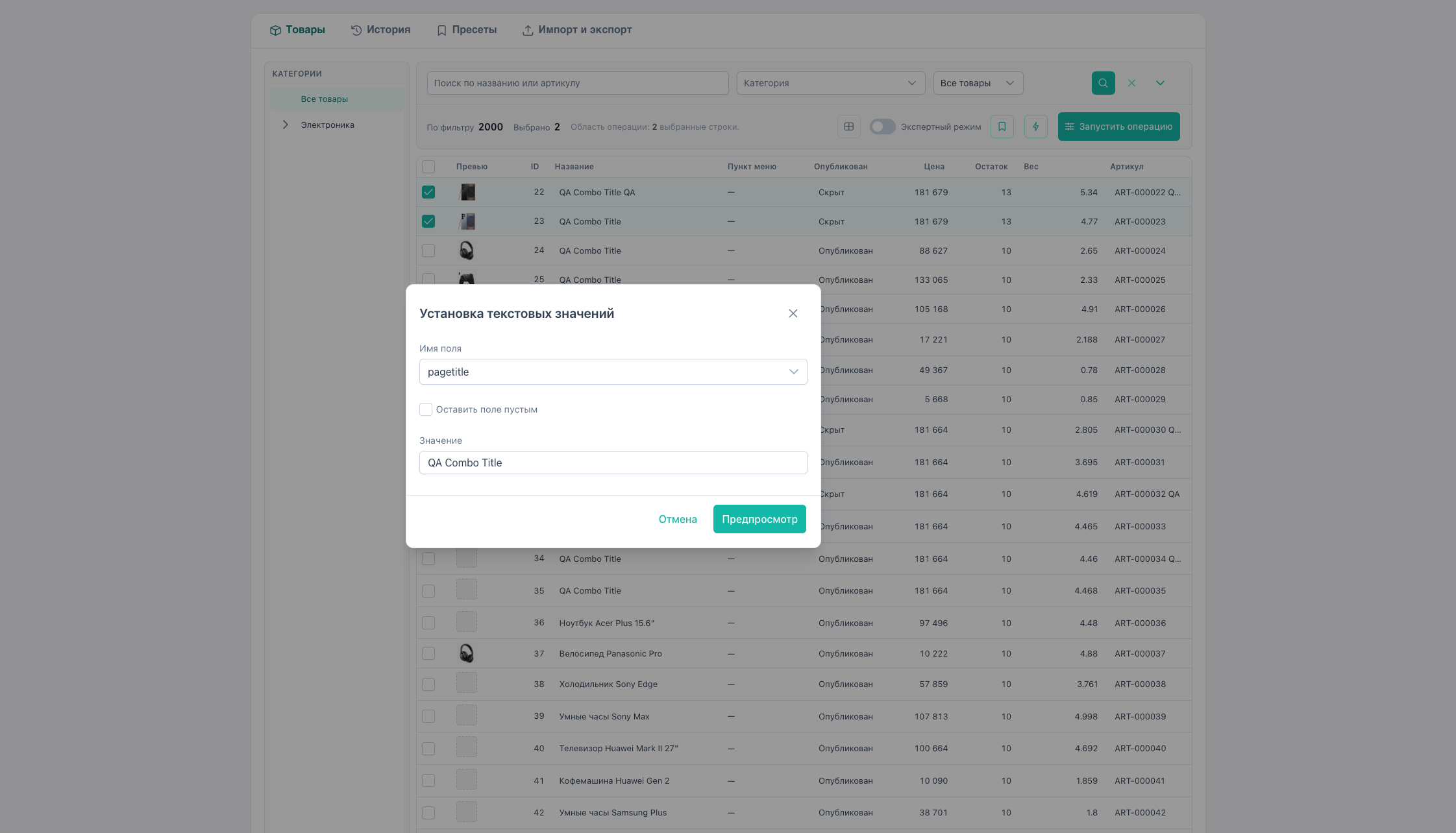
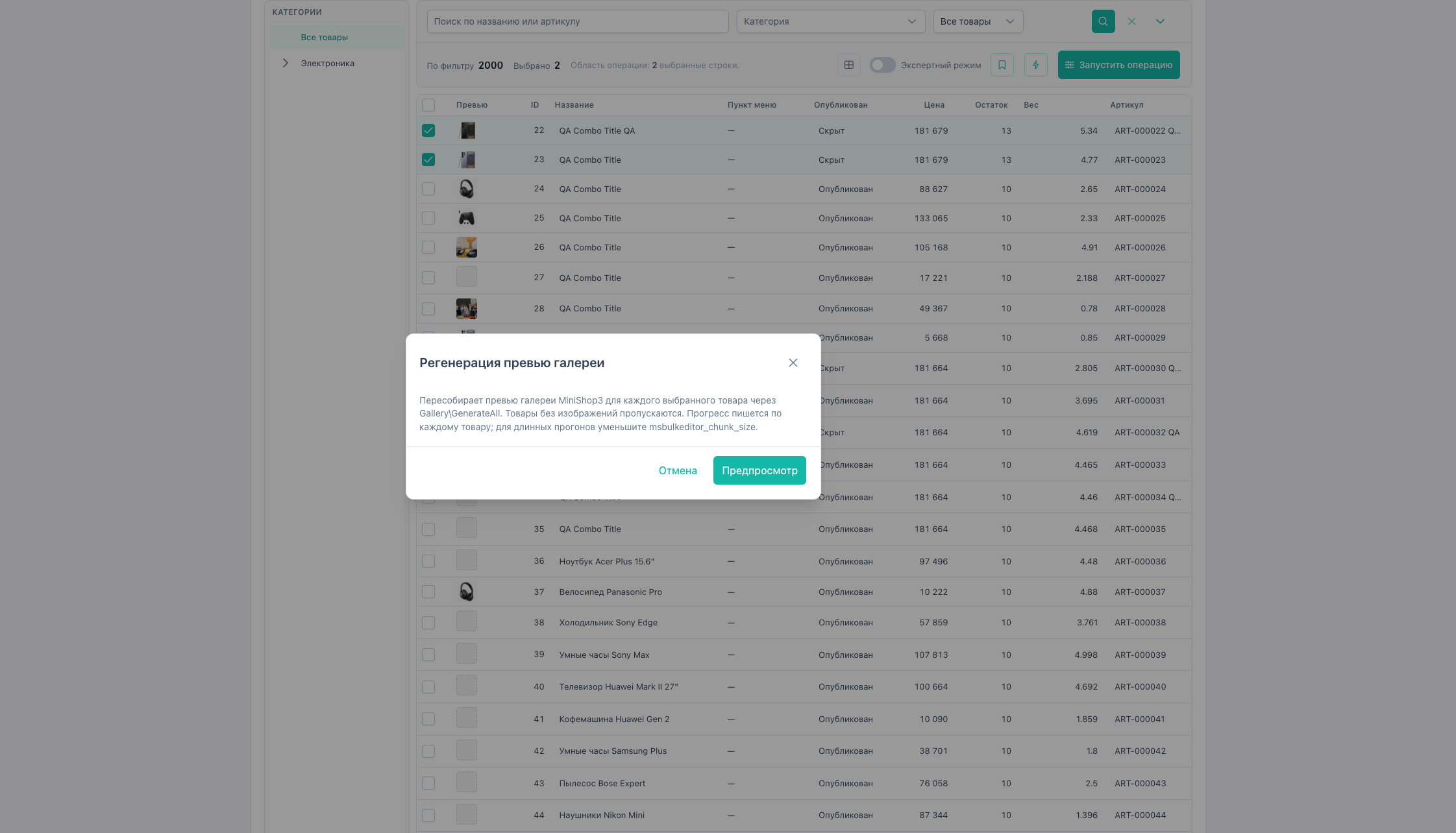
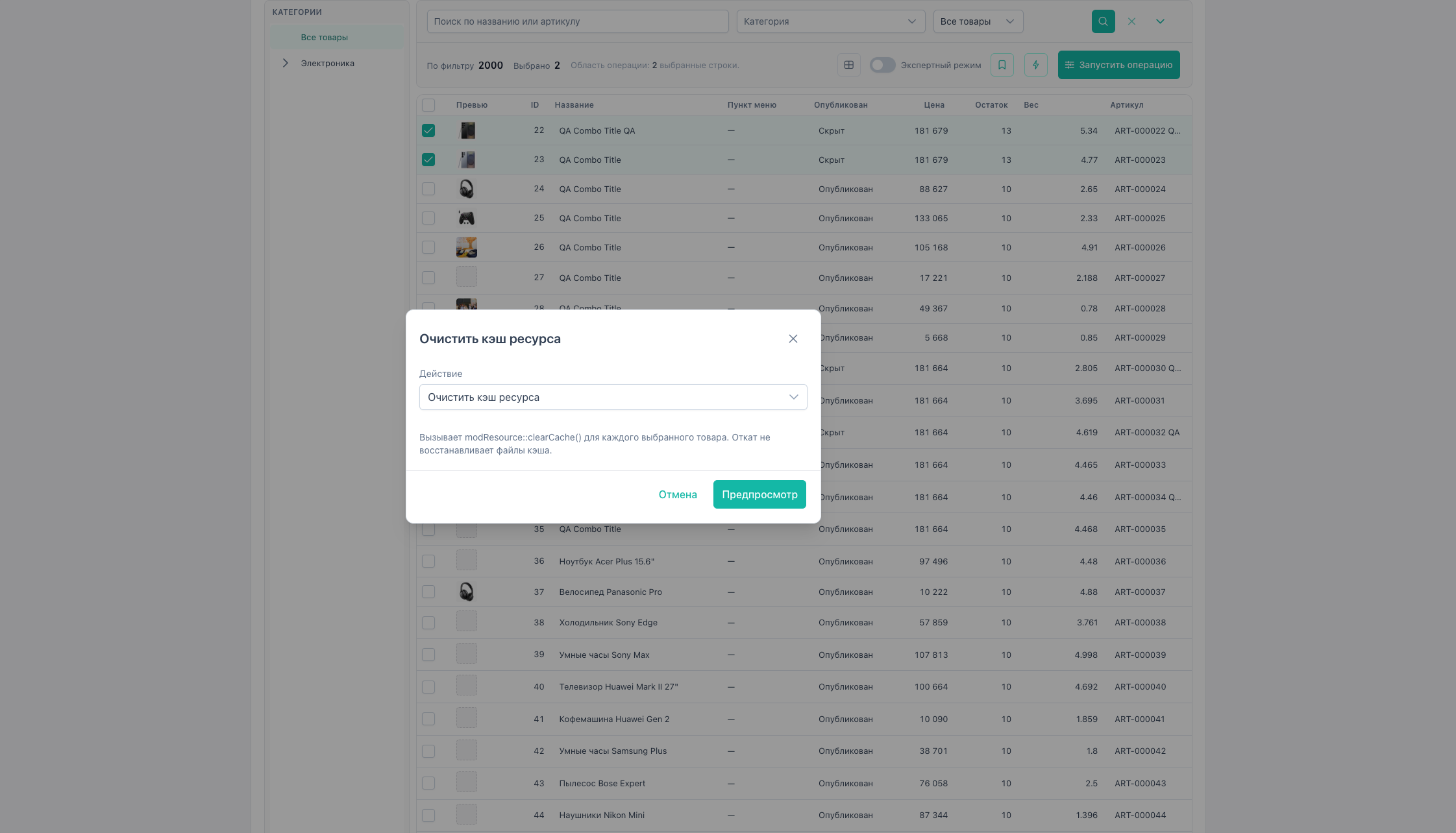
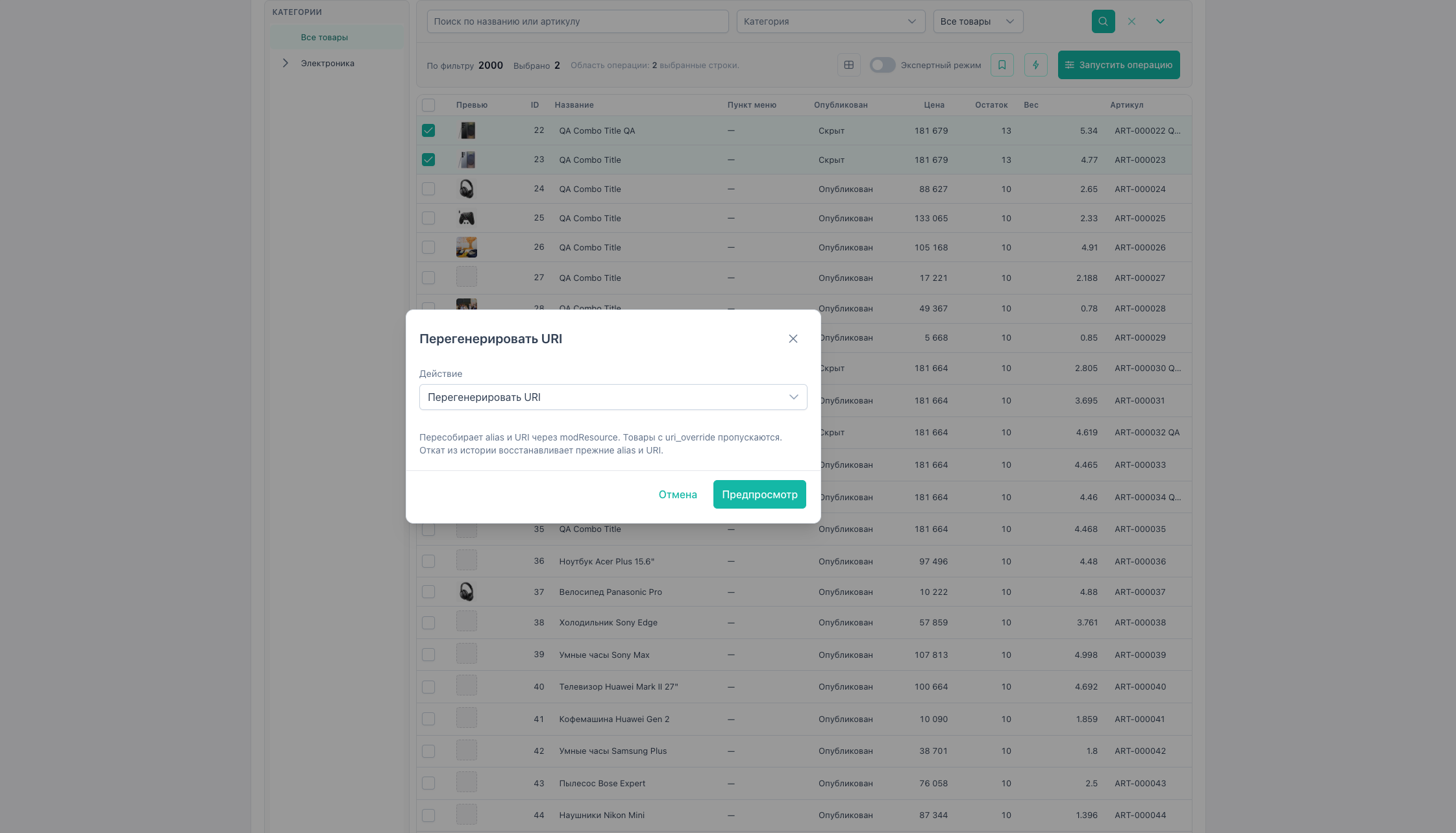
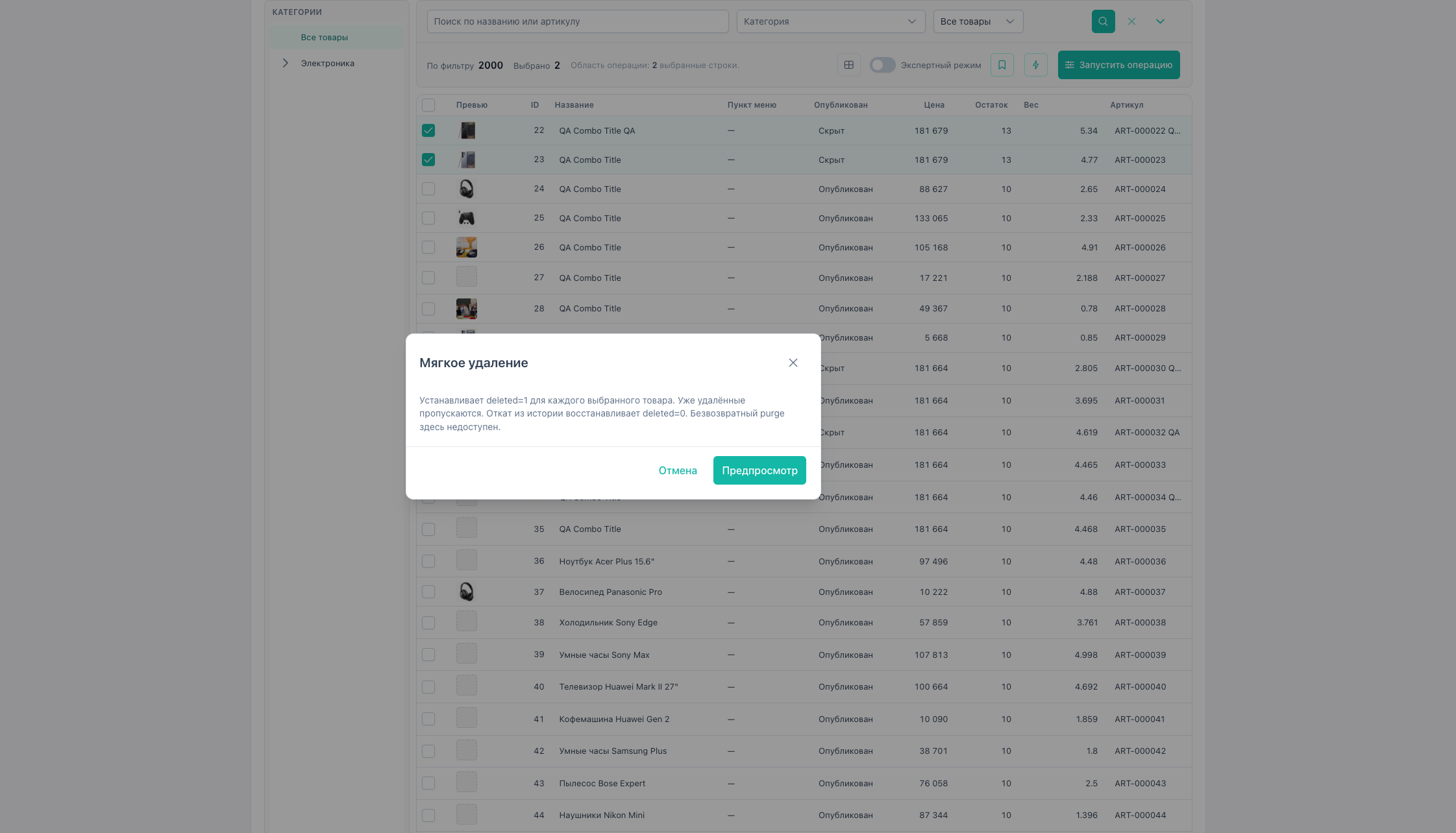
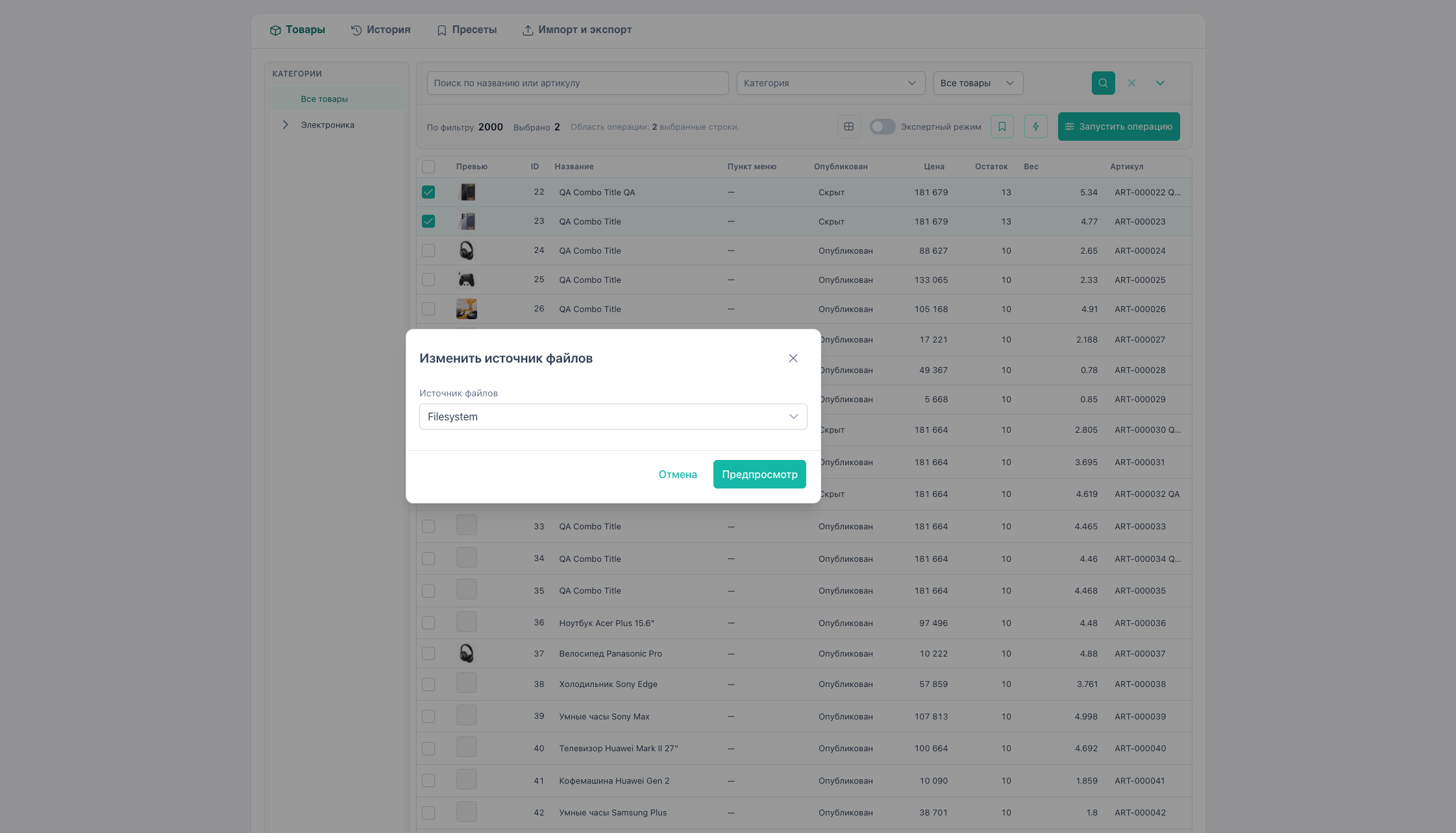
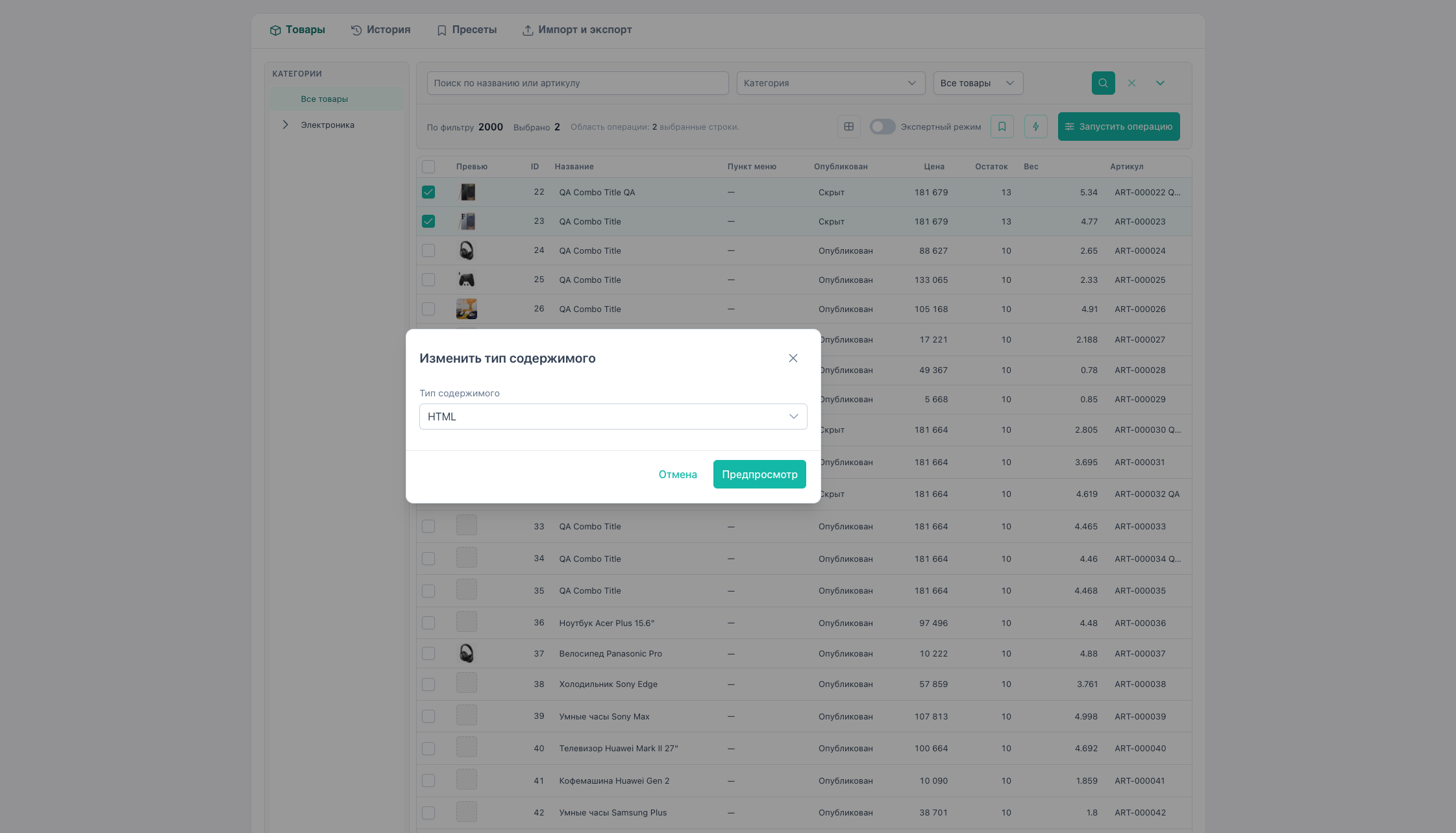
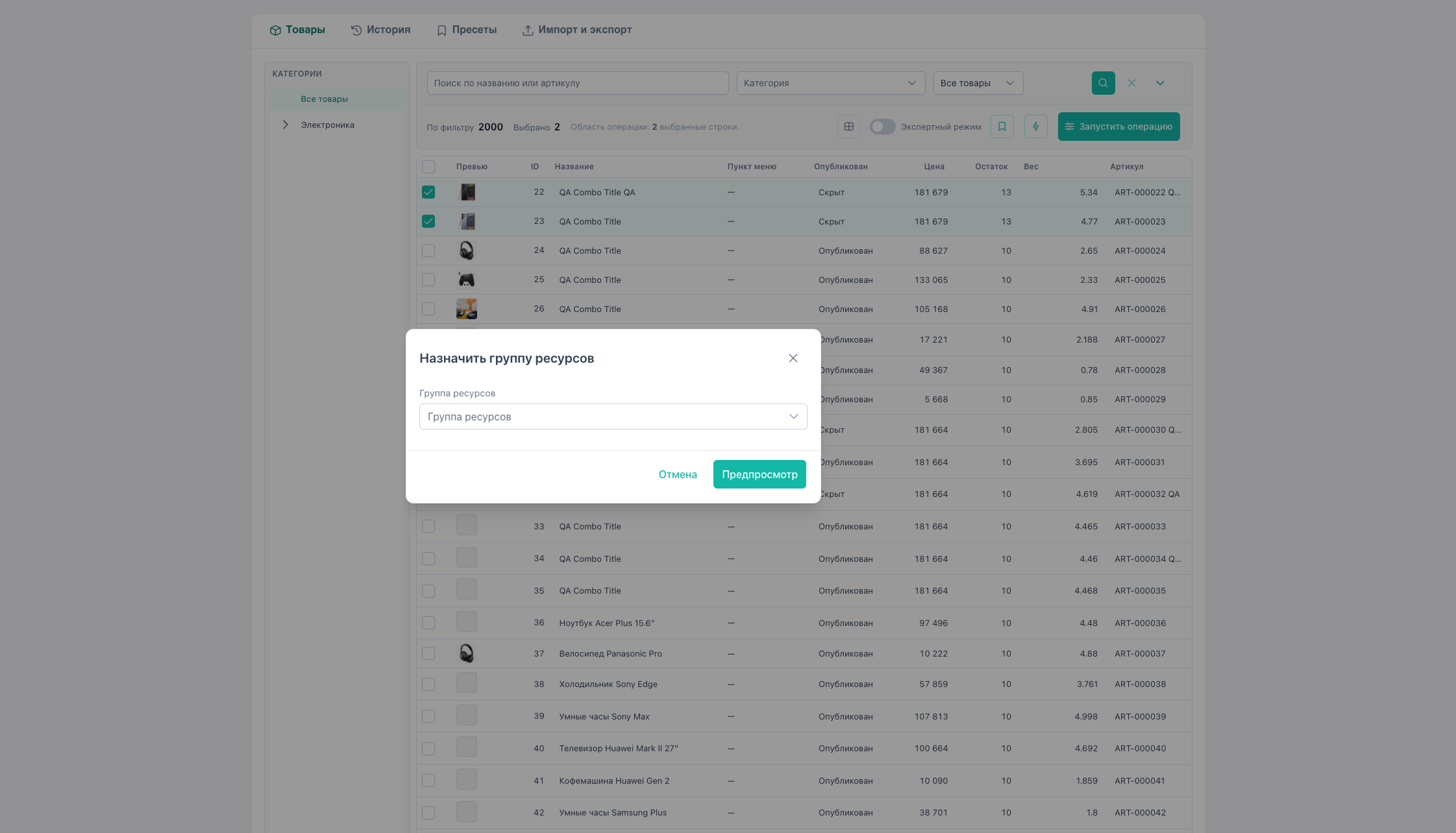
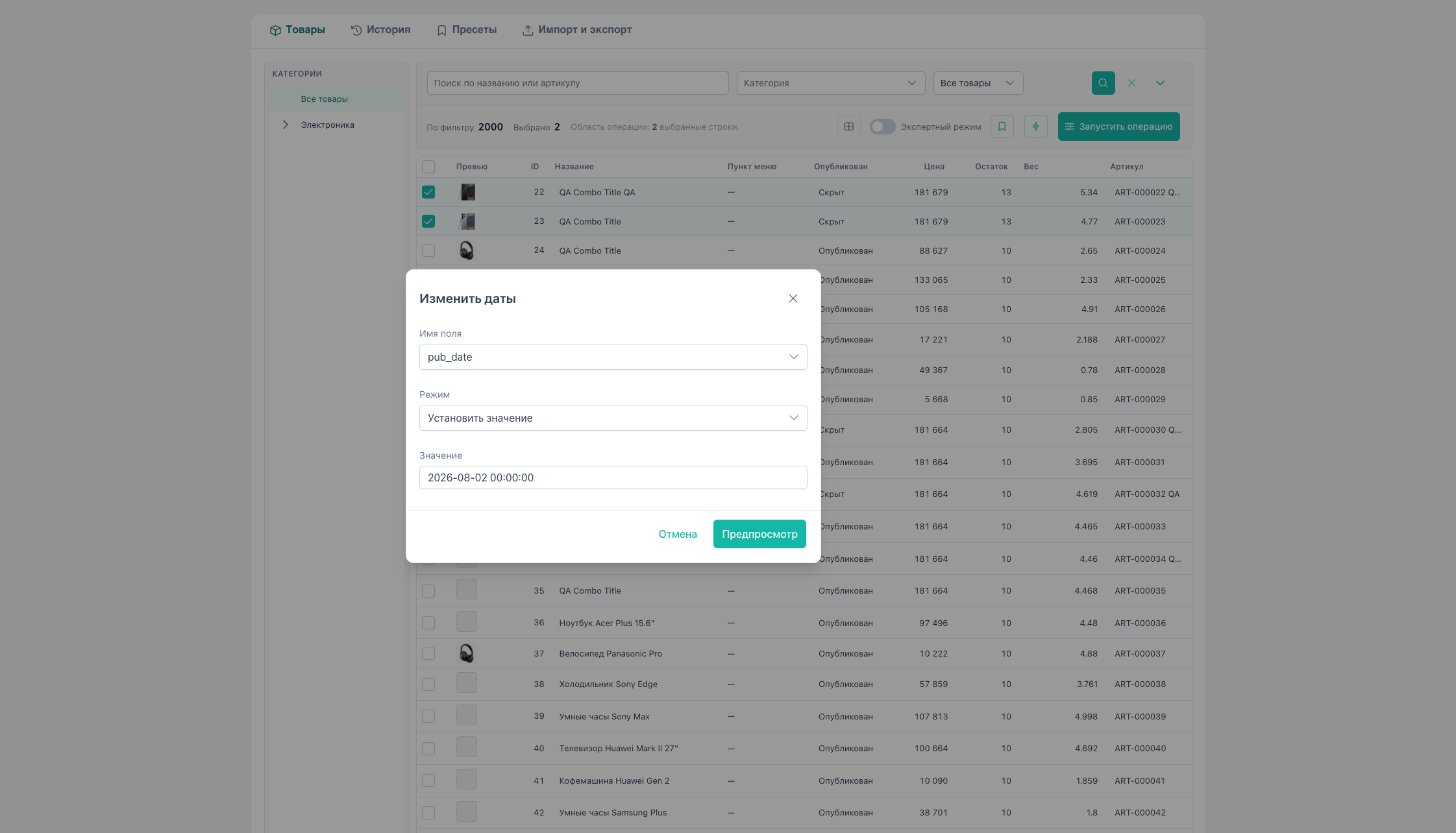
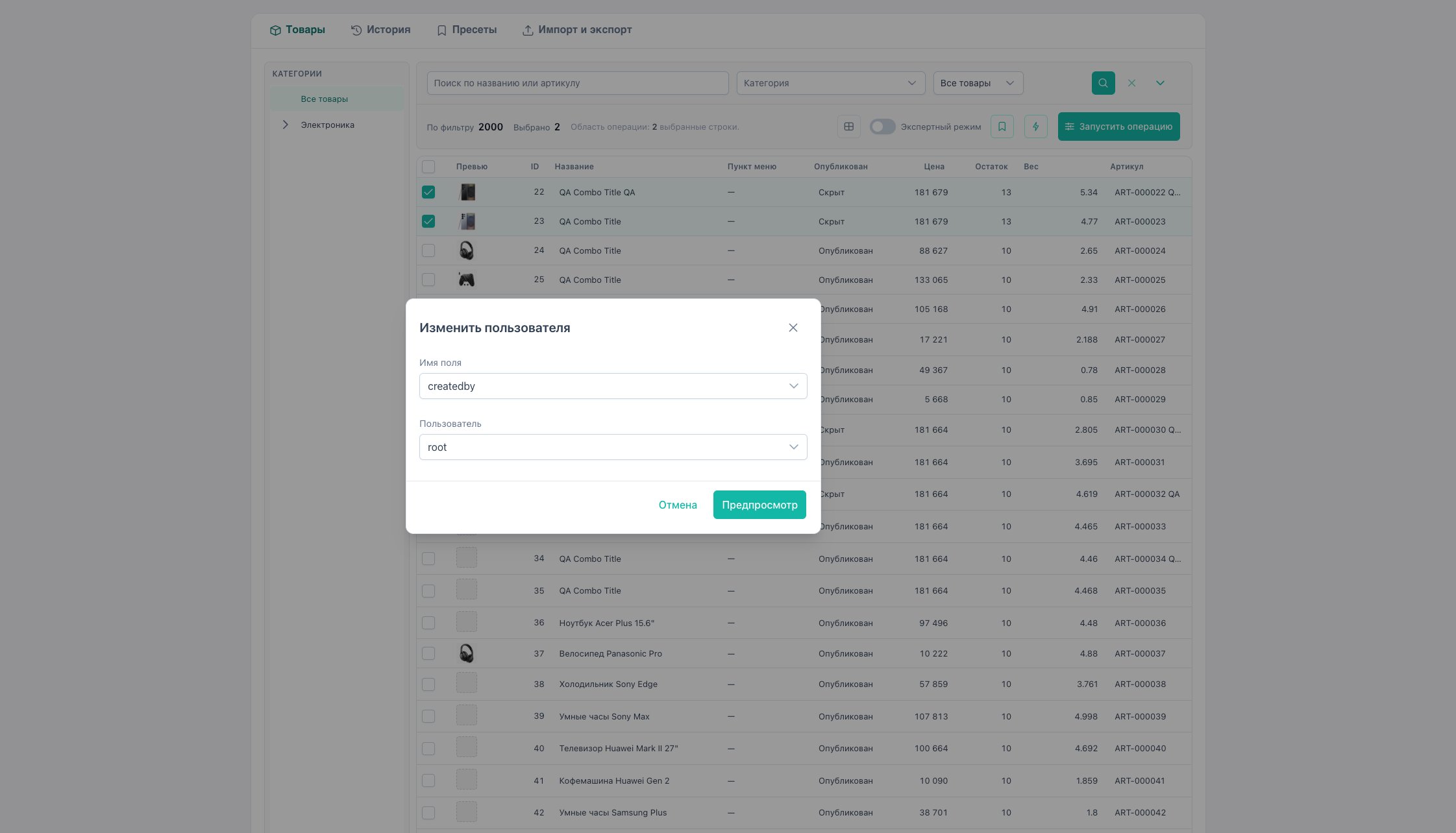
vs “Run operation”
| Quick actions | Run operation | |
|---|---|---|
| Type selection | Fixed by menu item | Any from Select list |
| Use case | Frequent same-type edits | Arbitrary operation (price, TV, option, …) |
For price, stock, TV, options use Run operation or a preset.
Example: change template for a selection
- Filter products in one category.
- Expert mode → check the “By filter” count.
- Quick actions → Change template.
- Set the new template ID.
- Preview → apply.
See also
- Product and prices
- Presets — save operation parameters for reuse