


modSizeControl
How much space a MODX 2 or 3 site takes, what exactly takes it and how much is left before the limit

The Cleanup block at the bottom of the Overview tab gathers what can be removed without harm to the site. Its sizes are measured on the disk when the page opens rather than taken from the scan.
Every action asks for a confirmation and needs the same permission as the standard MODX button. Without the permission the button is disabled.
| Row | What it does | Permission |
|---|---|---|
| MODX cache | The same as Clear Cache in the MODX menu. MODX builds the cache again as pages are opened | empty_cache |
| Logs | Empties the files in core/cache/logs. The files stay, their records are gone | error_log_erase |
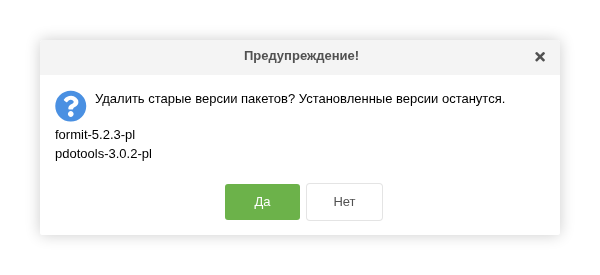
| Old package versions | Removes package versions below the newest installed one | packages |
After every upgrade, the archive and the unpacked folder of the previous version stay in core/packages. On a site that has been upgraded for a few years, that easily adds up to tens of megabytes.
The versions to be removed are listed under the row, and their signatures are shown in the confirmation. Only versions below the installed one are removed: a newer version that is downloaded but not installed yet is left alone. The components themselves are not affected.
The versions are removed by the same MODX processor that is behind the Remove button in the package versions window.
Подсказка
The figures on the tabs are as of the scan. Scan the site again after a cleanup to see the result.