

SeoData
SEO templates for titles, descriptions, and content in MODX 3 and MiniShop3
- MODX 3
- PHP 8.1
- Vue 3
- miniShop3

A rule stores conditions, a data priority, and four Fenom templates. Saving, deleting, or enabling a rule clears the MODX cache, including the compiled Fenom cache of pdoTools.
A common rule is chosen by page type, parent, and MODX template.
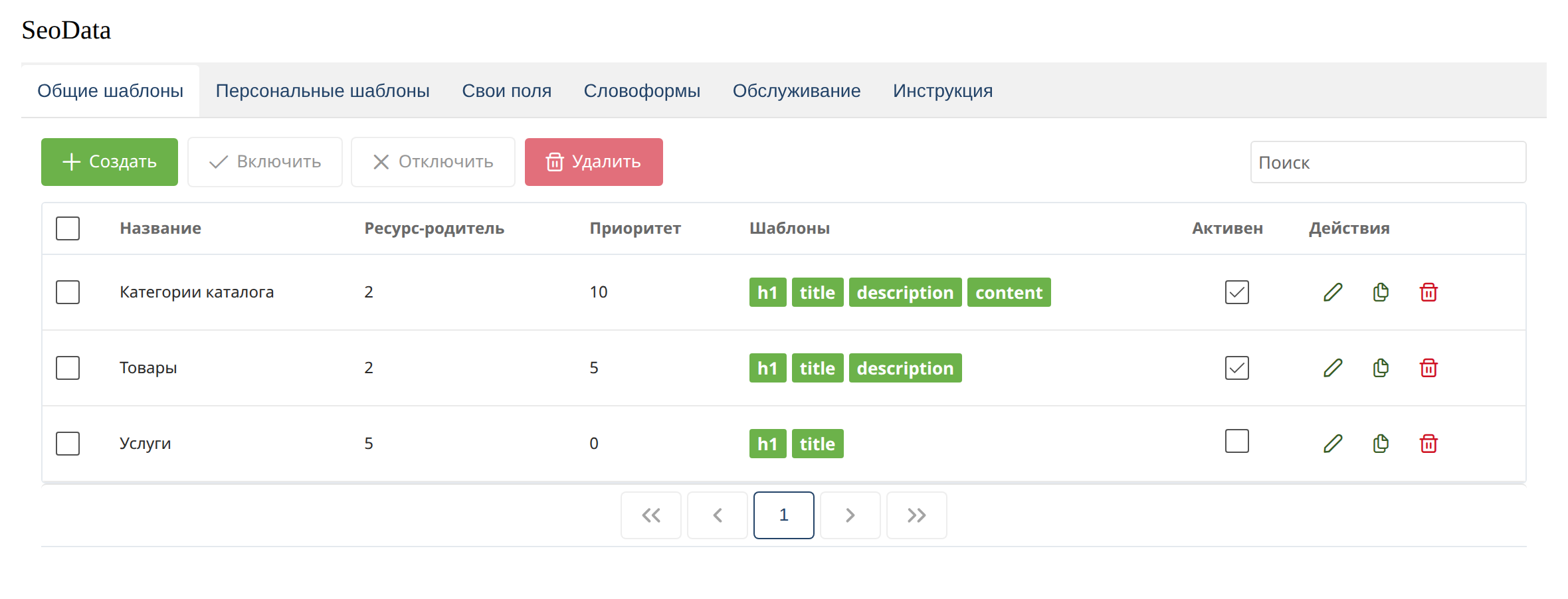
Page type:
| Value | Class |
|---|---|
| Document | modDocument |
| MS3 product | msProduct |
| MS3 category | msCategory |
The “Parent resource” column shows the parent id. An empty parent in the form means any section. The “Templates” column marks which texts are filled in: h1, title, description, content.
Double-click a row, or use the pencil, to open the rule.
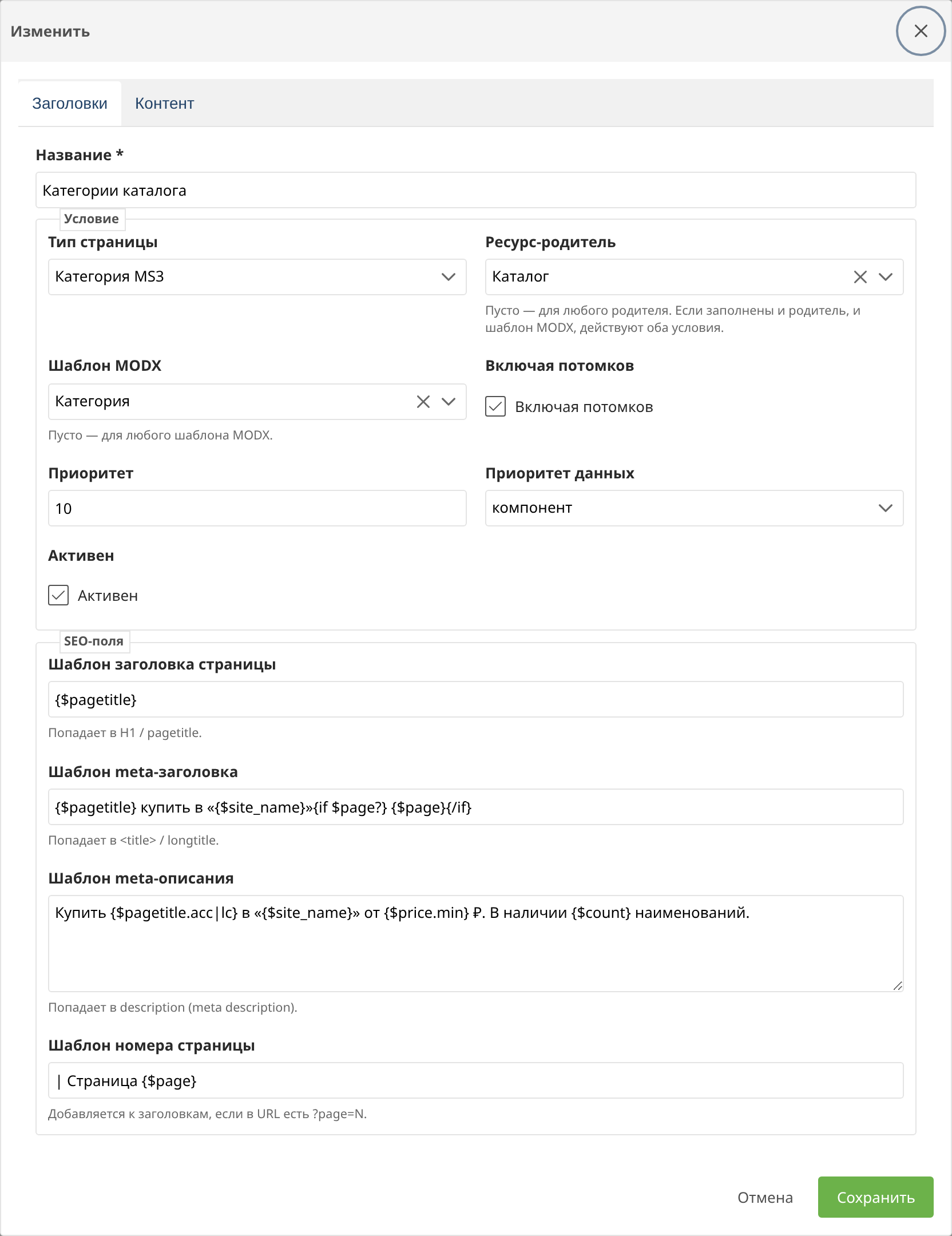
Condition fields:
| Field | Meaning |
|---|---|
| Page type | Document, product, or category |
| Parent resource | The section where the rule applies. Empty means any parent |
| MODX template | The resource template. Empty means any template. Together with the parent, the condition is AND |
| Including children | The rule also applies to nested resources |
| Priority | A higher number is compared before other common rules |
| Data priority | Where headings and the description come from |
| Active | A disabled rule is not considered |
“SEO fields” block:
| Field | Purpose |
|---|---|
| Page heading template | H1 / pagetitle |
| Meta title template | <title> / longtitle |
| Meta description template | description |
| Page number template | The {$page} fragment when ?page=N |
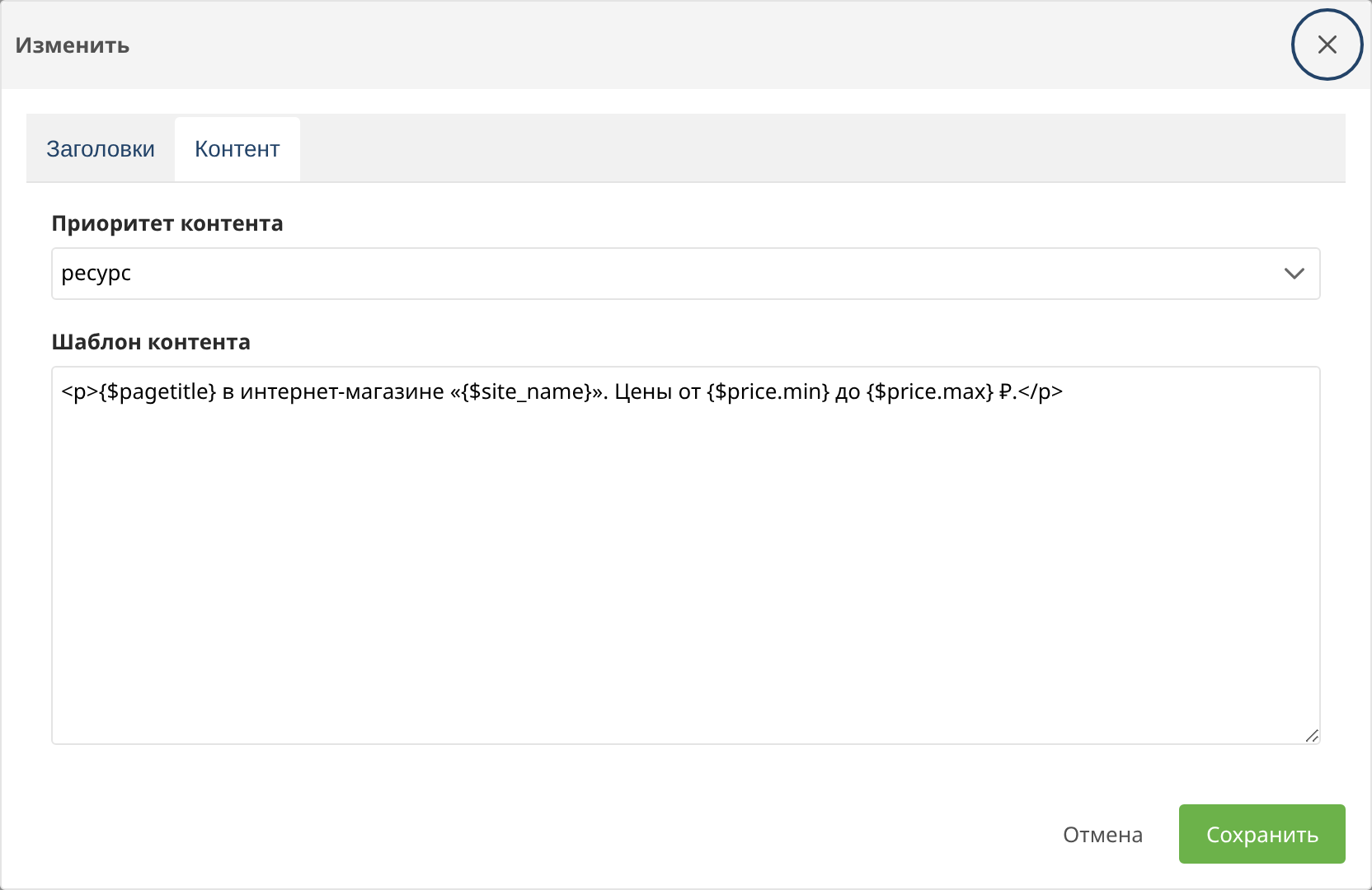
On the “Content” tab the priority is set separately from the headings.
A personal rule is bound to one resource. Only one rule per resource can be active.
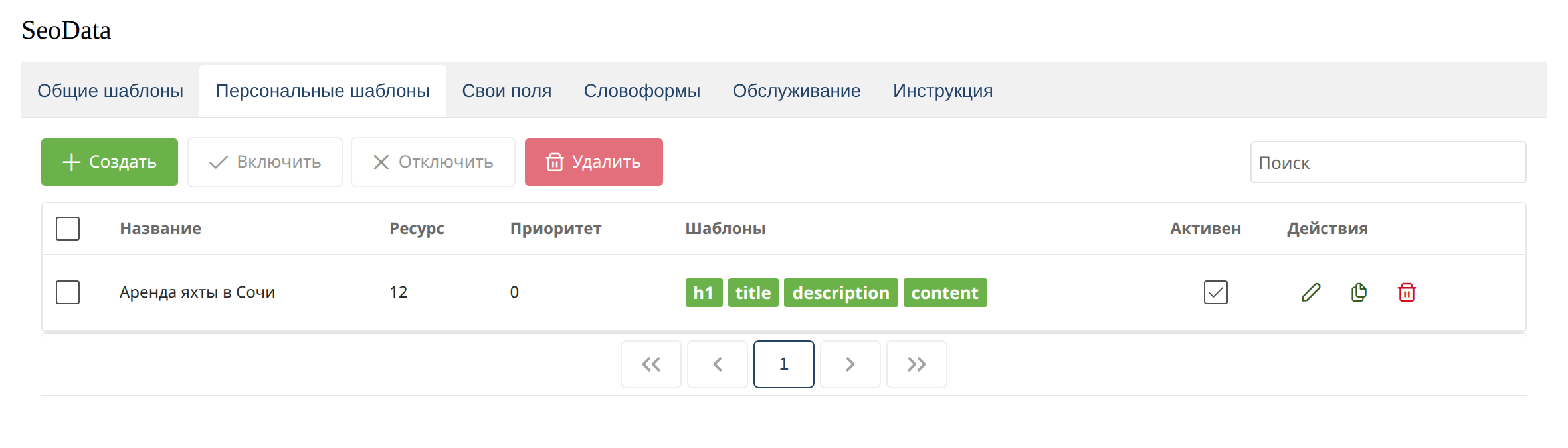
The data priority and field templates are the same as for a common rule. Parent and MODX template conditions are not set here: the resource is chosen explicitly.
| Value | Behavior |
|---|---|
| resource | Keep the native field. The template is used only when the field is empty |
| component | Always use the template result |
| component extends resource | Join the resource value and the template result |
Content uses a separate priority on the “Content” tab.
The seodata.fallback_empty_resource system setting refines the “resource” mode: when the resource field is empty, the template is used. seodata.keep_filled_on_empty in “component” mode does not overwrite a filled resource field when the template returns an empty string.
The page number is appended to title, pagetitle, and description when the URL has ?page=N. The seodata.always_append_page setting turns this on whenever the parameter is present.