


msYandexDelivery
Yandex Delivery Platform API (other-day) for MiniShop3 — rates, pickup points, manager requests

The resolver creates table msyandex_requests, settings in namespace msyandexdelivery, and two delivery methods (door / PVZ). The component menu opens system settings only. There is no separate CMP.
Examples:
| Environment | Example msyandexdelivery_base_url |
|---|---|
| Test | https://b2b.taxi.tst.yandex.net |
| Production | https://b2b-authproxy.taxi.yandex.net |
msyandexdelivery_environment (test / prod) only affects UI hints. It does not choose the host.
Fill in:
| Key | Purpose |
|---|---|
msyandexdelivery_base_url | Platform API host (required) |
msyandexdelivery_oauth_token | Bearer token |
msyandexdelivery_platform_station_id | Sender warehouse ID (point A) |
msyandexdelivery_enabled | Yes |
For the PVZ map, set msyandexdelivery_widget_geo_id (for example 213 for Moscow) or leave it empty so the city comes from the order address.
In the order form chunk:
[[!msydLexiconScript]]
[[!msYandexDelivery]]
<div data-msyd-widget></div>{'!msydLexiconScript' | snippet}
{'!msYandexDelivery' | snippet}
<div data-msyd-widget></div>Enable Яндекс Доставка — до двери and Яндекс Доставка — ПВЗ in MiniShop3.
Check:
delivery_cost is close to properties.msyandexdelivery.price.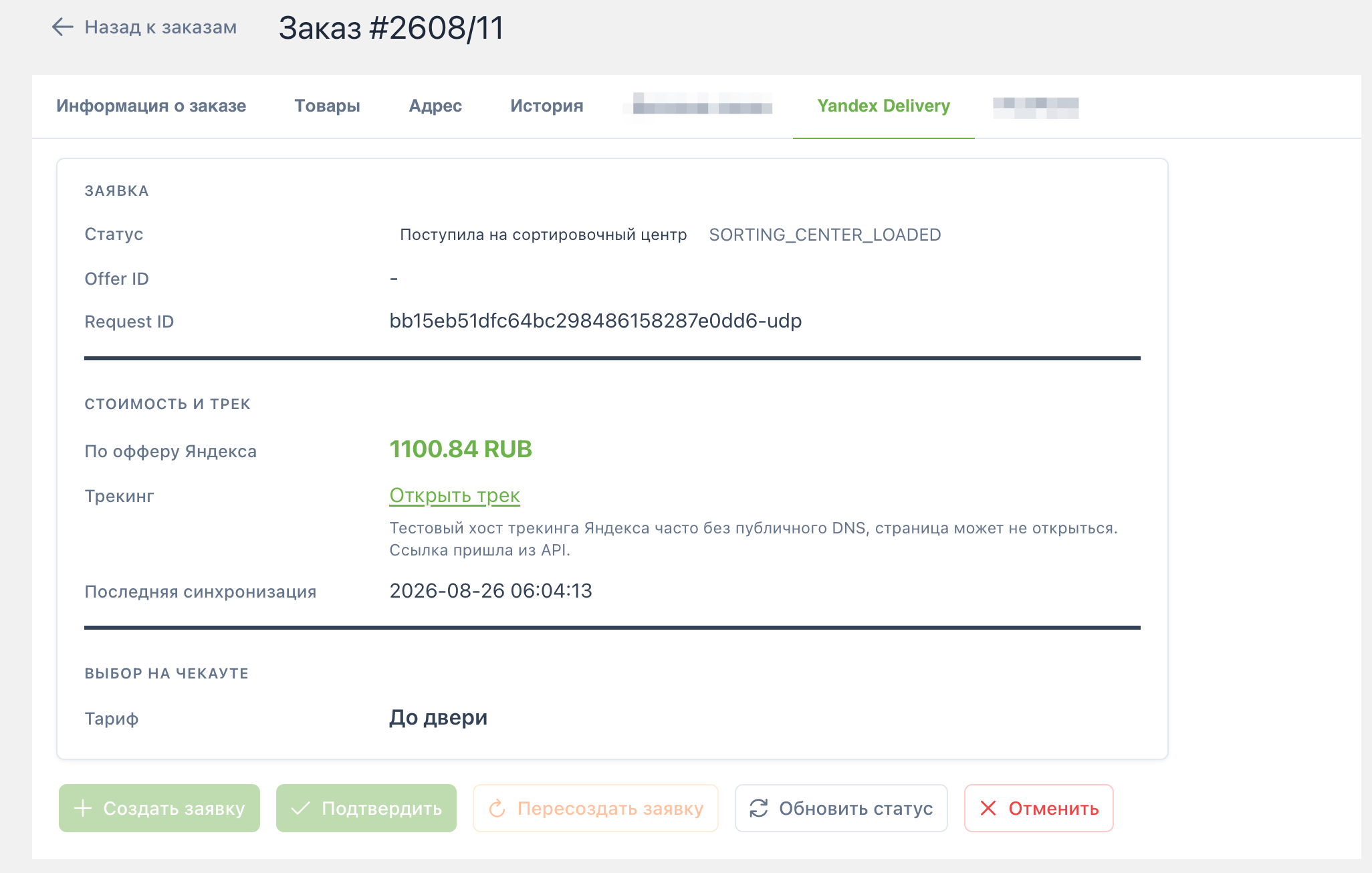
With msyandexdelivery_log_enabled, logs go to core/cache/msyandexdelivery_requests.log without secrets.
UI details: Checkout. Request lifecycle: Requests and manager.