



Find in Google
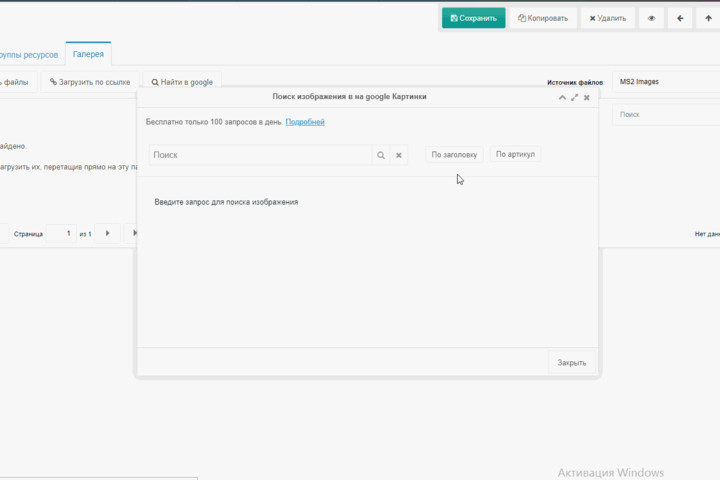
This button opens a window to search images via Google Images and download them directly into minishop2 or ms2Gallery.
Search works only after you set the API key and Search Engine ID.
Limit: maximum 100 requests per day.
Информация
So once per day you can send 100 requests (1 request = 10 images).
Google has a paid tier $5 per 1000 requests—1000 requests in total, not per day or month.
In action (GIF)
Внимание
Google caches images on their servers, so actual results may differ. Images may also be removed, changed, or the server/domain may be unavailable.
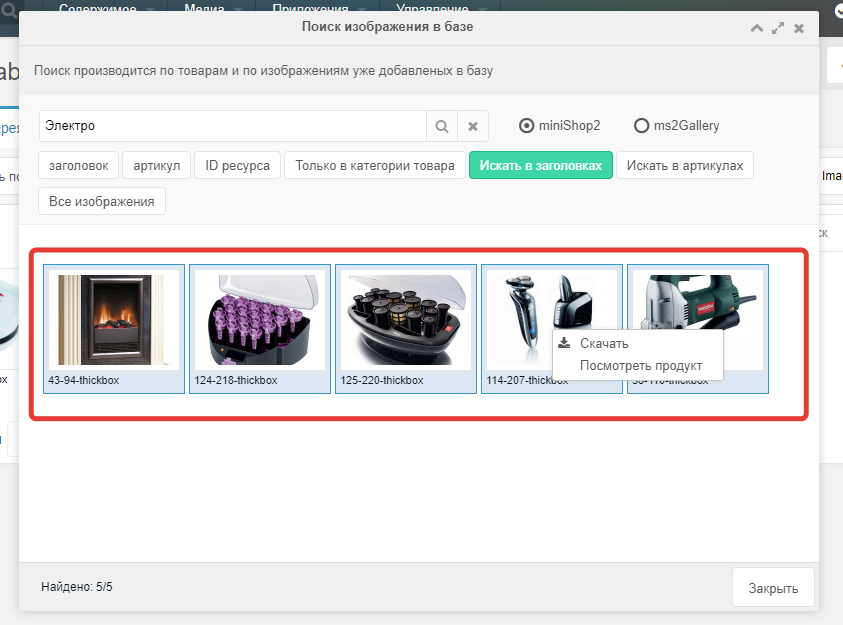
Bulk download
For bulk download use Shift or Ctrl, then right-click and download.
Setup and getting API key and Search Engine ID
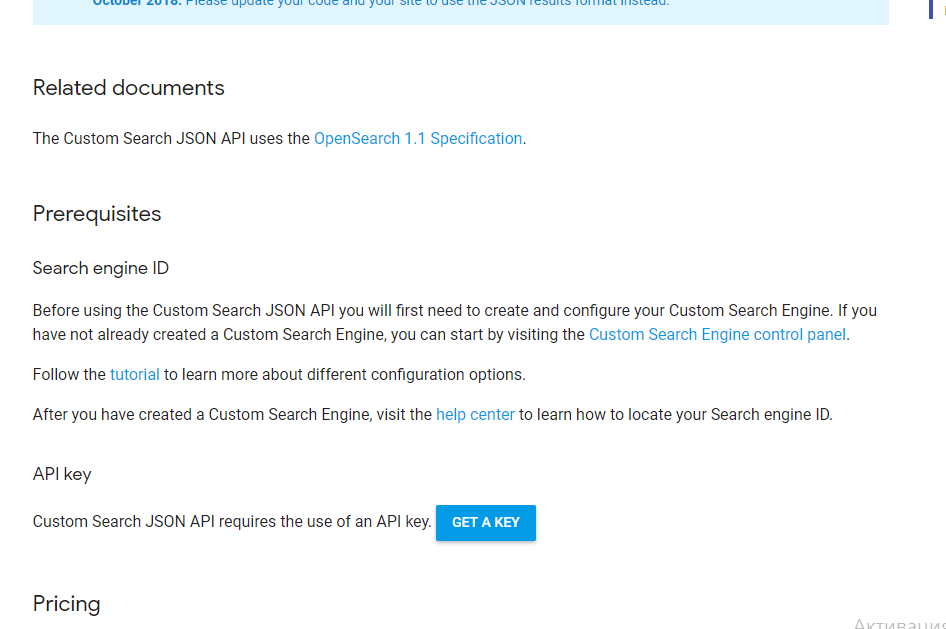
You need an API key and Search Engine ID to use the service.
Get the key here by clicking "GET API KEY":
Creating a custom search engine
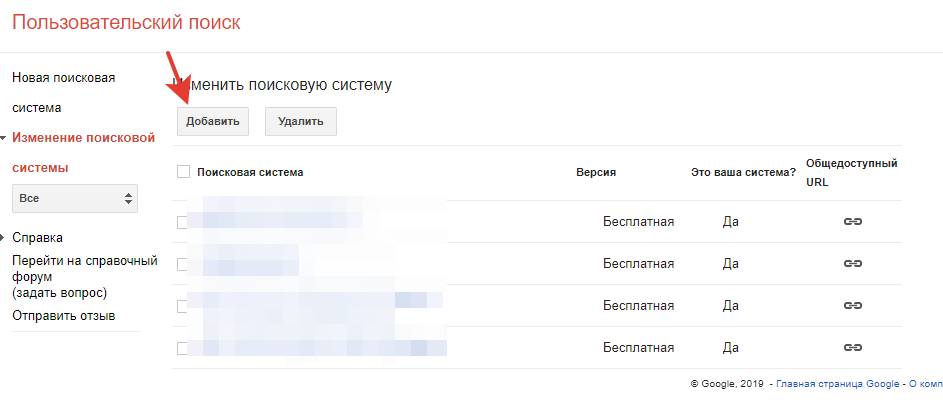
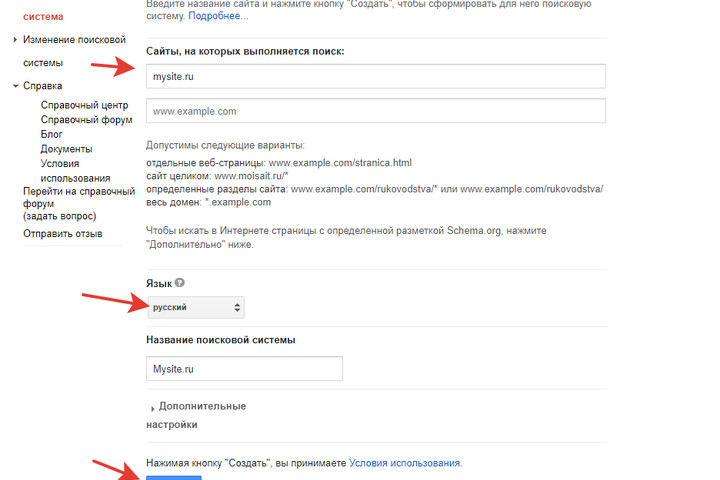
Go here and click Add.
Enter the site name, choose language and click Create.
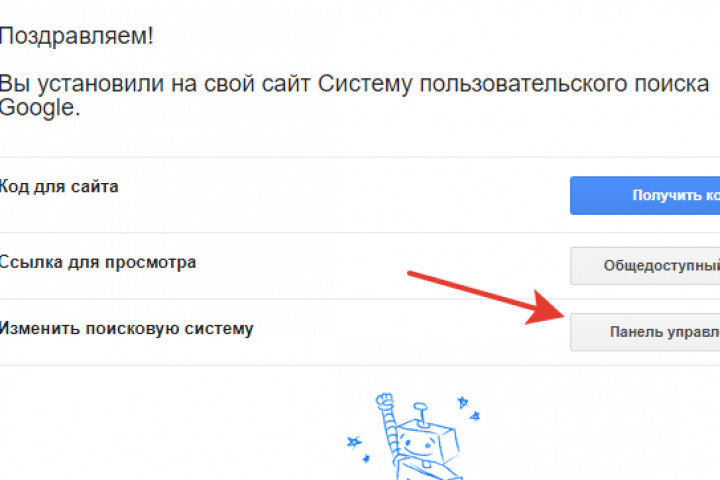
Open the control panel.
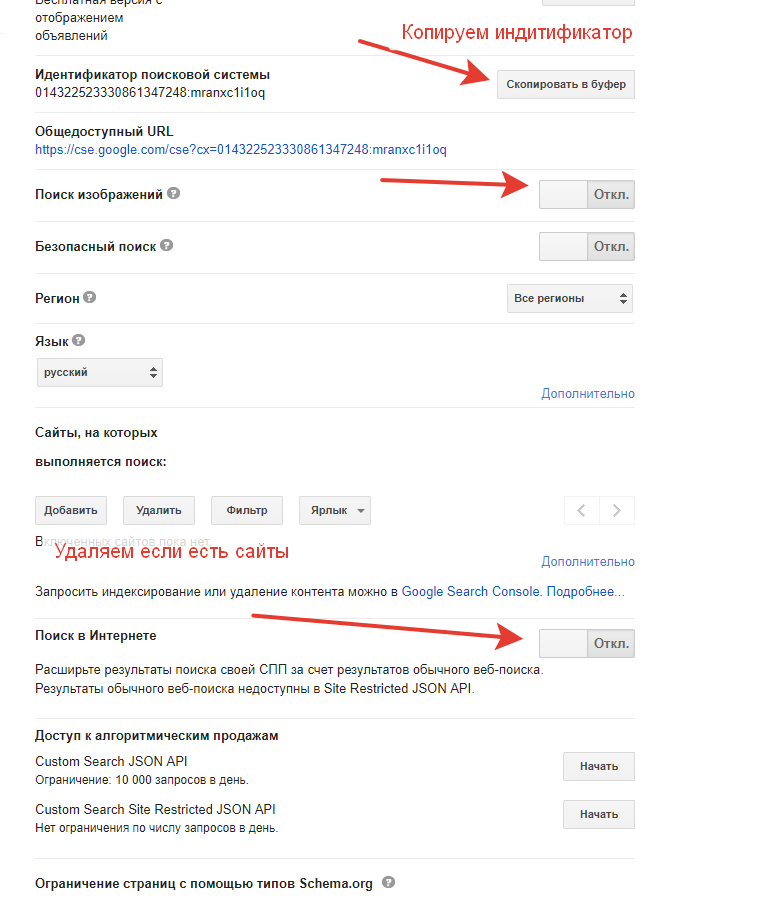
Configure:
- Enable image search
- Enable search the entire web
- Remove sites (if any)
- Copy the Search Engine ID
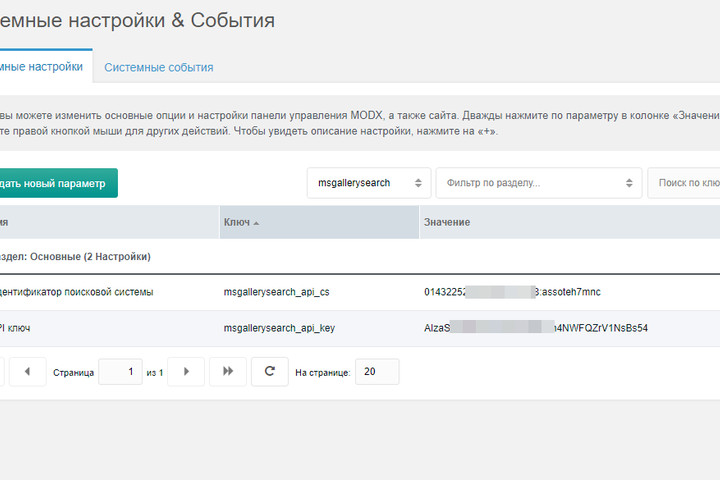
System settings
- msgallerysearch_api_cs — Search Engine ID
- msgallerysearch_api_key — API key from this page
Requests are cached so repeated calls return the same result and use fewer quota requests.