



Adding translations to fields
Interface for adding translations to resource fields (tab "Translations")
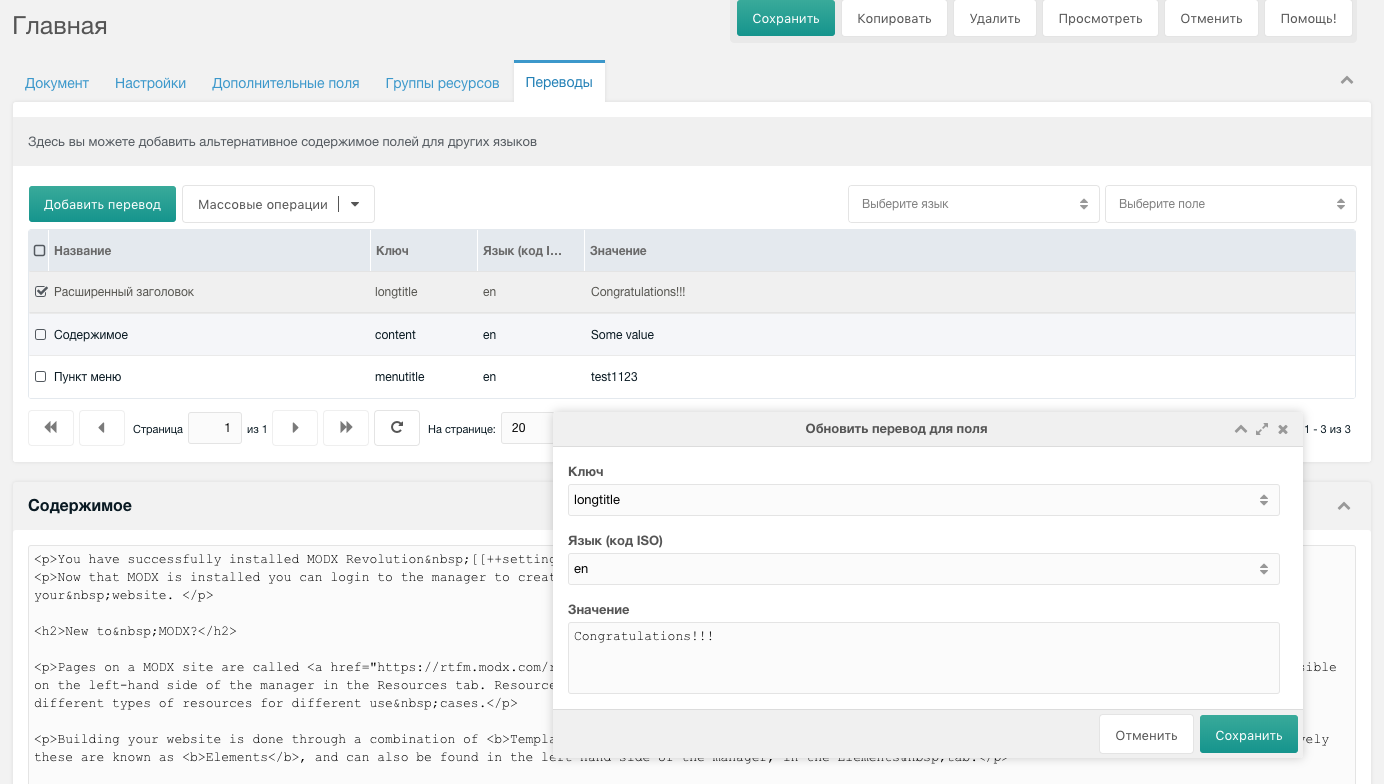
After installing the component, each resource gets an extra "Translations" tab.
On this tab you can see all fields already translated to other languages and add translations for untranslated fields.
When you click "Add translation" or right-click an existing translation and choose "Update translation", a popup opens where you can select the field to translate, the language (from those added in the language management interface), and enter the translation text.