



miniShop2 order history
The OfficeMiniShop2 snippet outputs the current user's miniShop2 order history.
It is built on ExtJS. It loads from the installed MODX, so it may look slightly different across MODX versions.

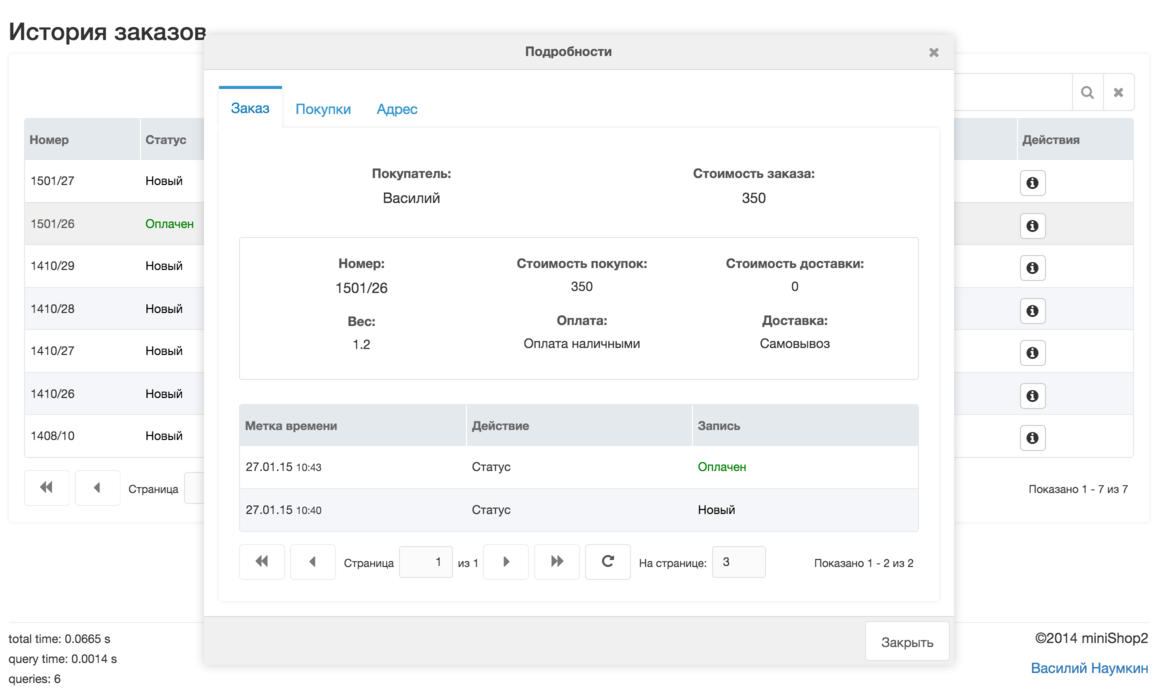
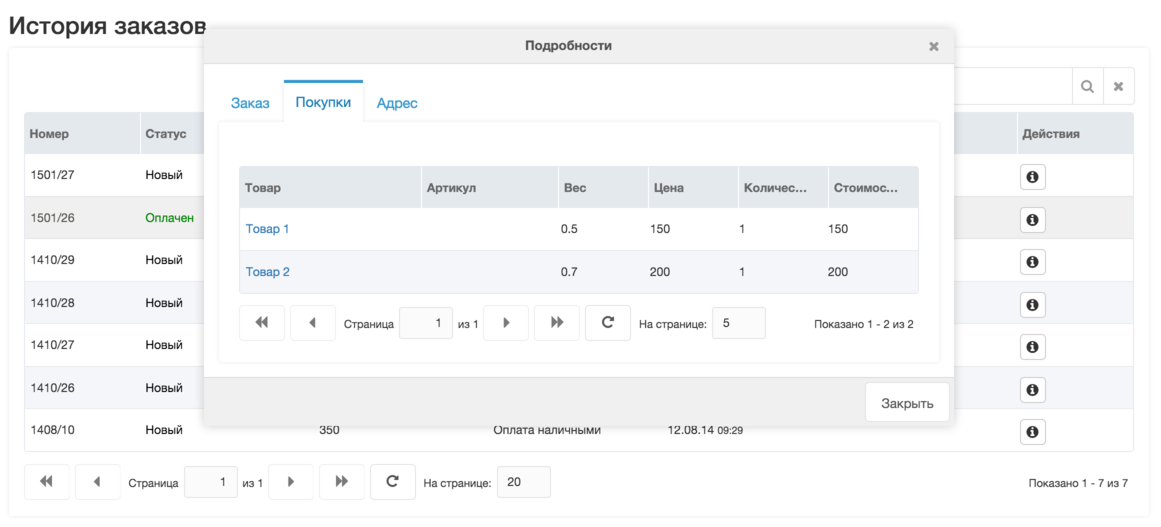
Order table output is controlled by settings similar to miniShop2:

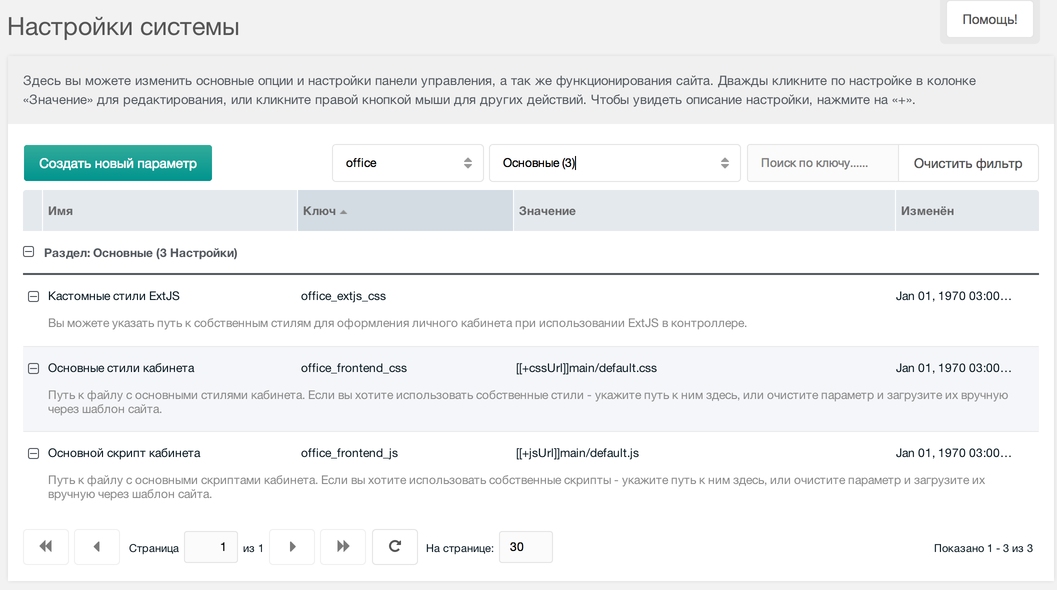
You can set your own CSS file for the ExtJS theme.
Unlike miniShop2, you can set 3 extra snippet parameters:
- allowRemove — allow removing orders with status "New".
- allowRepeat — allow repeating an order.
- cartLink — link to the checkout cart.
Repeat order flow:
- If repeat is allowed, an icon appears in the order table.
- On click, order products are added to the session as if the user added them to the cart.
- If cartLink is set, the user is redirected to that checkout page to choose delivery, payment and address.
- If cartLink is empty, the order is created immediately, copying what can be copied from the old order.
Note: if the copied order is old and your checkout rules have changed, creating an order without the cart may fail (e.g. address is now required but missing in the copied order).
modx
[[!officeMiniShop2?
  &allowRemove=`1`
  &allowRepeat=`1`
  &cartLink=`/order/cart`
]]